In a world where technology increasingly defines our interactions, using AI for flirting is no longer a futuristic concept —...
Best AI Humanizer Tools for More Natural, Human-Like Writing
In 2025, automated assistants can produce emails, blog posts, study notes and technical summaries within seconds. This efficiency is useful, yet AI-generated content often sounds flat, repetitive or overly polished, making it easy for AI detection tools and instructors to spot. As more AI detectors become standard in universities, editorial workflows and workplaces, any draft shaped by automation receives closer review.
An AI humanizer steps in as a stylist rather than a second writer. These tools adjust sentence structure, rhythm and word choice so the output reads more like human-written text and less like an AI model’s default pattern. Some systems connect directly to AI detection systems, giving users a clearer sense of whether their draft still sounds robotic.
Across this fast-expanding landscape, many AI humanizer tools now specialise in different areas: academic writing, SEO-friendly content, long-form rewriting, multilingual coursework, and study-focused explanations. This guide highlights the best AI humanizer tools of 2025, how each one works and which scenarios they serve best.
Table of Content
ToggleWhy AI Text Needs a Human Boost
Humanizers take AI-generated content and make it sound more natural. They adjust rhythm, remove mechanical patterns and add variation, resulting in writing that resembles human-like text rather than a model output.
They also help with reliability. Detectors such as GPTZero and Turnitin flag text that looks too automated. A humanizer smooths awkward patterns while keeping the original meaning, reducing the chance of being flagged as AI. For academic, business and content writing, this combination of clarity and authenticity matters as much as speed.
At a glance: leading AI humanizer tools
The table below offers a quick overview of the leading AI humanizers and how recent reviews typically describe their strengths, limits and ideal use cases, giving a first look at the tools this guide examines in more detail, especially for those comparing the best AI humanizer options.
| # | Tool | Best for | Built-in AI detector | Free option |
|---|---|---|---|---|
| 1 | Walter Writes AI | High-stakes academic / SEO content | Yes | Trial |
| 2 | Edubrain AI Humanizer | Homework-style, study-oriented explanations | Yes (via Edubrain) | Free |
| 3 | Undetectable AI | Long-form web and academic-style writing | Yes | Basic model |
| 4 | GPTHuman | Multi-language work under strict detectors | Yes | Free credits |
| 5 | StealthGPT / StealthWriter | Short, quick rewrites with “stealth” modes | Indirect | Limited |
| 6 | WriteHuman AI | Narrative and story-style content | Yes | Trial |
| 7 | QuillBot AI Humanizer | Everyday paraphrasing and clarity | Indirect | Free tier |
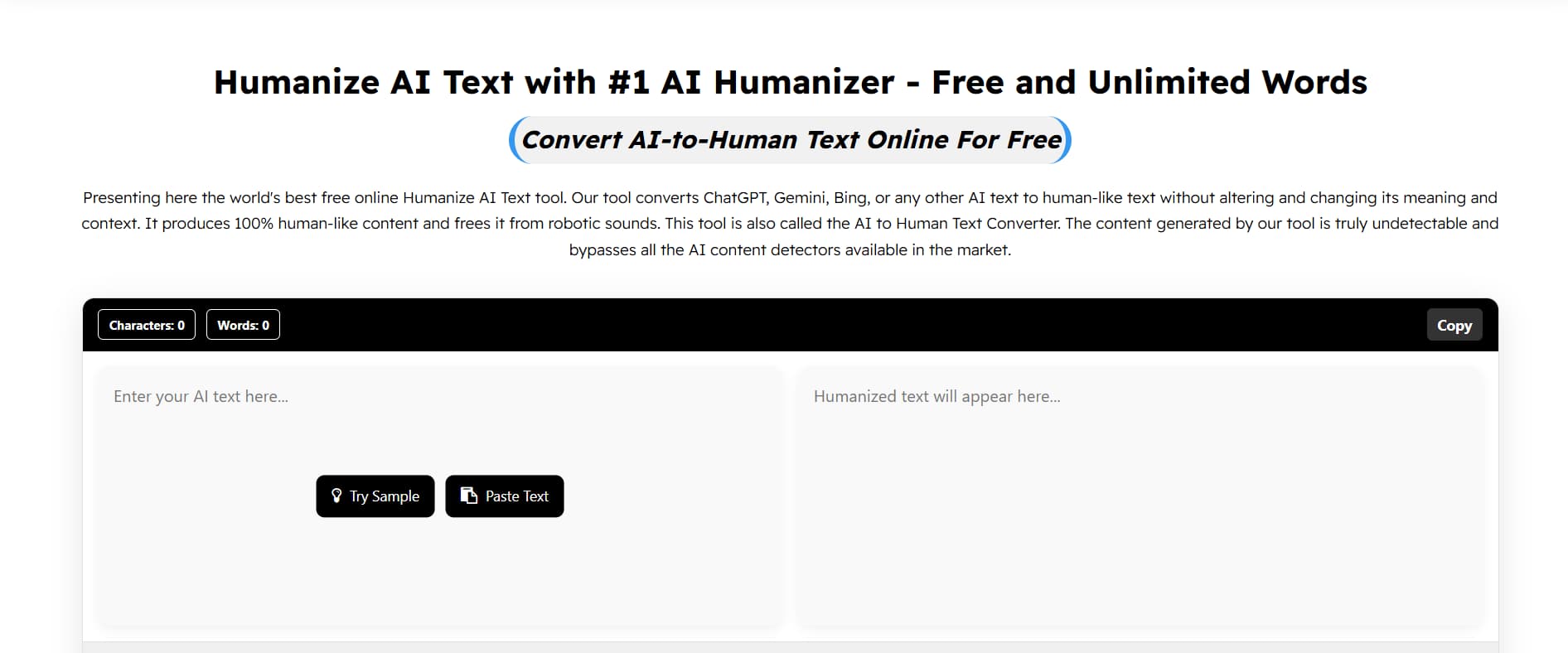
| 8 | Humanize AI (humanizeai.pro) | Budget-friendly polishing | No | Free |
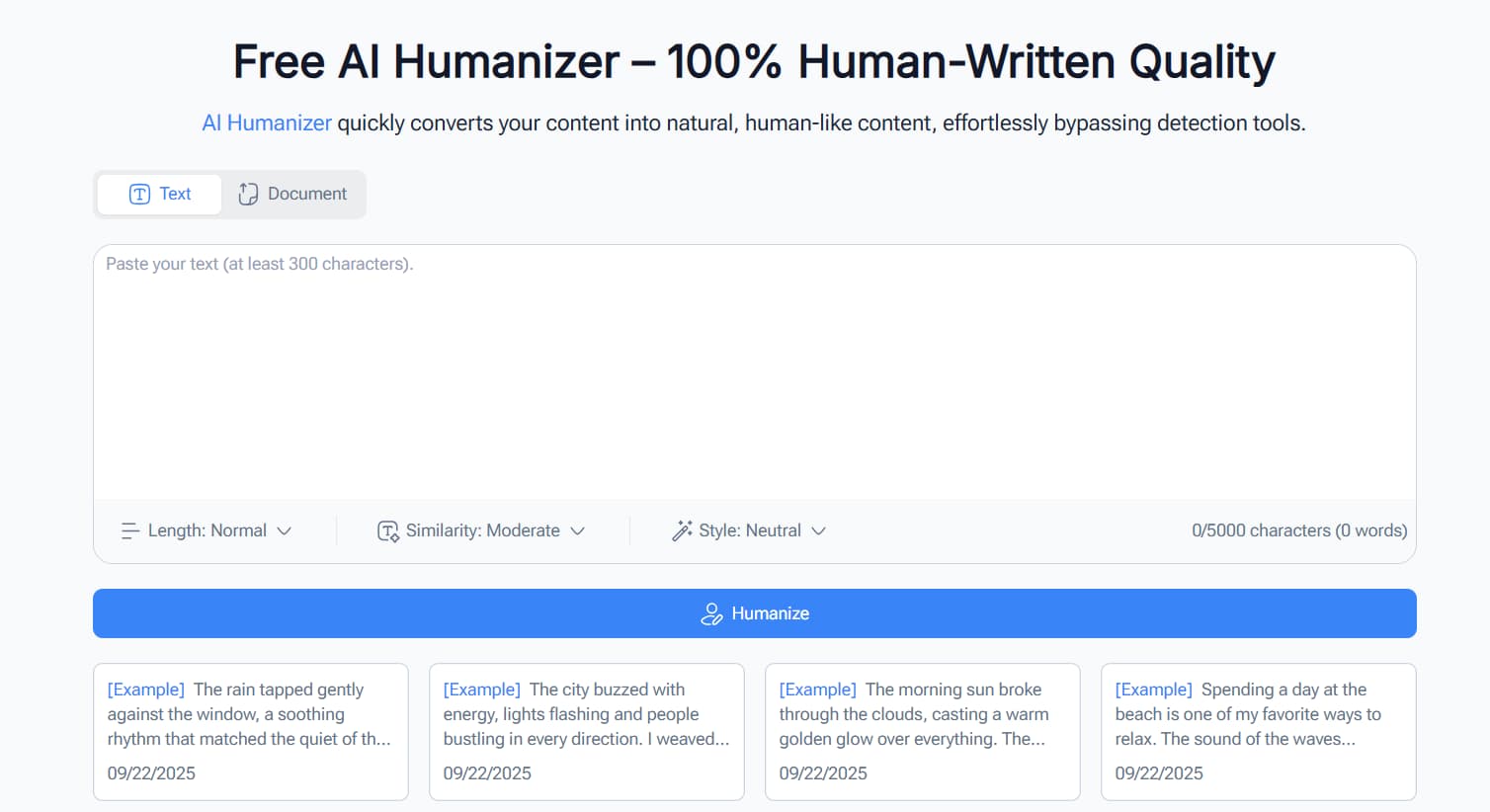
| 9 | Humanizer PRO | Multi-mode rewriting with generous free word limit | No | 5,000 words |
| 10 | NoteGPT AI Humanizer | Lightweight browser-based detection + humanising | Yes | Free |
| 11 | Textero.ai Humanizer | Quick rewrites for essays and reports | Yes | Trial |
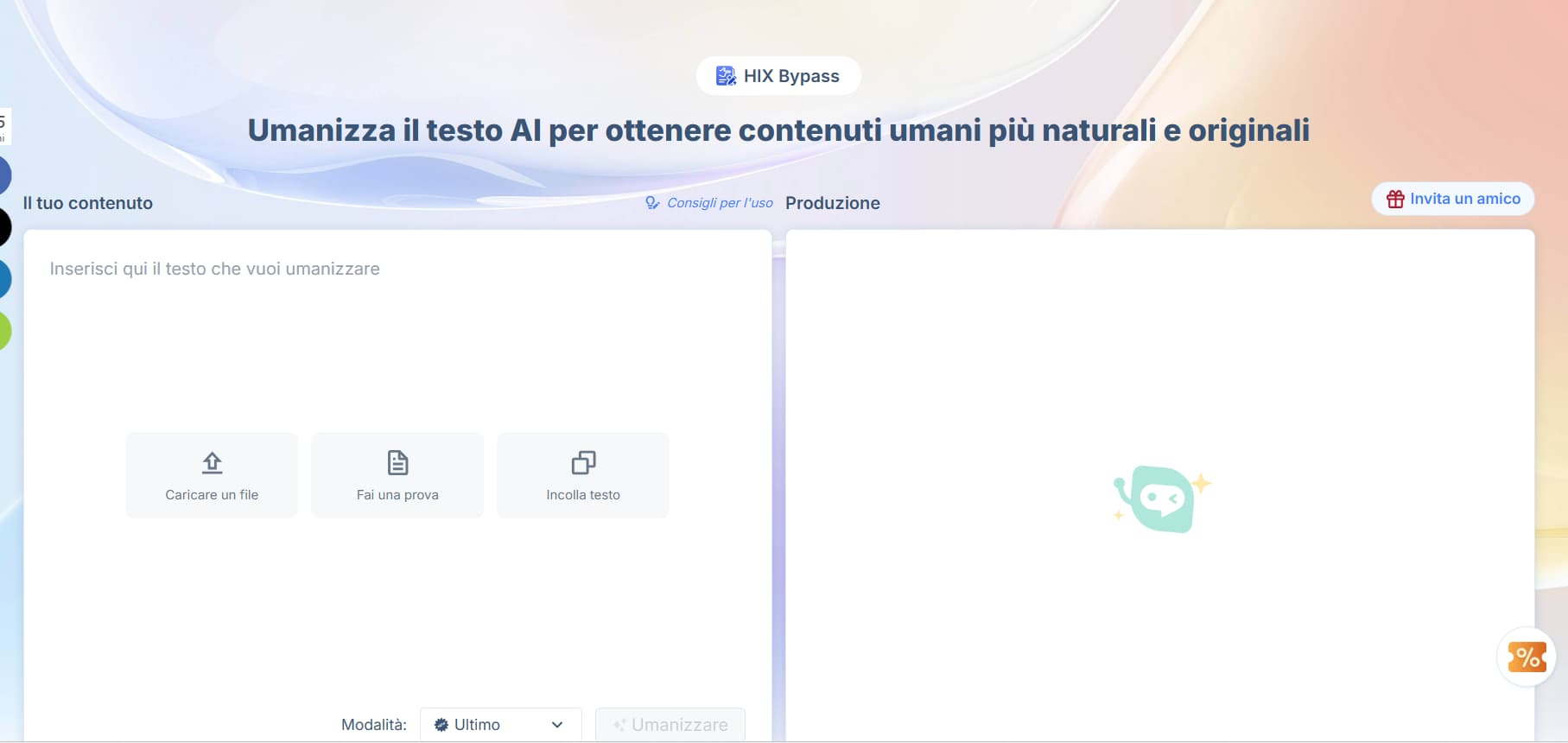
| 12 | HIX Bypass (HIX AI) | Bypassing strict detectors and producing undetectable text | Yes | Limited free credits |
1. Walter Writes AI
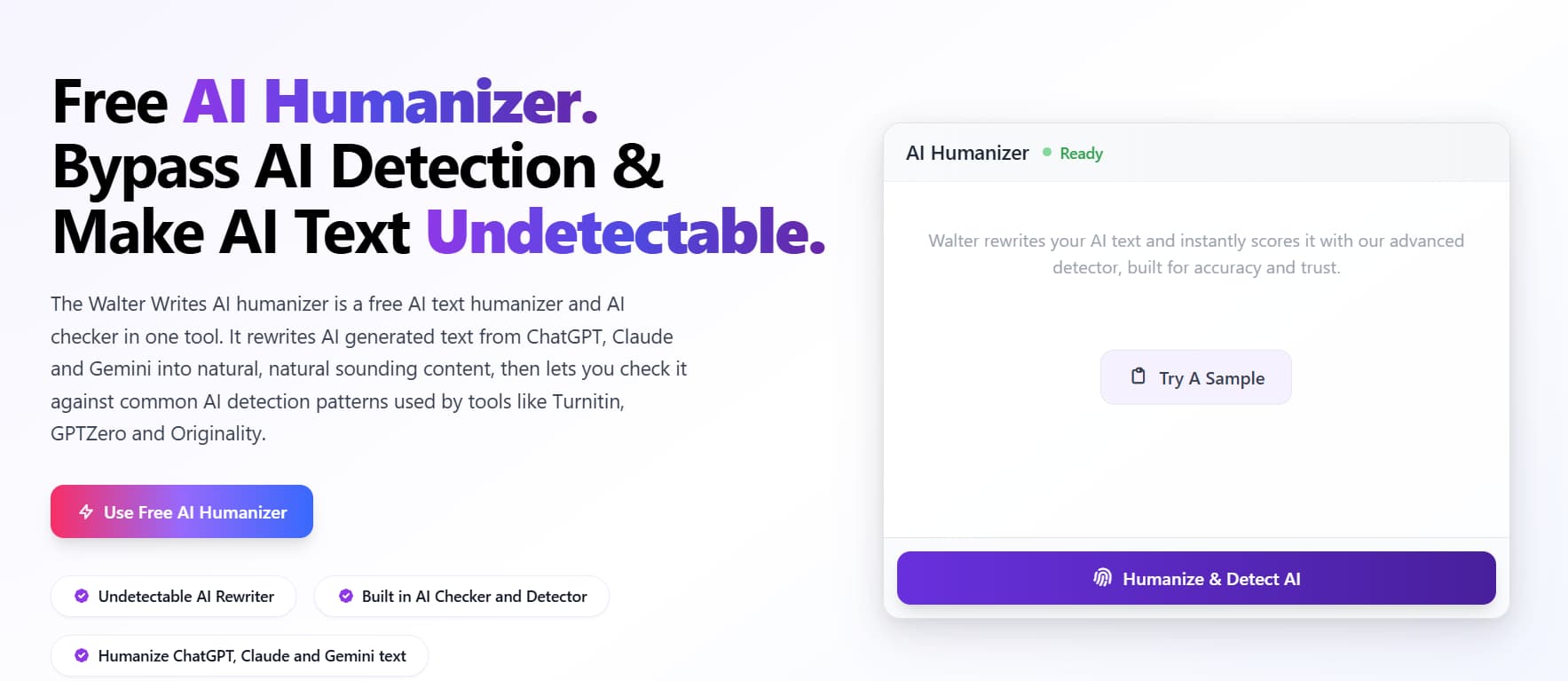
Walter Writes AI is widely discussed as one of the best AI humanizer tools for students who submit work through GPTZero, Turnitin or Originality. It rewrites drafts into clearer, smoother text and shows a live detection score, helping users understand the likelihood of bypassing AI detectors.
Features and services: The interface displays the original text, the rewrite and the detection score together. Students can adjust tone, rewrite depth and readability, with support for 80+ languages. Its biggest strength is removing rigid AI patterns while keeping the meaning clear.
Pricing and access: Free 300-word trial. Annual plans: Starter (€82), Pro (€133) and Unlimited (€266).
Who is it for: Greatly appreciated by students who write essays, research summaries or coursework that must pass strict checks.
Pros
- Humanizer and detector in one place
- Reliable for detection-sensitive writing
Cons
- More complex than needed for basic homework fixes

2. Edubrain AI Humanizer
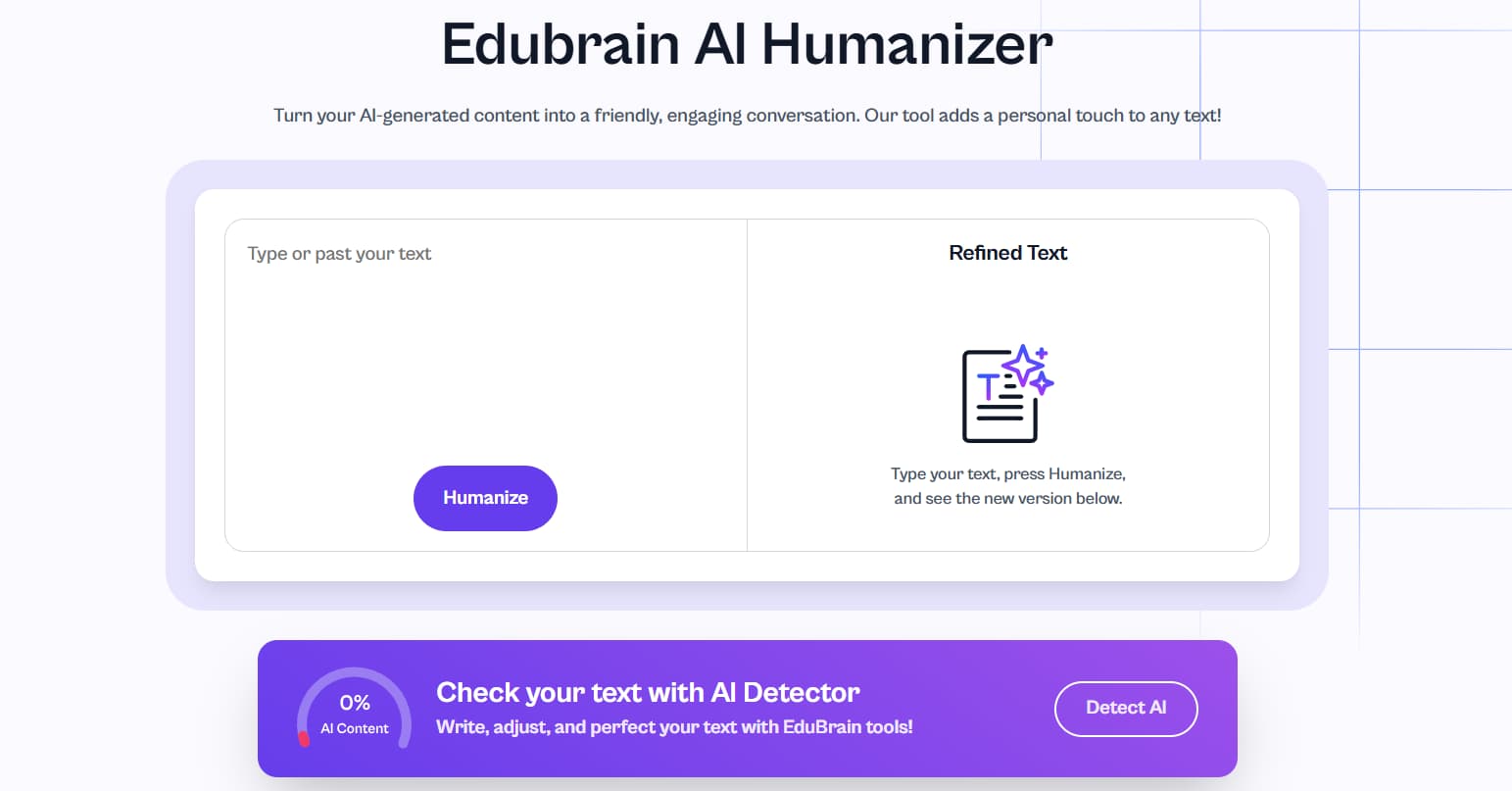
Edubrain’s humanizer sits inside a broader homework platform and turns explanations into clean notes. Students use Edubrain AI for assignments like this: they upload photos, PDFs or type questions and get readable study material rather than raw AI output.
Features and services: It breaks complex explanations into short, clear lines and keeps logic intact. Humanised text can move directly into flashcards, notes and diagrams. An integrated detector and fast processing make it practical for daily study.
Pricing and access: Edubrain is free with unlimited use. AI Plus ($3.99/week) adds stronger reasoning and detection; Expert Help starts at $3.99.
Who is it for: Best when a student wants step-by-step homework answers converted into structured revision notes.
Pros
- Strong for organised study material
- Integrated with notes, flashcards and diagrams
Cons
- Not suitable for SEO or long-form rewriting

3. Undetectable AI
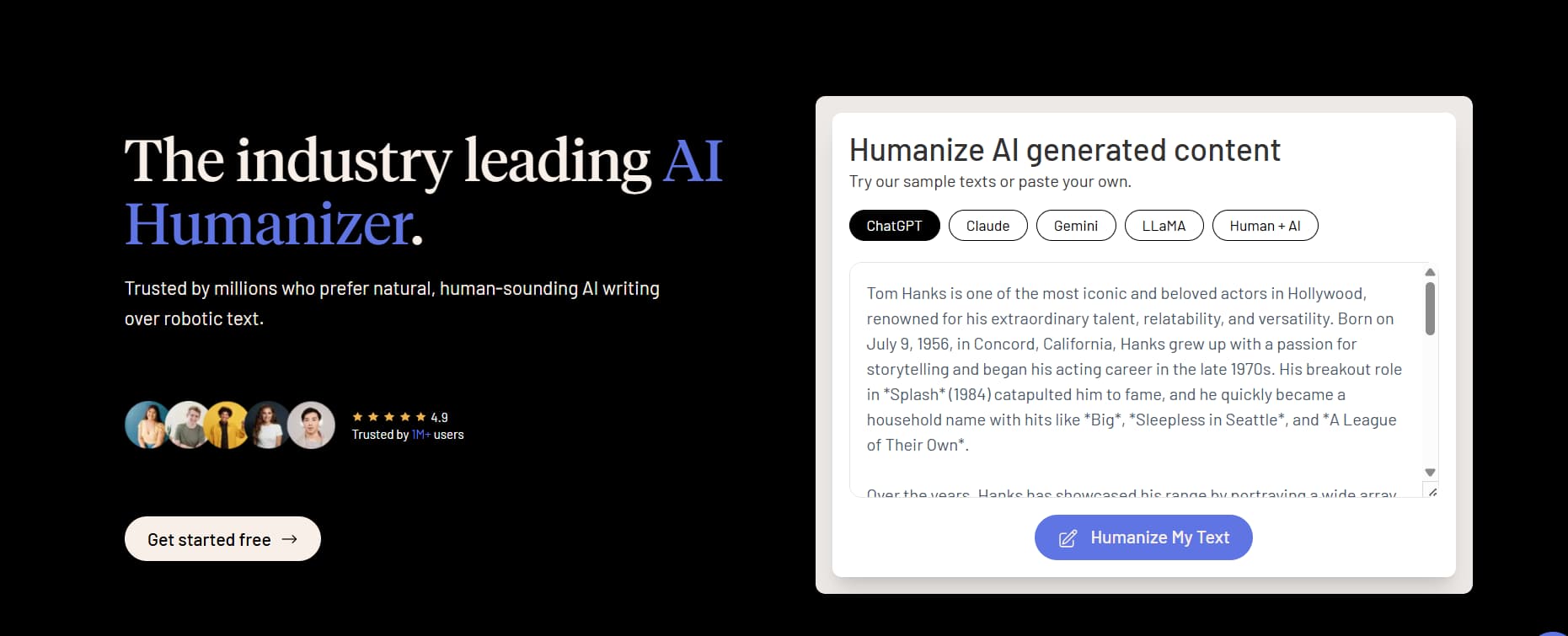
Undetectable AI is used for essays, reports and long-form content. It rewrites AI drafts into more natural prose and shows risk levels across several detectors, producing more stable, human-like academic writing.
Features and services: It reshapes tone and rhythm for long texts and shows multi-detector scores in one view. It can handle a variety of languages and process large inputs rapidly. This capability proves beneficial for assignments spanning multiple chapters.
Pricing and access: Yearly plan from $5/month for 10,000 words. Monthly plan begin at $19/month.
Who is it for: Good for long essays or research chapters that require smoother flow and lower detection risk.
Pros
- Multi-detector dashboard
- Strong for long academic writing
Cons
- Credit system requires planning

4. GPTHuman
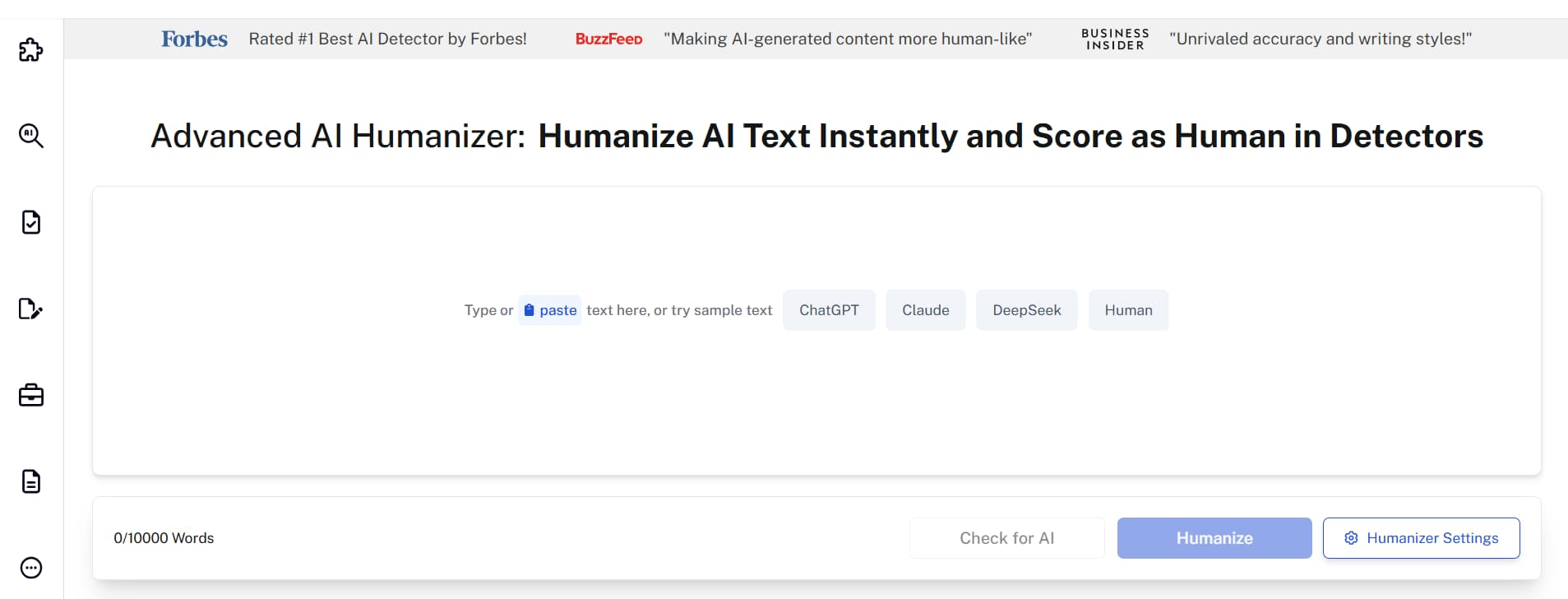
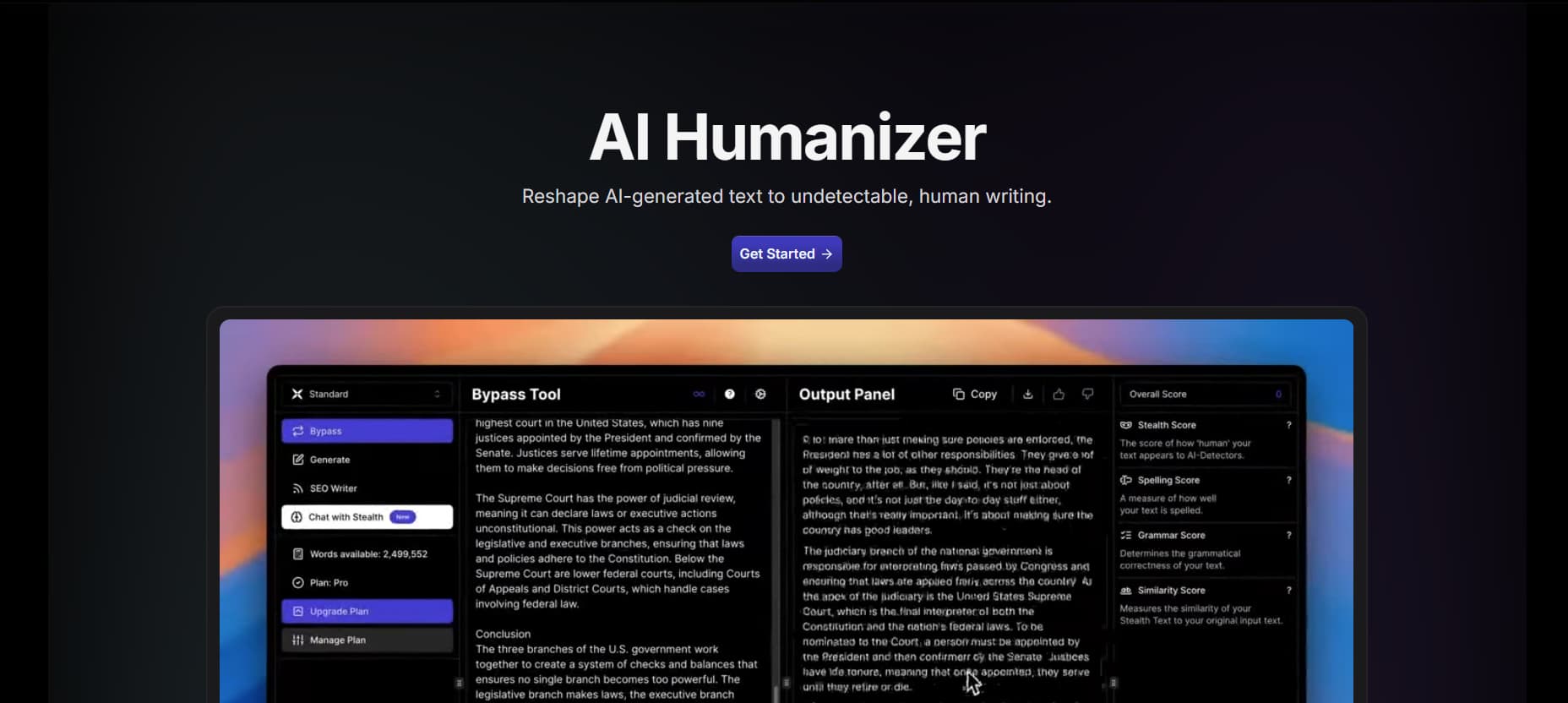
GPTHuman suits students who want structured, measurable changes. It displays Stealth, Readability and Similarity scores, making the humanization process transparent.
Features and services: Modes such as Balanced or Enhanced adjust tone and structure. The dashboard displays metrics and detector results together. It supports 80 languages, helping international students refine English-language coursework.
Pricing and access: Free 300-word trial. Annual plans range from €99 to €312.
Who is it for: Students who need lab reports, essays in a second language or assignments needing precise structure control.
Pros
- Detailed metrics for every rewrite
- Excellent for multilingual work
Cons
- Dense interface for beginners

5. StealthGPT
StealthGPT focuses on fast, lightweight rewriting. It produces human-like text within seconds and is often used for homework answers, forum posts or brief emails.
Features and services: Paste text, choose tone and get a rewritten version in seconds. It handles simple academic or professional phrasing and supports many languages.
Pricing and access: Free basic version. Paid plans: Pro ($9/month), Unlimited ($19.92/month), Max ($69/month).
Who is it for: Best for anyone who need to do short tasks when time is limited.
Pros
- Very fast results
- Simple, low-effort workflow
Cons
- Not suitable for long or technical writing

6. WriteHuman AI
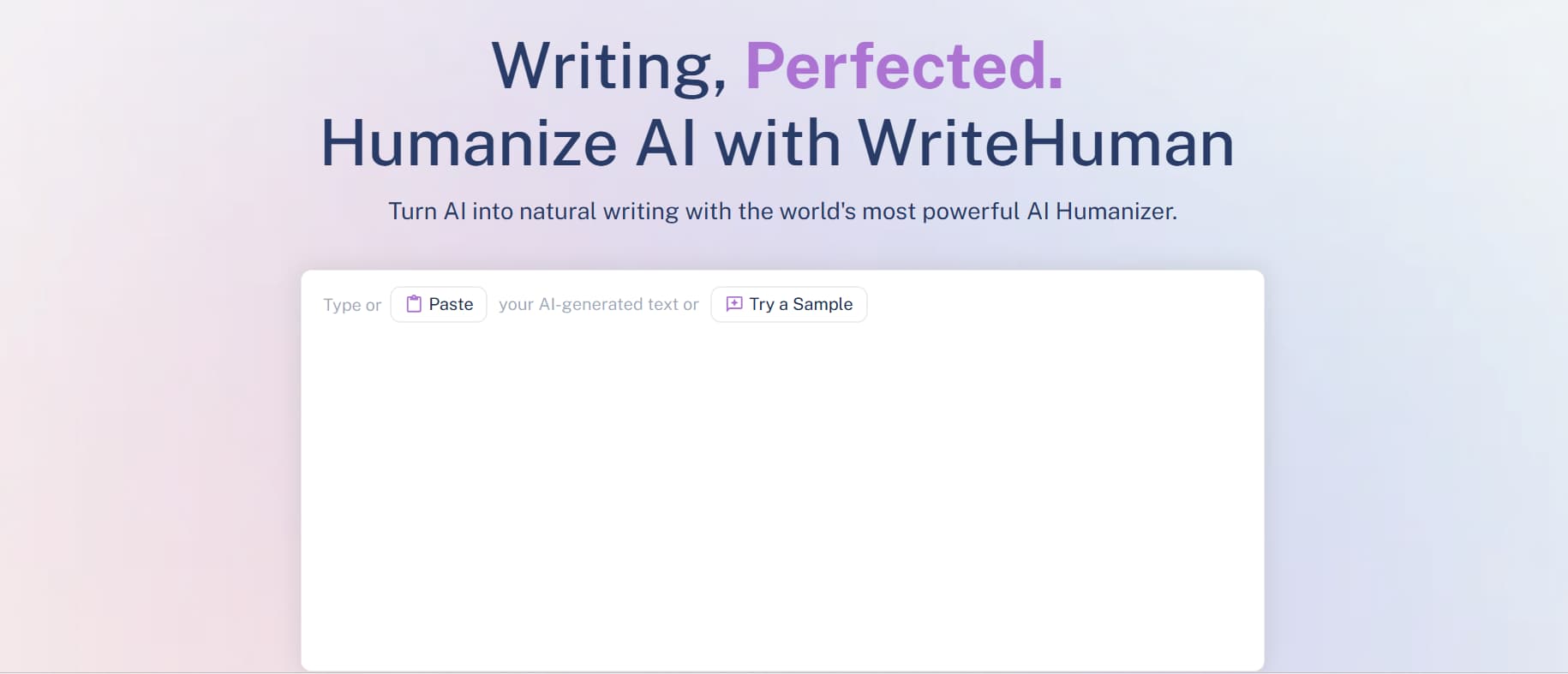
WriteHuman turns AI-generated text into something that flows naturally and reads well, making AI-generated text feel more personal and with emotional depth. It is popular among humanities and communication students.
Features and services: It refines tone, transitions and paragraph rhythm. Students paste a draft, choose a tone and receive a smoother, more narrative version. A built-in detector checks output against GPTZero and Copyleaks.
Pricing and access: Free quota available. Annual plans: $12 (Basic), $18 (Pro), $36 (Ultra).
Who is it for: Great people who need to do reflective essays, reports and creative coursework.
Pros
- Builds a coherent narrative voice
- Useful for humanities writing
Cons
- Not the best choice for scientific or structured assignments

7. QuillBot AI Humanizer
QuillBot’s familiar interface makes it a favorite among regular users. Many choose it because it pairs easily with Quillbot AI humanizer, grammar tools and citations.
Features and services: Paste text, choose a mode and receive a clearer version with a smoother rhythm. Works alongside QuillBot’s other tools and supports several languages.
Pricing and access: Free tier. Premium €8.33/month (annual billing).
Who is it for: Good for anyone who needs to send emails, or make short essays and discussion posts needing a clearer tone.
Pros
- User friendly interface
- Strong integration with QuillBot tools
Cons
- Detailed detection metrics require external tools

8. Humanize AI
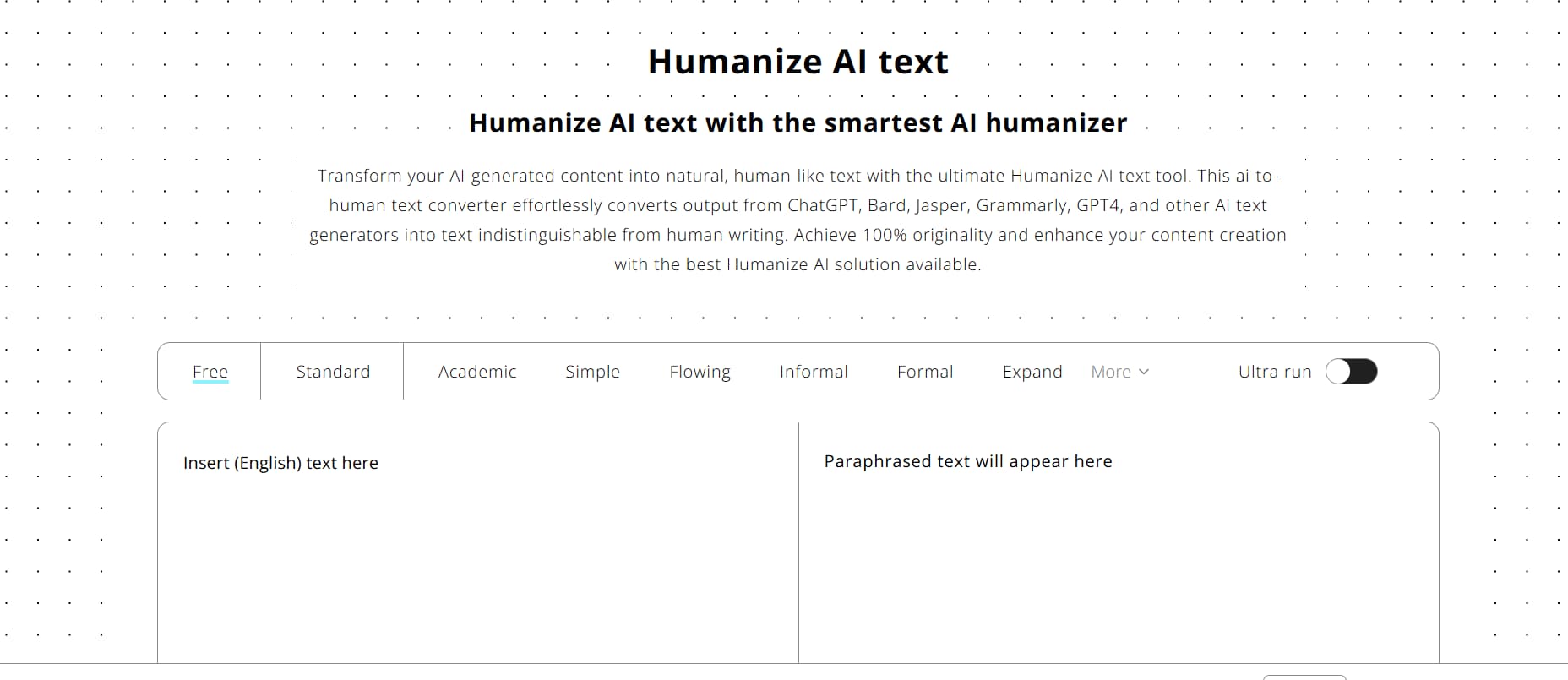
Humanize AI is a free AI humanizer for quick edits. It improves clarity and tone for short homework tasks, emails and discussion posts, without extra configuration.
Features and services: Paste text, choose a tone and get a smoother version instantly. It focuses on readability rather than deep rewriting and supports several languages.
Pricing and access: Free core features. Paid plans start at $19/month.
Ideal use cases: Great for those needing quick edits, this tool helps when you’re rushing to finish brief tasks or responding on forums.
Pros
- Free and accessible
- Very easy to use
Cons
- Limited stylistic control

9. Humanizer PRO
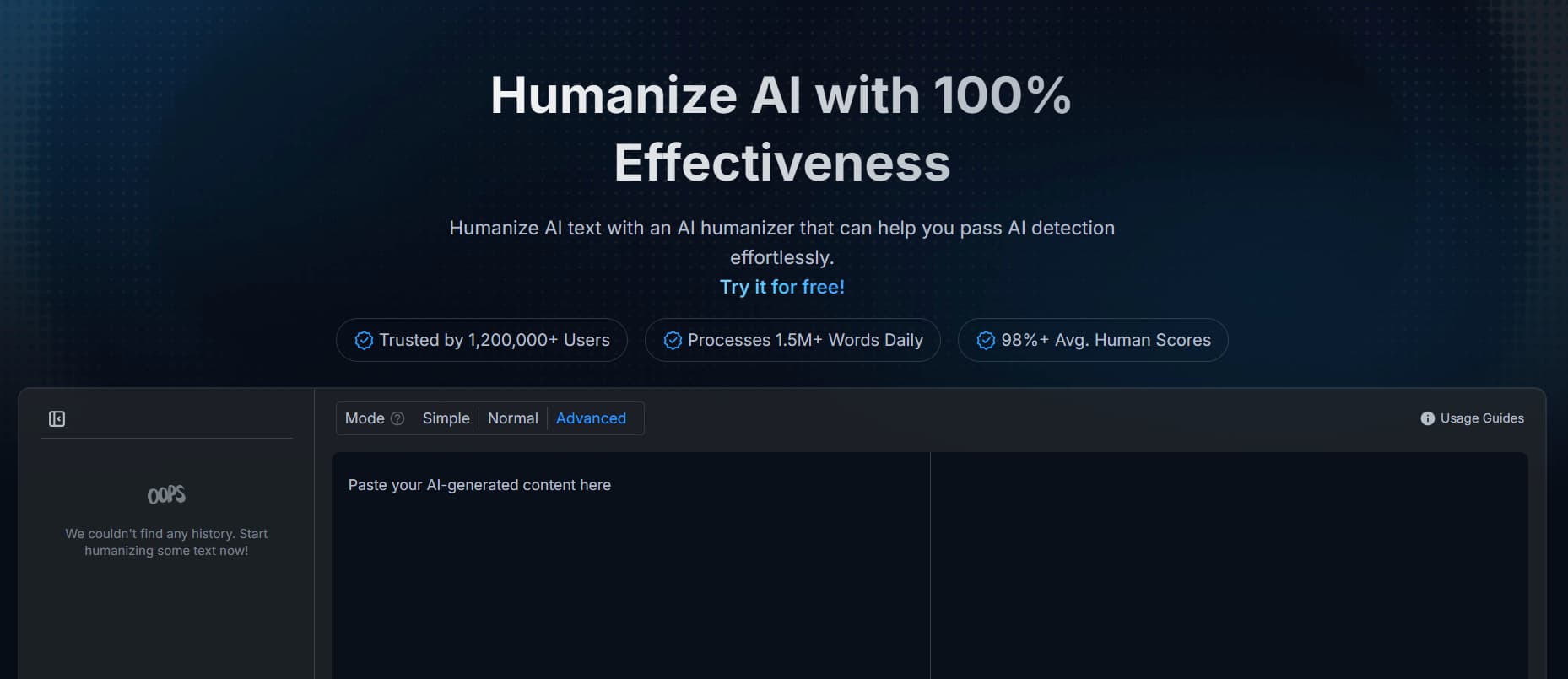
Humanizer PRO reshapes sentence flow and delivers smoother, more natural writing. Many students consider it one of the best AI humanizer options for everyday coursework.
Features and services: Simple, Normal and Advanced modes provide different rewrite levels. It improves readability and shows how far the output moves from the original.
Pricing and access: Free plan includes 200 words/month for humanization and detection. Unlimited plan ($9.99/month) removes limits and supports advanced detectors.
Who is it for: Students who have to make essays or reflections that need a stronger human touch
Pros
- Several rewrite mode
- Generous free allowance
Cons
- No integrated full-strength detector

10. NoteGPT AI Humanizer
NoteGPT combines quick detection with light humanising. It is best for brief explanations, study notes or small pieces of AI-generated content reused inside the NoteGPT suite.
Features and services: Students paste text, run detection and apply a light rewrite. It focuses on clarity for short explanations and integrates with NoteGPT’s flashcards, summaries and note folders.
Pricing and access: Free basic use. Paid plans: Pro ($9/month), Unlimited ($19.92/month), Max ($69/month).
Who is it for: Students who needs help for homework, short notes or quick study tasks.
Pros
- Fast and simple
- Integrates well with study tools
Cons
- Limited control for long essays

11. AIHumanizer.org
AIHumanizer.org is often mentioned as one of the best AI humanizer tools for users who want stronger protection against strict AI detectors. It reshapes AI-generated text so it reads like natural, human-written content while preserving the original meaning.
Features and services: Offers Basic, Medium and Deep modes, varied sentence patterns and support for multiple languages. It focuses on removing robotic flow and creating smooth, human-like text.
Pricing and access: Limited free trial; monthly plans expand word limits and speed.
Who is it for: Useful for long essays or research papers that must reduce detection risk.
Pros
- Strong stealth rewriting
- Natural, readable output
Cons
- Deep modes may slightly shift style

12. HIX Humanizer
HIX Humanizer is frequently highlighted for blending creative rewriting with academic-style clarity. It turns AI-generated text into smooth, human-like prose while offering more stylistic control than many simple converters.
Features and services: Multiple humanization modes, adjustable tone, support for multiple languages, and strong flow-rewriting that removes robotic patterns. It also includes tools for paraphrasing, summarising and expanding, making it useful for mixed coursework.
Pricing and access: Base (€10/month annual), Pro (€14/month annual) e Unlimited (€14/month annual promo).
Who is it for: Students who need a flexible tool for essays, blog-style assignments or creative pieces that require a natural voice.
Pros
- Versatile modes for academic and creative writing
- Smooth, natural phrasing
Cons
- No built-in plagiarism checker
- Deep humanization can slightly change nuance

How to evaluate and choose an AI humanizer
The easiest way to choose a humanizer is to match each tool to a clear use case instead of chasing a single “best” option.
For students and independent learners, platforms that combine homework help, humanising and detection in one place work best. A study-focused hub such as Edubrain keeps everything in one dashboard, so the attention stays on understanding the material rather than juggling several apps.
For academic or high-stakes professional work, detection-led tools like Walter Writes AI, Undetectable AI and GPTHuman suit long papers, research summaries and reports where policy compliance matters. For everyday or creative writing, options such as WriteHuman, QuillBot’s humanizer, Humanizer PRO, Humanize AI and NoteGPT’s humanizer are usually enough, since they focus on readability, tone and quick, low-friction tweaks
Humanizers as style partners, not invisible cloaks
Modern AI humanizers turn stiff, repetitive AI-generated text into writing that feels closer to real human expression. Advanced tools such as Walter Writes AI and GPTHuman add metrics and AI detection features, study-focused services like Edubrain reshape explanations into student-friendly notes, while everyday options like QuillBot, Humanizer PRO and Humanize AI refine tone and clarity to create more human-like text.
Across this range, the most effective approach treats the humanizer as a genuine style partner. When writers keep the original meaning intact, review the humanized content with care and follow institutional rules, these tools help AI-supported content blend more naturally into real study, research and writing tasks. By improving flow, rhythm and sentence structure, humanizers reduce the risk of being flagged as AI and bring a clearer human touch to academic and everyday writing.
FAQ
- Is using an AI humanizer allowed for school assignments?
Policies differ. In most cases, AI humanizer tools may be used for drafting or improving clarity, provided the ideas stay the student’s own. Review course guidelines if your school uses AI detection tools such as GPTZero, Turnitin or a dedicated ChatGPT detector to verify AI-generated content. - Which humanizer is best for exam preparation or revision?
Study-focused platforms such as Edubrain are especially helpful. They turn complex explanations into structured notes and help humanize AI text for clearer understanding. - Are humanizers safe for long research papers?
Tools like Walter Writes AI, Undetectable AI and GPTHuman offer control over tone and sentence structure, keeping undetectable AI levels low and supporting high scores across detectors. Students should still ensure accuracy and avoid plagiarism by using a plagiarism checker when needed. - Do AI humanizer tools work for business or marketing professionals?
Yes. Many marketing professionals use humanizer tools to refine AI content so it reads more natural and human-like. When AI-generated text sounds robotic, a human text converter can adjust rhythm, tone and word choice to improve clarity and emotional depth. This helps create high-quality content for campaigns, emails or work reports without losing the original intent. - Can an AI humanizer fully replace manual editing?
Humanization tools improve fluency and remove AI patterns, but they are not a replacement for final human review. Even the best ai humanizer tools may miss context or nuance that only an actual person can evaluate. For polished academic writing, content creation or long documents, combining automated humanization with a final read-through produces the most reliable results.
Latest Articles
Artificial Intelligence is now the centre of technological evolution. From healthcare to the automotive industry to finance and education, AI...
Artificial intelligence is no longer a novelty for students. It’s part of their routine. It shows up when an essay...