AI Answer Generator

upload
Please provide more details
image
Enter at least 5 characters in the question field or attach at least one file.
Too big for AI help
image
Max text length is 10,000 characters. Need to upload more — expert help has no limits!
Switch to expert help image
Too big for AI help
image
Max file size is 32MB. Need to upload more — expert help has no limits!
Switch to expert help image
Unsupported file type for AI
image
Allowed: txt, pdf, doc, png, jpeg, jpg. Need other formats — expert help supports all!
Switch to expert help image
AI Limit: One file only
image
For more files or bigger tasks, use expert help — no limits there!
Switch to expert help image
    Ask Edubrain once and get more than a plain AI answer. The tool can read files, turn photos into answers, follow voice input, and explain each step in simple words. As a free tool, it helps you work through homework, class notes, and hard questions in one place.

    One Place to ask AI From Text, Files, or Voice

    🚀

    Level up your study flow with advanced reasoning mode and extra Edubrain features!

    Accurate Answers With Clear Steps and Control
    Quickly generate answers to any question at the touch of a button!
    image
    image
    Ask AI Your Question
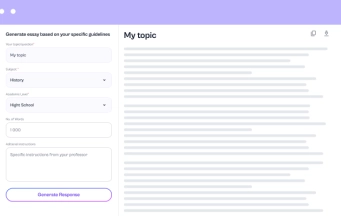
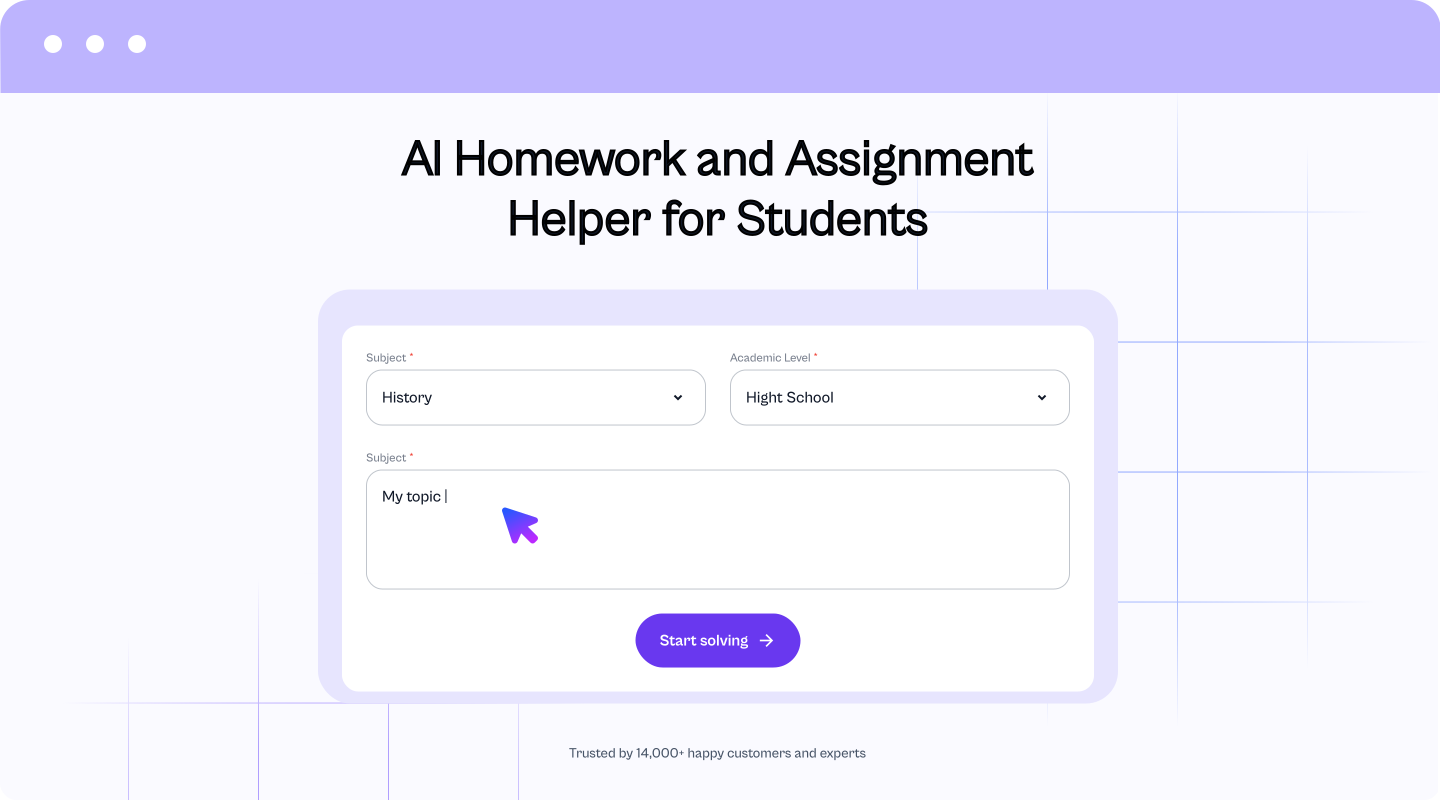
    Use the input field to ask AI about homework, class notes, research, or a hard concept. Add subject details, task rules, or course instructions so the answer fits your exact need.
    image
    image
    Get AI Answer
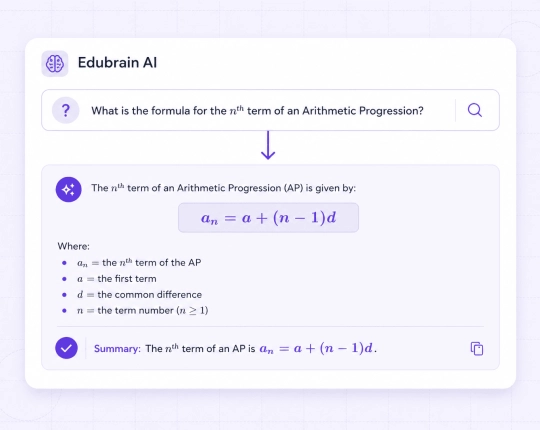
    Click once to generate AI answers with a clear path from question to result. EduBrain can add formulas, examples, source-based notes, or study explanations when your task needs more detail.
    image
    image
    Customize the Result
    Adjust your question or add more to get more specific solutions. You can also switch to the built-in diagram maker to turn those solutions into clear visual explanations.

    Featured in

    image

    Quick Answers from Pictures

    Get instant answers from any image with our new AI feature.

    Simple Steps to Start:

    • Capture Your Problem: Use your phone or device to take a quick photo. You can even use the EduBrain ai image solver to extract detailed answers directly from complex charts or graphs.
    • Upload & Relax: Drop the image into our tool and let the AI do the hard work.
    • Learn Better: Receive custom-built answers that break down every step for better understanding.

    Turn pictures into answers. Try our AI answer generator now and see how easy it is to get information from any image!


    Explore Other AI Tools

    224K+ students
    each month
    4.7
    1220
    user reviews
    16250
    questions answered

    Hear From Our Users

    EduBrain is the best ai tool ever! It’s super easy to use. Definitely makes studying less of a headache.
    Rex B.(student)

    ✍️ Tell Us What You Think

    Add a short comment and help new users see what real experiences look like

    At first, I didn’t know what to expect, but this ai answer generator is awesome.
    Kade A.(student)

    ✍️ Tell Us What You Think

    Add a short comment and help new users see what real experiences look like

    I’ve used other AI tools before, but EduBrain is by far the best. No need to sign up, just upload your problem and bam, instant solution. It’s honestly a rescue!
    Bobby T.(student)
    Love how I can upload pictures and get ai answers right away.
    Nora B.(student)
    I was a little skeptical at first, but EduBrain really does help!
    Robbie B.(student)
    This ai question answerer tool is like my new best friend for school. It helps me when I’m stuck on something and gives me explanations without making it complicated.
    Sasha E.(student)
    EduBrain has helped me with everything from math to history. I can upload PDFs and get relevant answers back so quickly. Super useful for last-minute study sessions.
    Mariya K.(student)

    More AI Tools to Try

    image
    AI Detector
    Run Detection
    image
    AI Flashcard Maker
    Make Flashcards
    image
    AI Humanizer
    Run Humanizer
    image
    AI Lecture Note Taker
    Create Notes
    image
    AI Notes Generator
    Generate Notes
    image
    Powerpoint Generator
    Build Slides
    image
    AI Research Assistant
    Help Me Research
    image
    Ask AI
    Run

    Frequently Asked Questions

    Can I get quick answers that still explain the steps?

    Quick answers are useful only when they do not feel empty. The ai answer generator can give a direct reply, a short reason, and the key step behind the result. For a class task, that matters. Otherwise, the answer feels hard to trust.

    Is there an AI answer generator free version I can try first?

    Yes. We let you start with EduBrain at no cost. The free plan includes access to AI tools, file upload, downloads, and shared results, so you can check how the tool works before you upgrade. AI-Plus is optional and adds an ad-free experience with advanced reasoning.

    Will the AI answer match the task, not just guess?

    A good answer starts with the right context. Add your task rules, class notes, or file, and our free AI answer generator uses that material as the base.

    Can it generate answer options from more than one source?

    Multiple sources can help a lot. Add the material you want EduBrain to use, then ask your question. The tool can compare the details and shape the answer around them. That gives you reliable answers instead of a broad reply.

    Can it use my class notes to give a better answer?

    Your notes help the tool understand the task. A lecture file, PDF, or copied paragraph can give EduBrain the relevant information it needs. Then the answer can follow your course material more closely. That makes the result easier to trust and check.

    Does it give accurate answers I should double check?

    EduBrain can give strong answers, but a double check is always a good habit. AI can miss context or read a task the wrong way. That is why the answer comes with simple steps and a user friendly layout. You get faster information access and an easier way to spot mistakes.

    What extra tools do you offer besides the AI answer generator?

    EduBrain also provides additional features that go beyond answer generation. With math ai for free, students can solve equations step by step. A built-in chemistry ai explains reactions in detail. An ai notes generator helps summarize lectures and research into clear study notes. Together, these and other tools make EduBrain a complete learning assistant.
    top
    Upgrade to Edubrain Premium
    Unlimited help across all subjects
    $16
    $3.99
    /week
    Core benefits:
    • ok Unlimited AI homework help
    • ok A+ quality answers
    • ok Faster responses, no limits
    Tools:
    • ok Notes generator
    • ok Diagram generator
    • ok AI detector and humanizer
    Extras:
    • ok Ad-free experience
    • ok Share responses with others
    • ok Advanced reasoning
    expert
    Expert-level help at discounted prices
    Cancel anytime
    Star
    4.6Trusted by 14,623 students
    🚀 Upgrade Plan
    You’ve reached the free limit of 5 slides.
    To generate a full presentation, please subscribe.
    Unlock with subscription:
    • ok Unlimited slide generation for presentations
    • ok AI-designed, well-structured slide content
    • ok Faster workflow for bigger decks
    -
    Plus, get unlimited access to:
    • ok Diagram Generator, Flashcard Maker, Notes Generator, Research Assistant, Answer Generator, AI Homework Helper & AI Detector
    • ok Discounted designer expert help
    Star
    4.6Trusted by 14,623 students