One simple course is sufficient to save your GPA and leisure time, which you can then utilize for a heavy...
Best AI Tools for Teachers: What You Need to Know
Teachers face constant pressure across lesson plans, assessments, differentiation, parent messages, and admin tasks. Smart AI tools can cut routine work and free space for feedback, creativity, and strong relationships, while human judgment stays central. This guide highlights teacher-first websites alongside big ecosystem options that fit daily workflows for many schools. School leaders can use this list as a practical map for safe, policy-led adoption of AI-powered tools with clear privacy expectations.
Table of Content
ToggleThe Modern Classroom Reality
AI moved from novelty to routine learning space support in 2024–25. Many teachers now test AI across lesson plans, quick checks, and resource drafts, while guidance still varies across a school district.
- A RAND survey in 2025 reports that about 53% of ELA, maths, and science teachers used AI for school, up by more than 15 percentage points versus the prior one to two years.
This result reflects a subject-focused sample and a broad definition of school use, which can cover prep and schooling tasks.
- A Center for Democracy and Technology report, highlighted by Education Week, finds that 85% of teachers and 86% of students used AI in the 2024–25 school year, which points to very rapid spread across contexts.
Different samples, grade ranges, and definitions of “use” help explain the gap. The message stays clear: schools need shared norms and assessment updates that value evidence and voice. When AI offers instant feedback and supports interactive classes, teacher judgment turns outputs into valuable insights rather than shortcut answers.
Best AI Tools for Teachers
This brief comparison table provides a quick overview of the top AI resources available to educators. It highlights the best features of each option, typical pricing paths, and platforms that work well with regular school workflows.
| Tool | Best for | Standout AI features | Pricing approach (Free / Individual / School or District) | Platforms/integrations |
|---|---|---|---|---|
| MagicSchool AI | All-in-one teacher workflow | Large library of teacher-specific generators for planning, assessment, and communication | Free + Individual + School/District | Web-based; common LMS/workflow fit |
| Khanmigo (Khan Academy) | Guided, learning-first support | Curriculum-aligned assistance, safer tutoring-style interactions | Free/Individual options + School models | Web-based; Khan ecosystem |
| Brisk Teaching | Fast help inside daily docs | Rubrics, quiz drafts, exemplars, and feedback tools in a lightweight flow | Free + School/District | Chrome extension; strong Google workflow fit |
| Edubrain | Homework support and study prep | Solves pictures + files, subject-wide homework answers, flashcards, notes, diagrams, presentations, research support, and AI detection | Free + Individual | Web-based; image + file support |
| Diffit | Differentiation and reading levels | Text adaptation for varied ability ranges and quick resource generation | Free + Individual + School/District | Web-based; easy export to learning materials |
| Eduaide.AI | Lesson planning and resources | Multi-format content, scaffolds, differentiation supports | Free + Individual + School/District | Web-based |
| Class Companion | Writing and assignment feedback | AI-assisted grading support, feedback cycles, progress signals | Free + School/District | Web-based; assignment-focused use |
| Curipod | Interactive lessons | AI-generated slide activities, discussions, checks for understanding | Free + Individual + School/District | Web-based; presentation-learning flow |
| Canva for Education | Visual lesson content | AI-assisted design for slides, worksheets, school media | Free for eligible teachers + School options | Web-based; broad export/share options |
| Mentimeter | Live engagement | AI-assisted question/poll creation, quick formative checks | Free + Individual + School licences | Web-based; presentation integration |
| Google Gemini for Education | Schools on Google Workspace | Drafting, lesson ideas, resource creation within Google ecosystem | School/District licensing and academic tiers | Google Workspace/Classroom context |
| Microsoft Copilot for Education | Schools on Microsoft 365 | Content drafts, summaries, academic setting and staff productivity | School/District licensing | Microsoft 365 (Word, PowerPoint, Teams, etc.) |
1. MagicSchool AI
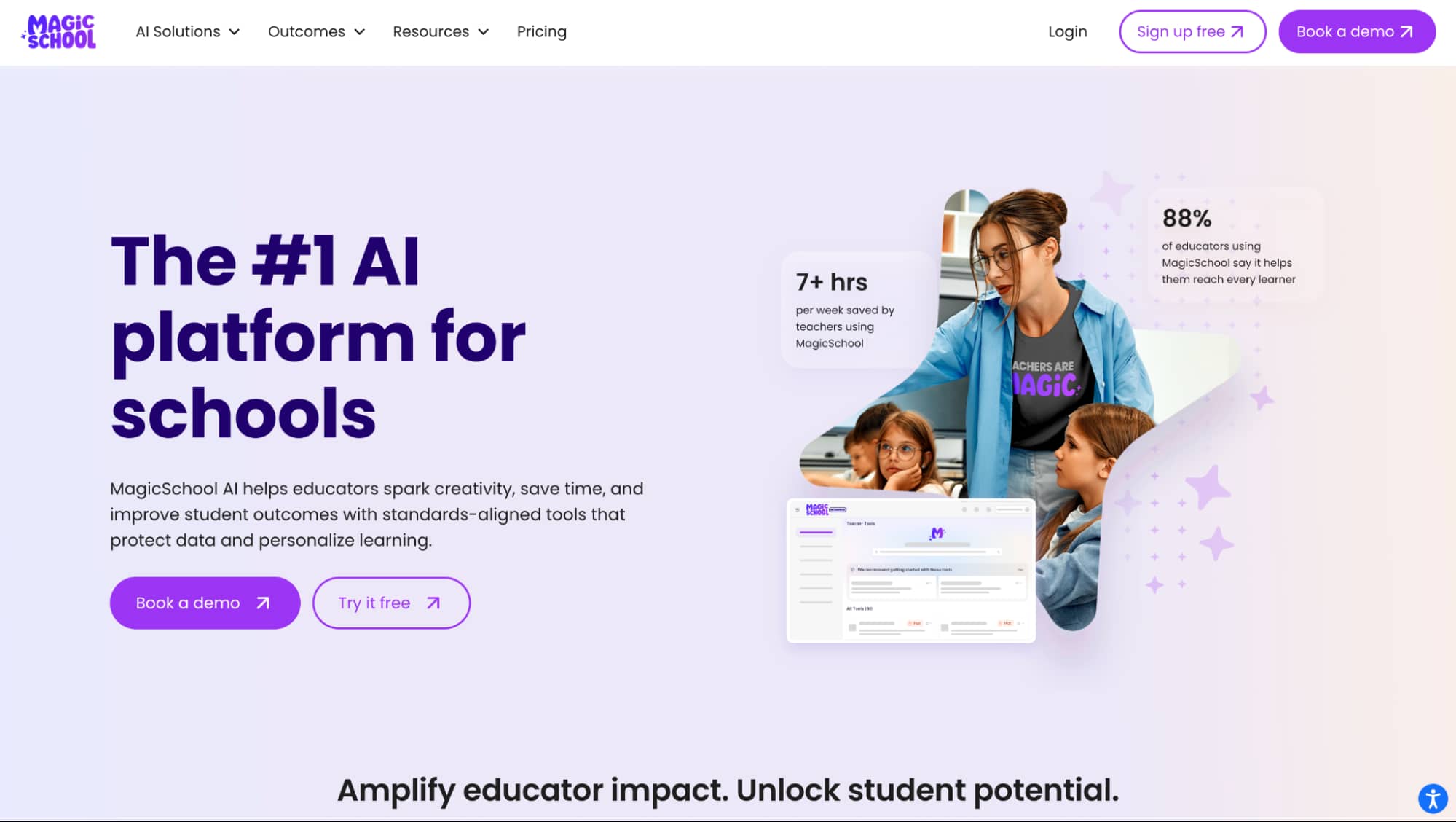
MagicSchool AI is a teacher-first platform that brings many daily tasks into one place. It covers lesson plans, rubrics, feedback, family messages, short quizzes, differentiation prompts, and other academic needs. The platform states that it offers 80+ teacher tools plus options that support students.
Prices: A free entry option sits alongside paid plans for a school district.
Who Is It For: This is a strong fit for teachers who want one hub that can save time across the week. In practice, it can act as a real time saver for routine prep and communication, while teachers keep full control of tone, accuracy, and goals. Used well, it can support student engagement with clearer tasks and faster feedback cycles.

2. Khanmigo for Teachers
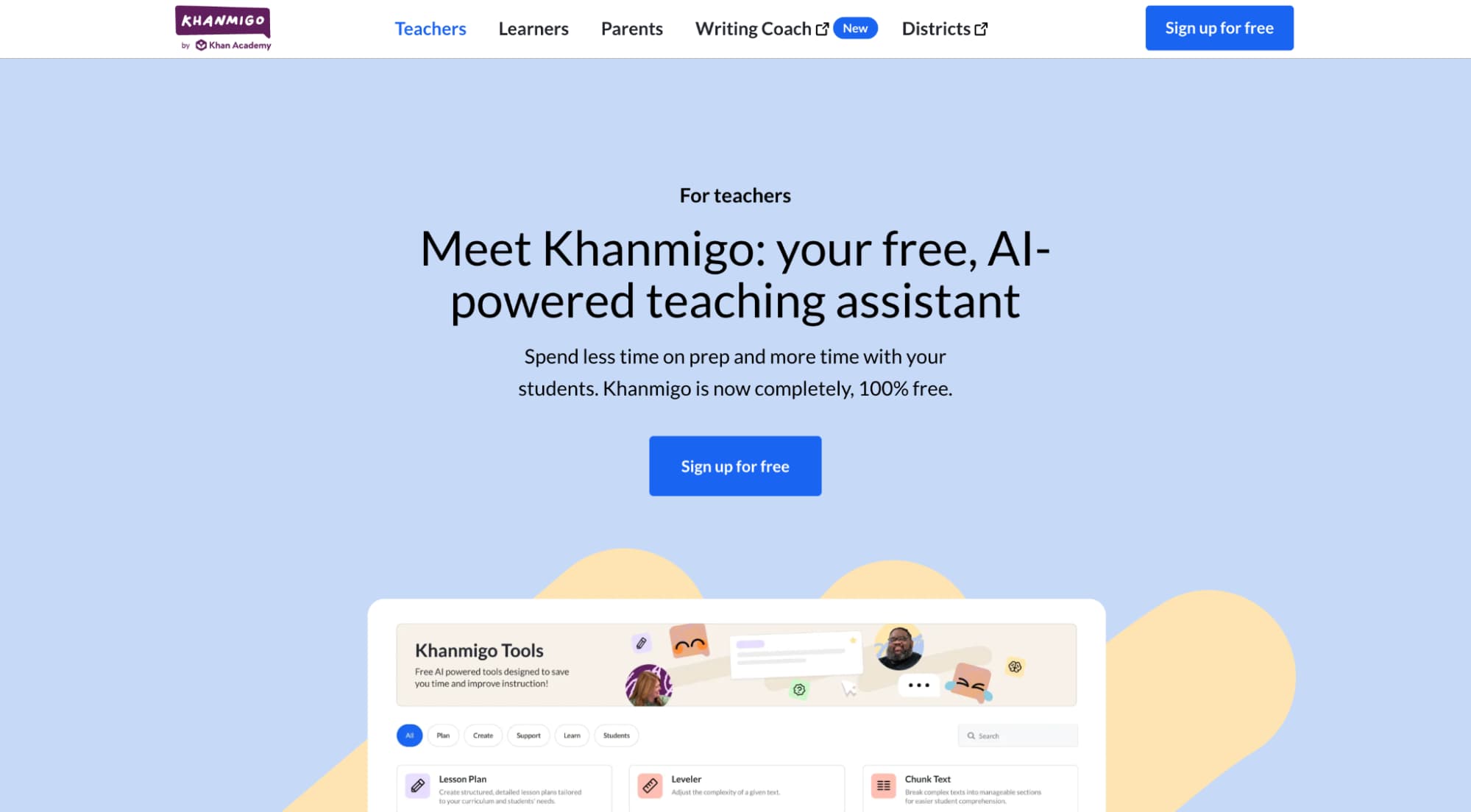
Khanmigo is Khan Academy’s study-first assistant with a strong classroom focus. It supports lesson ideas, guided help for students, and structured prompts that match common learning goals.
Prices: Access can vary by region and school setup, with a mix of free and paid routes.
Who Is It For: Schools that want a mission-led tool with guardrails for students may find a good match here. It suits teams that value safe, guided use over open-ended chat. This approach can help with student interventions, especially when teachers want clear next steps after a struggle point. Khanmigo may also appeal to school leaders who want more features tied to trusted learning content and consistent expectations across classes.

3. Brisk Teaching
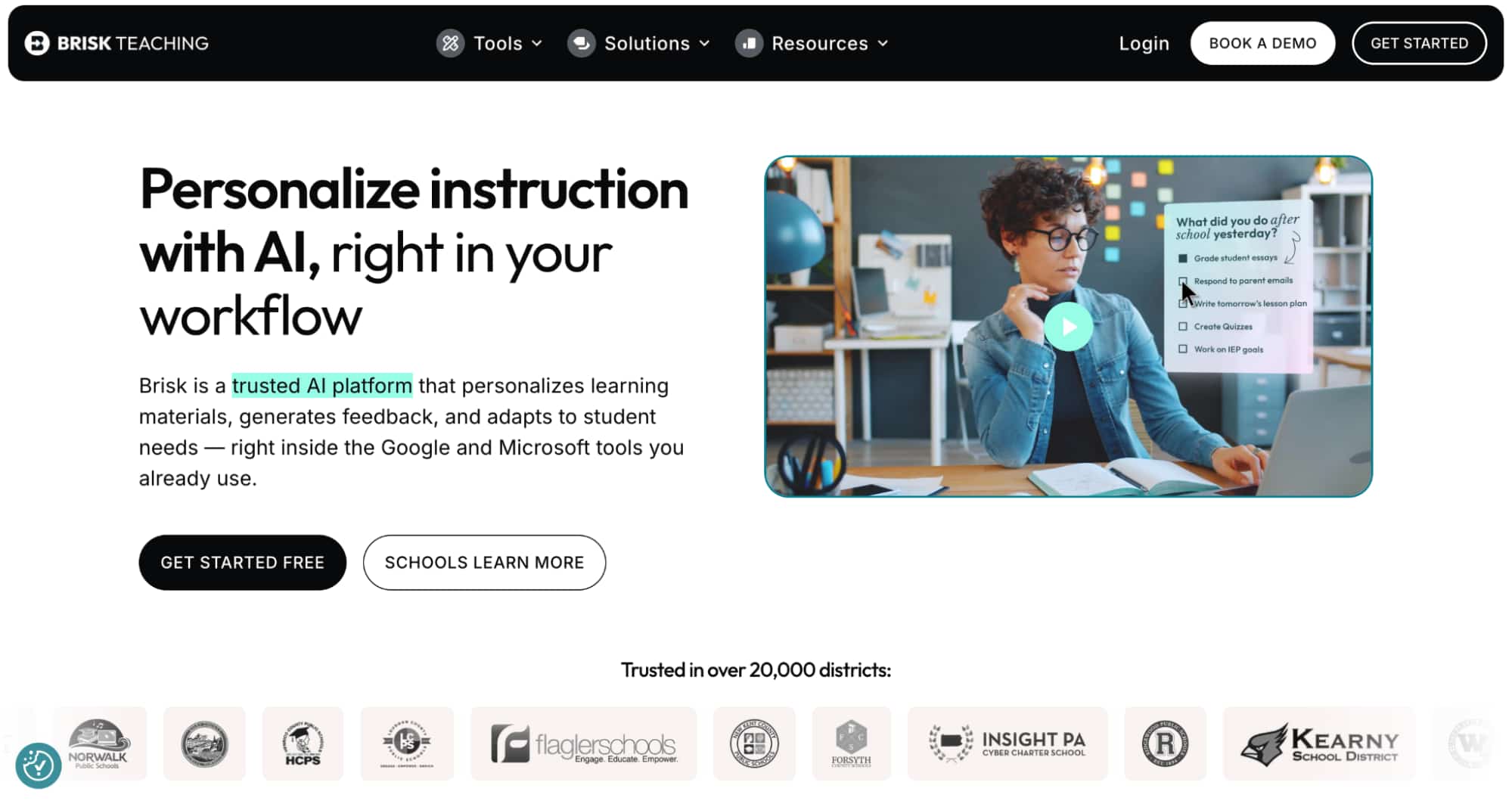
Brisk Teaching is a Chrome extension that fits inside everyday teacher documents and many Google-based workflows. It helps you create lesson plans, draft rubrics, build quick quizzes, produce exemplars, and prepare sub plans without leaving the platform. The lightweight design suits busy days when you want fast, practical materials that still reflect your own voice and standards.
Prices: Brisk offers free access for teachers, plus school and district options linked to enrolment.
Who Is It For: Teachers who plan sessions in Google tools and want a simple, low-friction way to add AI support to routine school prep.

4. Edubrain
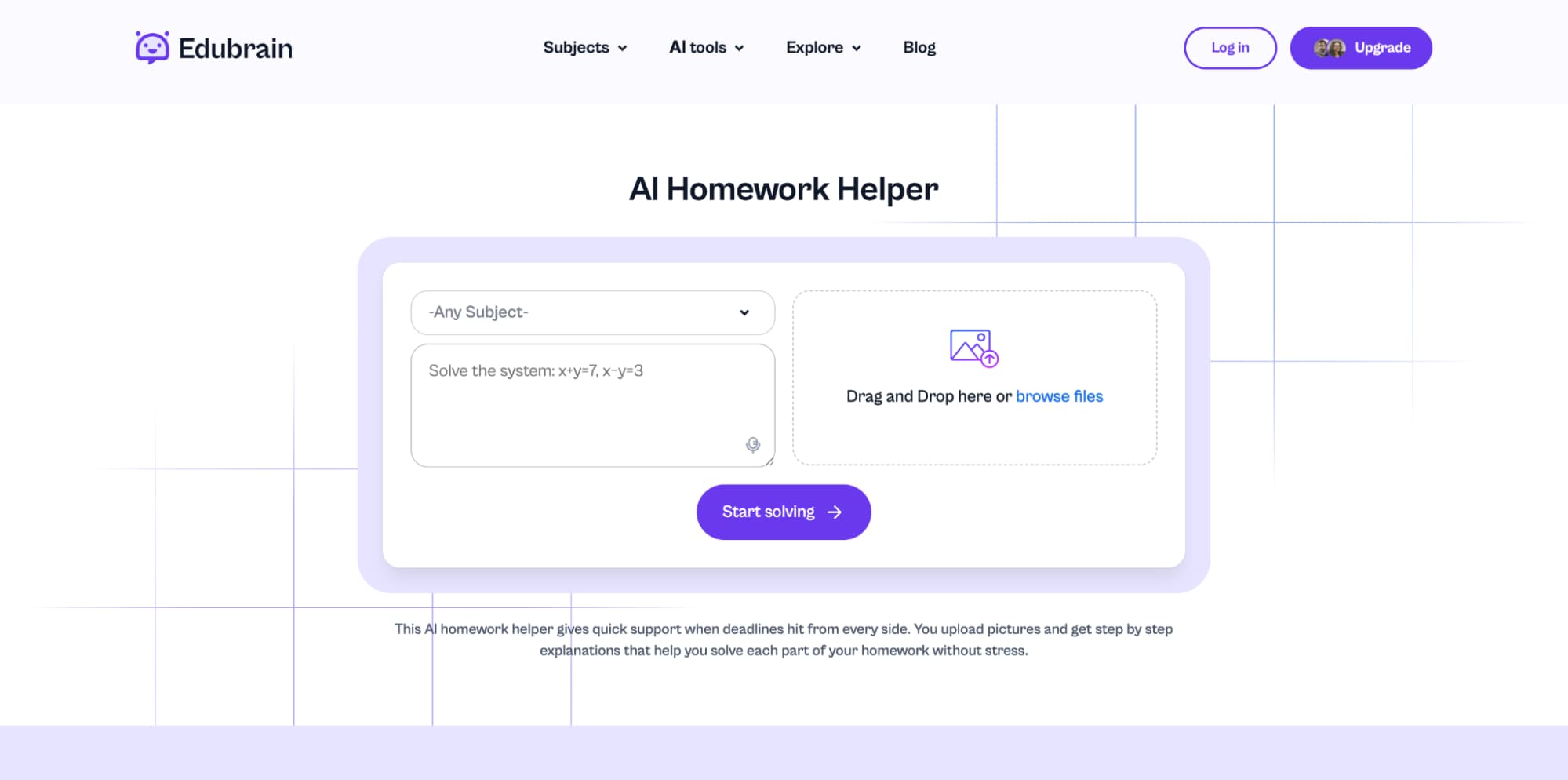
Edubrain is an AI study and homework platform that teachers can point to when students need structured help outside class. It focuses on clear, subject-based support and handles both text prompts and visual inputs.
This tool supports students with homework answers and processes both images and files. Consequently, Edubrain complements classroom practice because teachers can direct students to review specific steps and verify their work with generative AI. This approach encourages independent study and ensures that students receive immediate, guided support when they work alone.
Prices: It includes free access with optional paid upgrades.
Who Is It For: Teachers and school leaders who want a practical option for utilizing AI at home, with attention to responsible AI expectations and careful handling of student data within a school district policy framework.

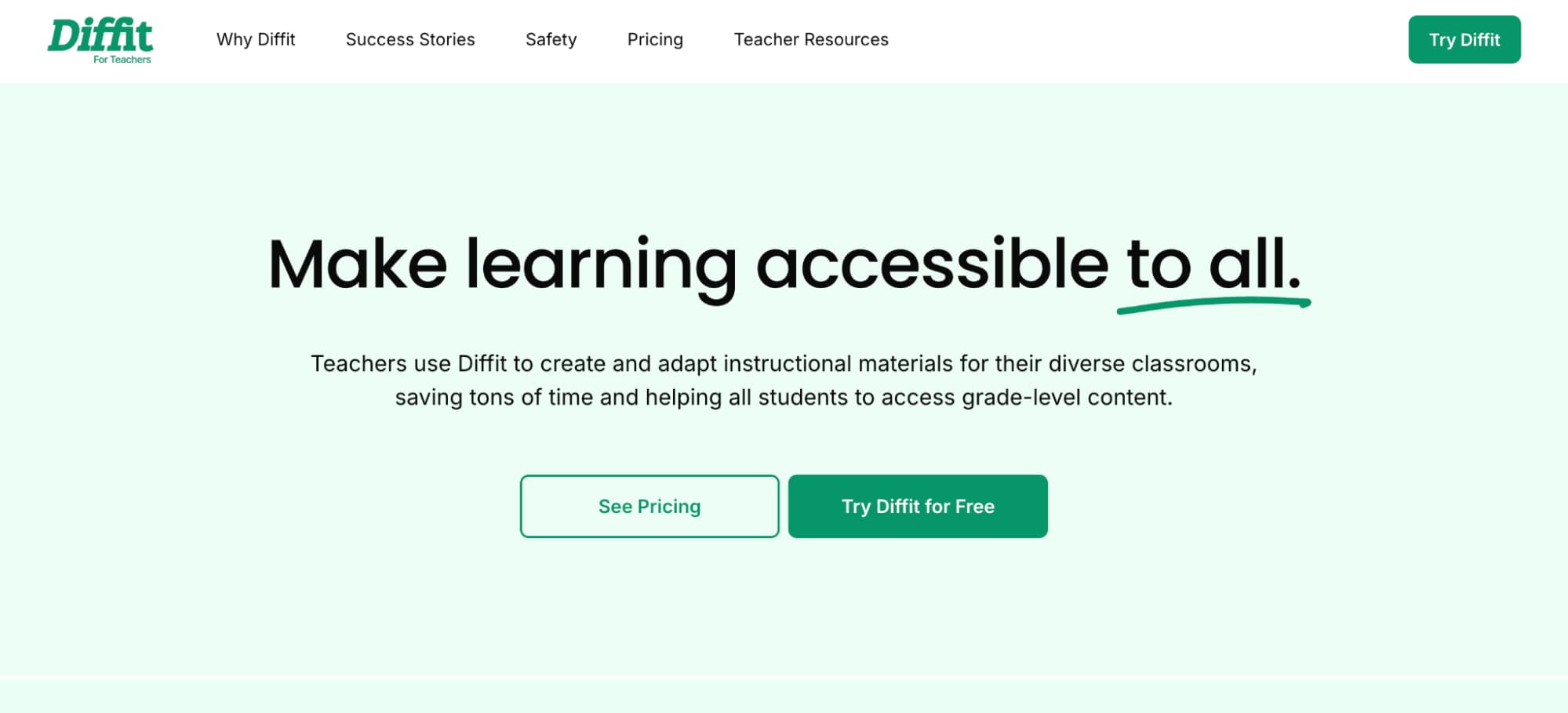
5. Diffit
Diffit is known for fast text adaptation and differentiation that helps teachers meet mixed-ability needs with less prep strain. It uses artificial intelligence to reshape source material into “just right” resources across reading levels. That makes it easier to personalize learning for groups that sit far apart in confidence and pace. In ELA and humanities, this support can strengthen the overall learning experience while you keep control of tone, rigour, and classroom context.
Prices: Expect options for individual use plus broader plans for a school district.
Who Is It For: Classes that need quick levelling to support learning without losing subject depth.

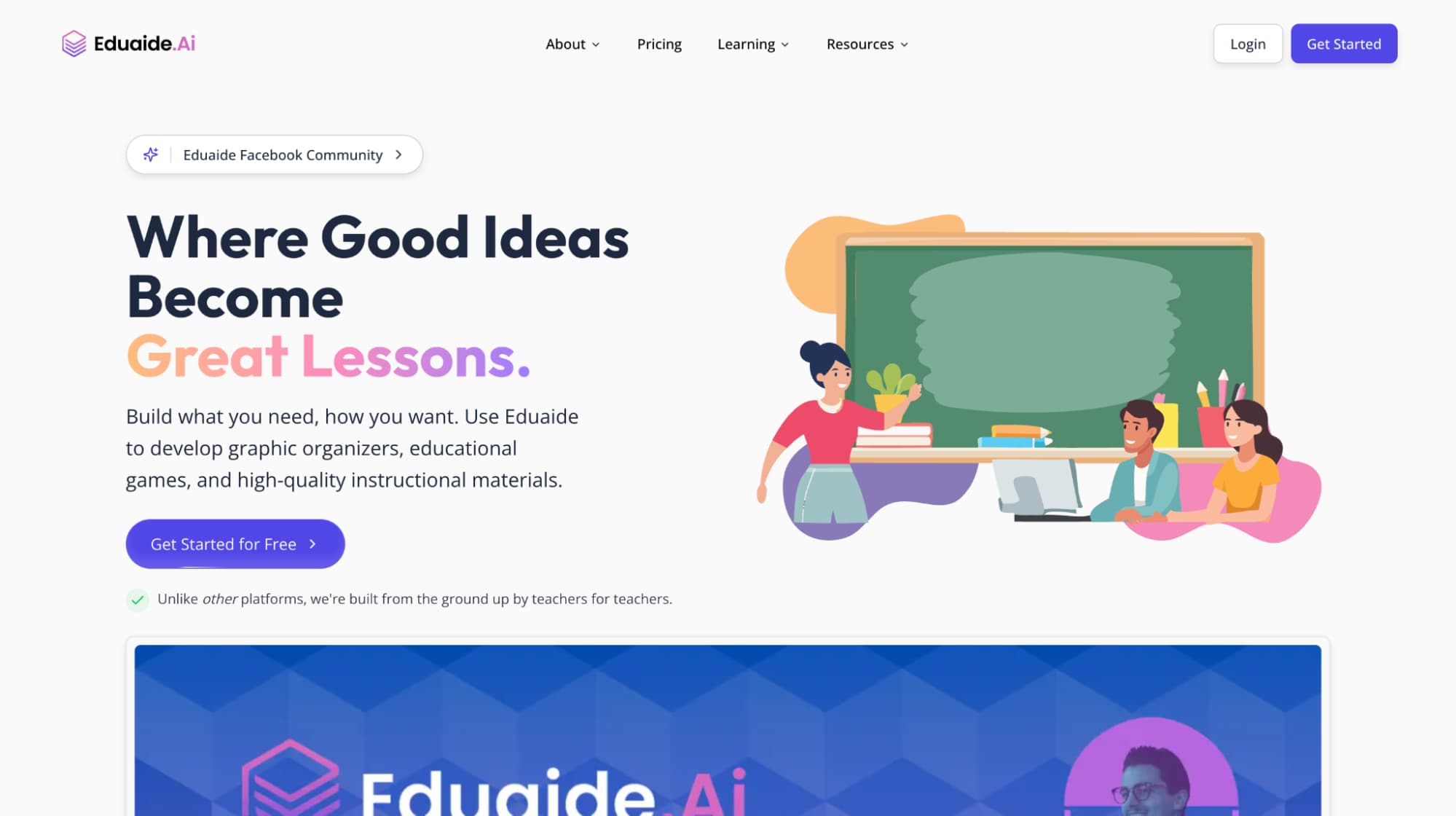
6. Eduaide.AI
Eduaide.AI is a teacher-oriented assistant that brings a wide set of classroom utilities into one place. It helps you create content such as lesson outlines, tasks, scaffolds, and differentiation ideas. You can draft fast with AI-powered support, then shape the final version with your own voice and curriculum goals. Many teachers move outputs into Google Docs for final edits and sharing with other educators.
Prices: A free tier sits alongside a lower-cost Pro plan for individual use, plus school-level options.
Who Is It For: Budget-minded teams that want breadth, clarity, and practical classroom value.

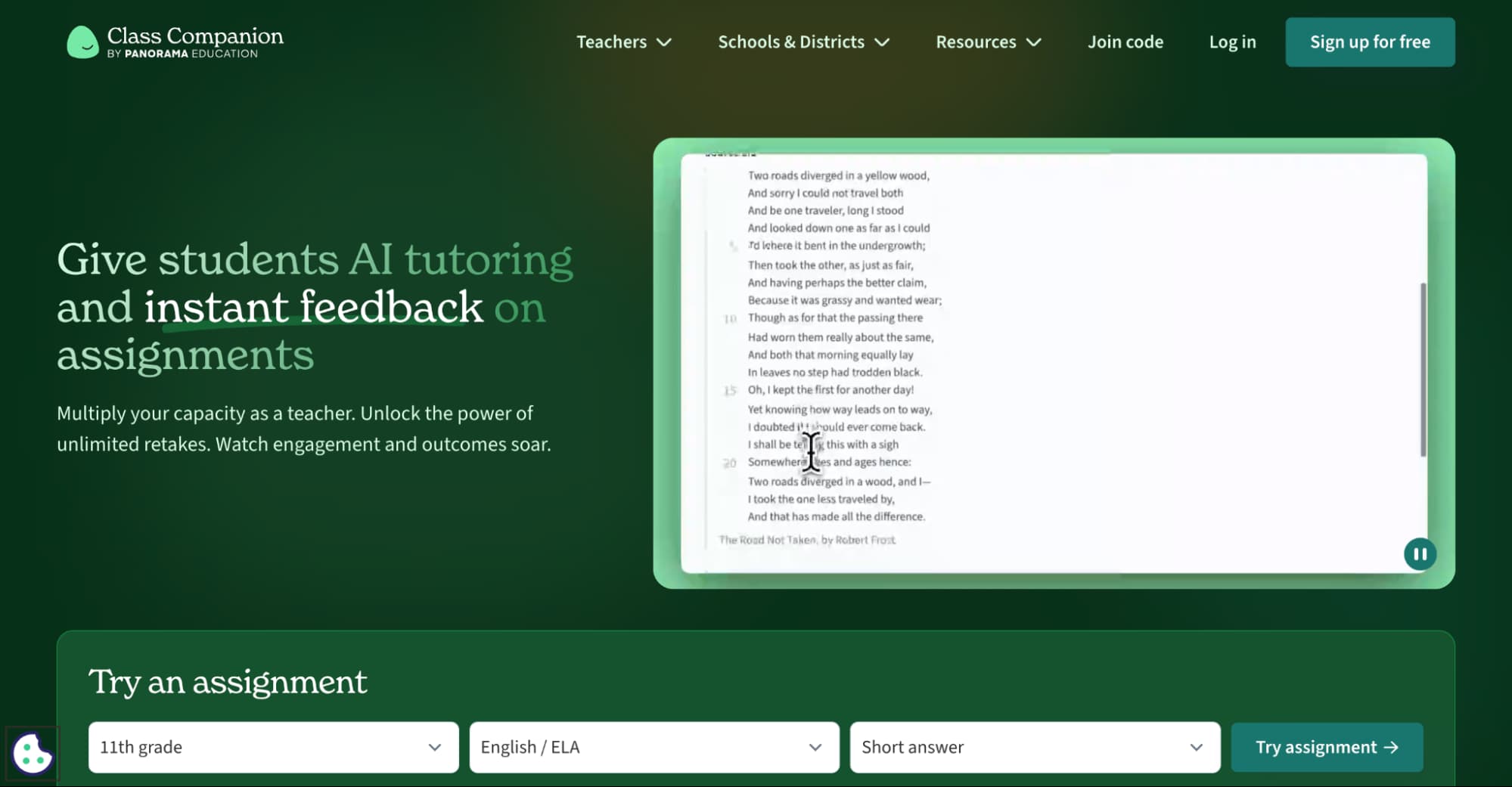
7. Class Companion
Class Companion centres on AI-assisted feedback for assignments, with a strong fit for writing-heavy work.
It offers rapid comments and scoring support that can help students revise with purpose and gain a more hands-on experience through repeated practice cycles. This approach can lift the learning experience when students need clear next steps rather than vague notes. Shared resources within a department can also help other teachers align expectations across classes.
Prices: Individual teachers can start at no cost, with expanded capacity through school and school district plans.
Who Is It For: AP-style writing, formative practice, and classrooms that value consistency and speed.

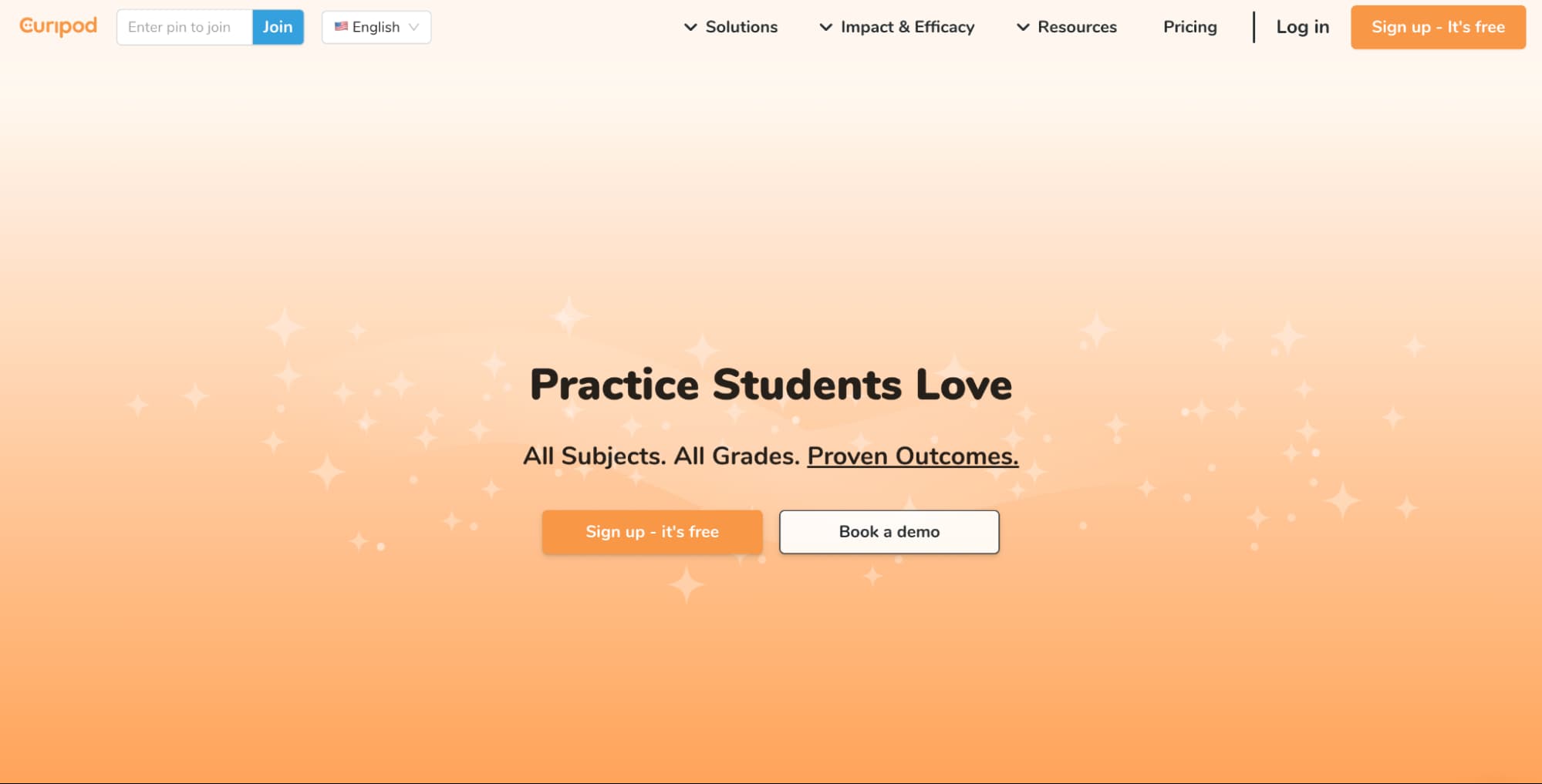
8. Curipod
Curipod is an interactive lesson builder that helps you move from idea to classroom-ready activities quickly. It supports discussion prompts, drawing tasks, exit tickets, and slide-based sessions that suit active classes. For teachers who already use image generation tools for subject visuals, Curipod provides a smooth place to embed those assets into interactive sequences. The result can boost engagement and a more social, confident learning experience for students.
Prices: Free access is available, with paid individual and institutional tiers.
Who Is It For: Engagement-first teachers who want fast, high-energy lesson shells.

9. Canva for Education + Magic Studio
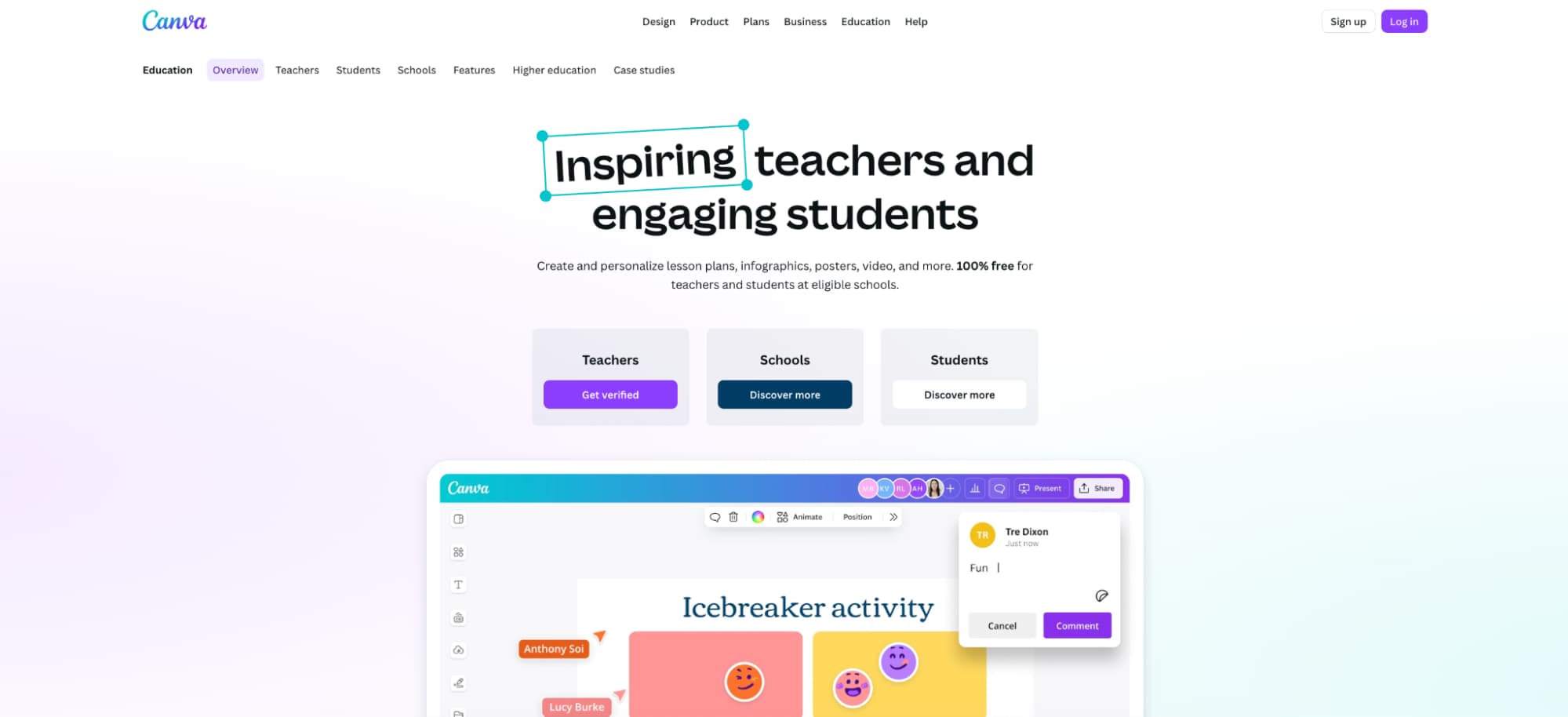
Canva for Education is a design and classroom content suite used across many school settings. It helps educators create materials for slides, posters, worksheets, short videos, and simple classroom visuals. AI features in Magic Studio can speed up layouts and turn rough ideas into cleaner drafts, which helps learning materials look consistent across subject areas. Many teams also share templates so other teachers can reuse strong examples with minimal edits.
Prices: Canva for Education is 100% free for verified K–12 educators and students at eligible schools.
Who Is It For: Teachers who want polished visuals without long prep.

10. Mentimeter
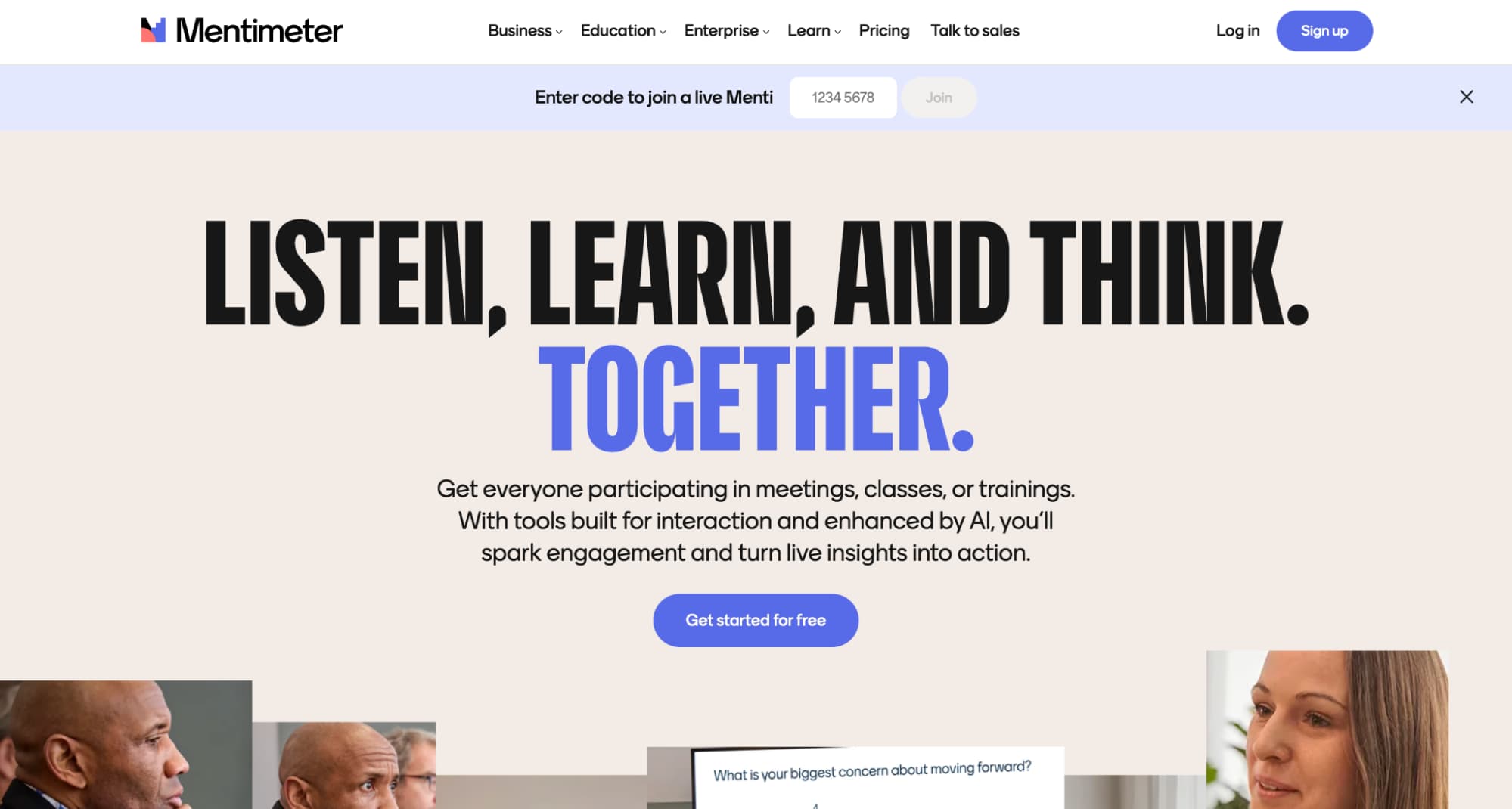
Mentimeter is an interactive polling and presentation platform that suits live classroom checks.
Services
It supports quick warm-ups, anonymous responses, and short reflection prompts that can improve student voice during class activities. These tools help teachers test new strategies for discussion, retrieval practice, and low-stakes review across different subject areas.
Prices
Mentimeter offers a free plan and class-focused paid tiers, with school options available for wider use.
Who Is It For
Teachers who want simple, real-time engagement without heavy setup.

11. Gemini for Education (Google Classroom Integration)
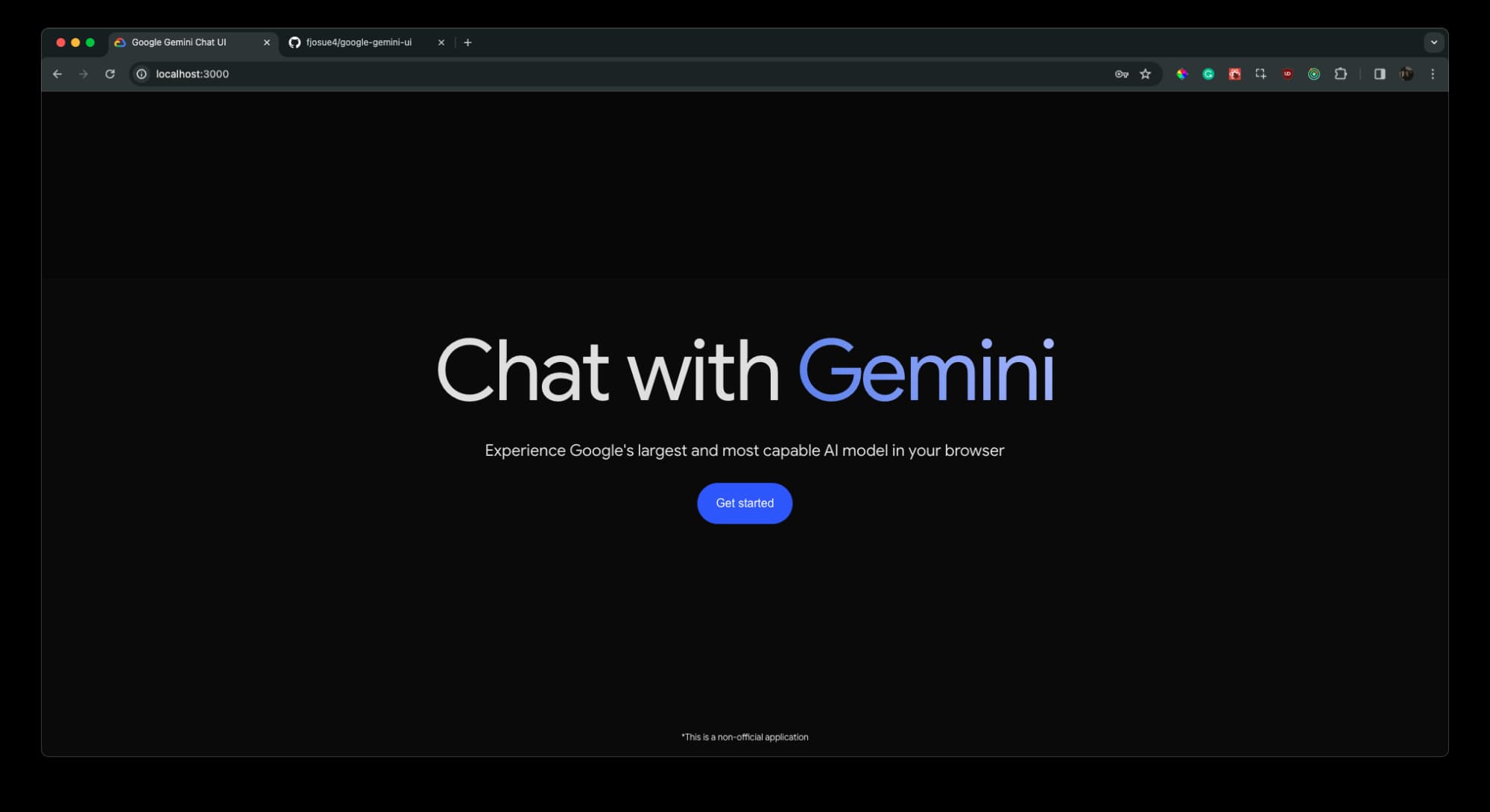
Gemini for Education is Google’s classroom-oriented generative assistant designed for secure institutional contexts.
Services
It helps with lesson ideation, differentiation, and drafting classroom resources inside familiar Google workflows. With a managed account, staff can align use with local rules for privacy and acceptable classroom practice.
Prices
Gemini for Education is available at no cost for institutions that use Google for Education Fundamentals, and it is included across Google Workspace for Education editions; add-on naming and bundles have also been updated in 2025.
Who Is It For
Google Workspace schools that want built-in AI rather than standalone apps. In many departments, teachers pair this with niche study platforms like AskTutor when they want structured practice outside class, especially for homework-heavy topics. Some teams even test custom GPTs or similar tailored assistants for department-wide prompts, then run a short post-pilot review to check quality, equity, and workload impact.

12. Microsoft 365 Copilot for Education
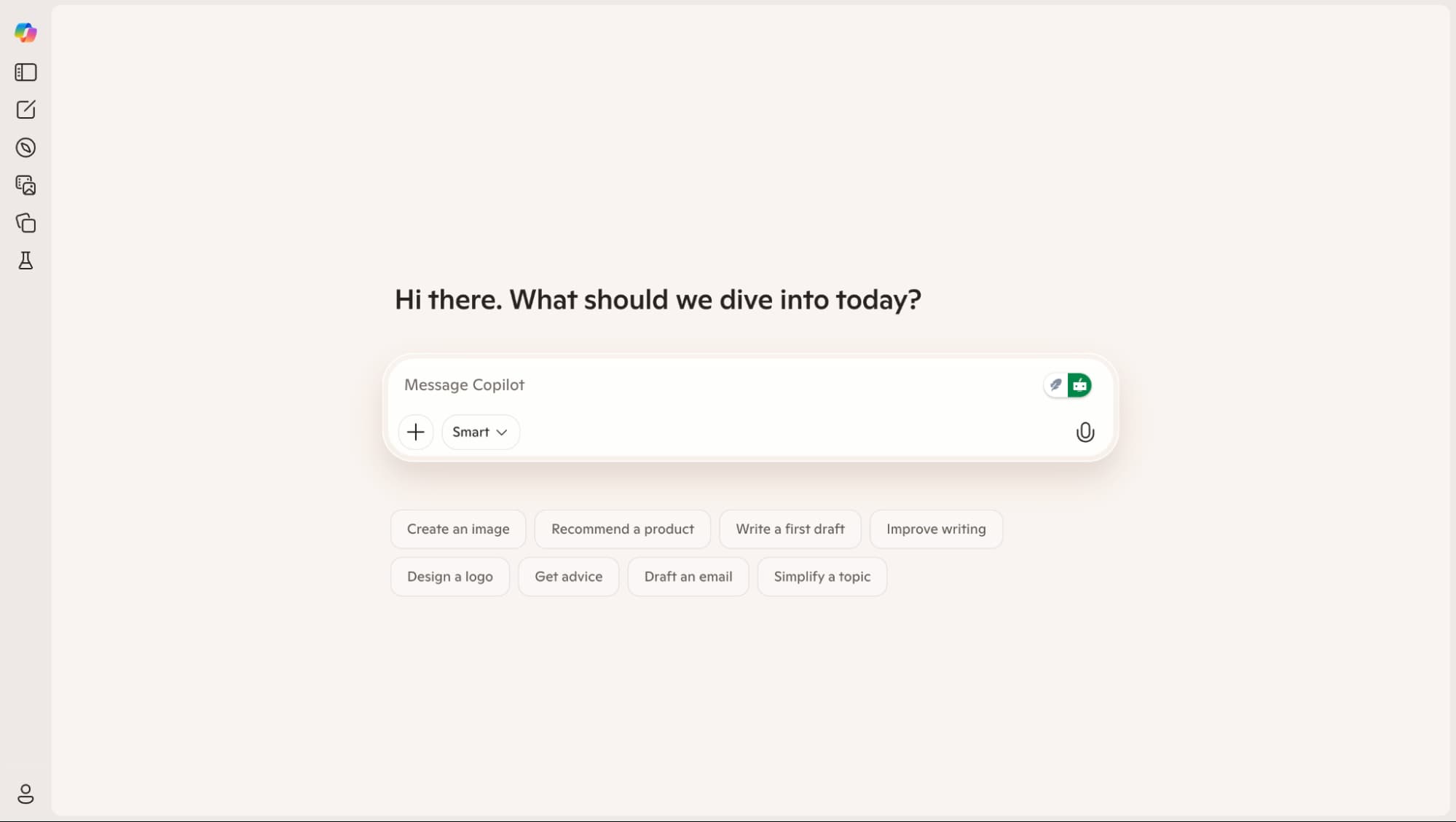
Microsoft 365 Copilot brings AI into Word, PowerPoint, Teams, and other Microsoft apps many schools already use.
Services
It supports drafting and revision for writing, slide creation, meeting summaries, and everyday admin tasks. Copilot Chat also comes with eligible subscriptions, with versions that can draw from the internet or from a work/school environment, depending on licensing. This setup can help educators and learners stay inside one workflow while teachers maintain oversight of outputs.
Prices
Microsoft offers academic licensing for Copilot in schools with institution-led purchasing models.
Who Is It For
Microsoft 365 districts focused on IT-managed productivity.

Conclusion
The best outcomes come from time savings combined with updated assessment guidelines and clear student-use norms. AI is now a standard component of the teacher toolkit. MagicSchool AI and Eduaide.ai provide lesson design, rubrics, communication, and daily planning in one convenient location.
Diffit assists in quickly adapting texts across reading ranges if differentiation is the primary pressure point. Class Companion facilitates quicker, more regular comment cycles when writing feedback takes up most of the week. Check ecosystem fit by starting with your largest workload gap. For Google-native speed, use Brisk; for schools using Google Workspace or Microsoft 365, use Gemini or Copilot.
Latest Articles
Teachers face constant pressure across lesson plans, assessments, differentiation, parent messages, and admin tasks. Smart AI tools can cut routine...
In 2026, AI chatbots like Edubrain have become indispensable for work and learning, providing quick answers, drafting text, analyzing data,...