
Artificial intelligence is no longer a novelty for students. It’s part of their routine. It shows up when an essay...
Best AI Tools for Students: Support for Study and Academic Work
Artificial intelligence is no longer a novelty for students. It’s part of their routine. It shows up when an essay feels stuck, when a formula makes no sense, or when notes turn into chaos before an exam. In 2025, AI-powered tools are not about shortcuts. They are about support saving time on repetitive tasks and giving more energy to what matters most.
These AI apps help break down difficult topics, reduce busywork, and bring some order to overloaded schedules. Homework helpers, AI writing tools, AI note-taking tools, and more; each solves a specific problem and reshapes how students approach their studies and deadlines.
Table of Content
ToggleSo, What are the Best AI Tools for Students?
Let’s take a closer look at the best AI tools for students and how they can make your academic life easier. From improving writing skills and research papers to providing personalized learning experiences, these AI-powered platforms are here to enhance your study routine.
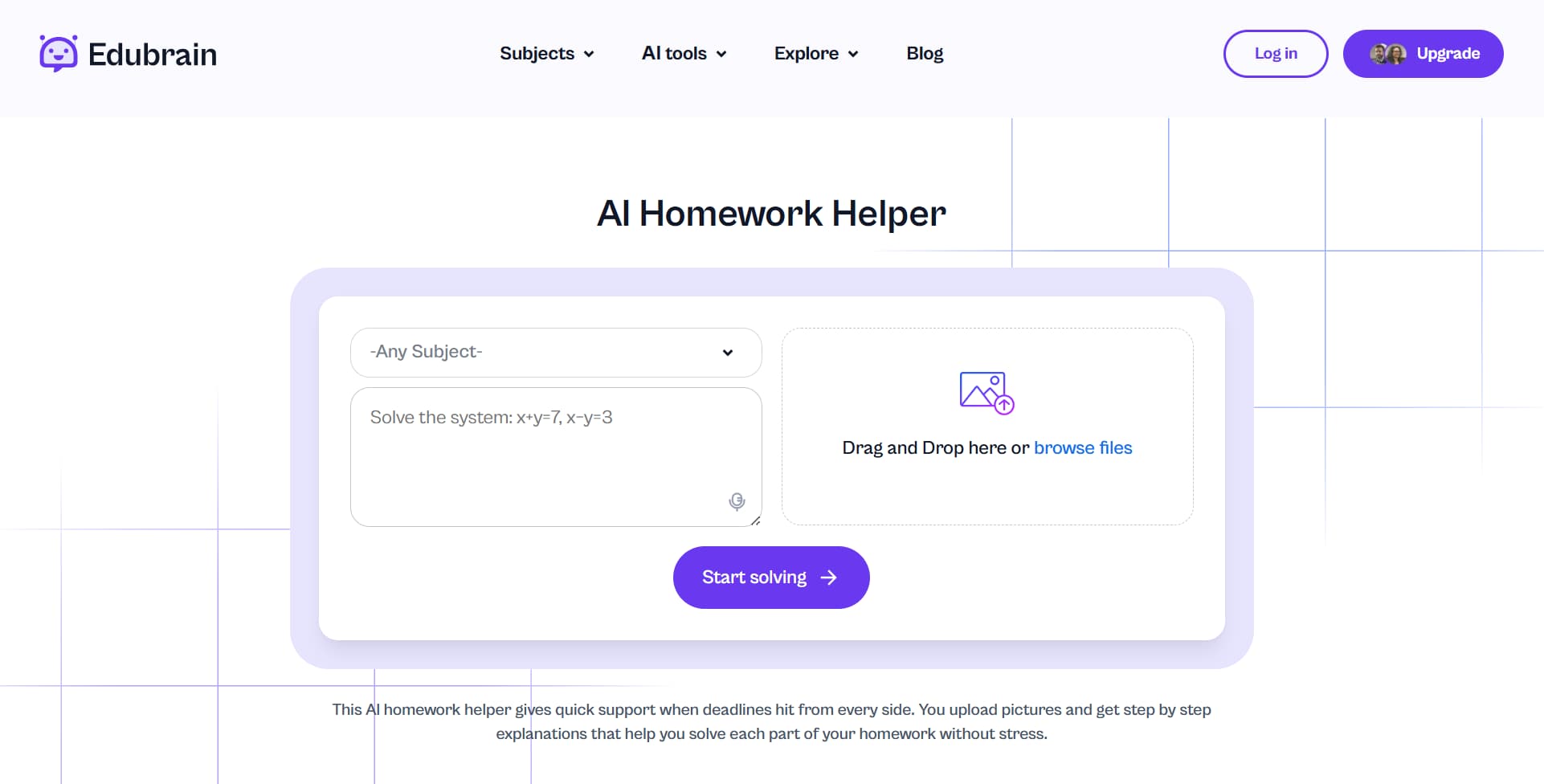
1. Edubrain AI – Best AI for Homework Help and Academic Support
Edubrain AI is useful for homework and making sense of it, also when math exercises feel impossible, or science topics just refuse to stick. This tool is often referred to as the ultimate AI homework helper because, instead of giving instant answers, it focuses on the process. It breaks problems into steps and helps you understand where things click and where they don’t. This makes it a valuable tool for daily assignments and exam preparation.
Key Features:
- Step-by-step solutions for complex math problems and science concepts.
- Personalized learning with adaptive feedback based on student progress.
- Flashcard creation for efficient memorization of key concepts.
- AI-powered summaries of textbooks and articles for quick revision.
Best for: Students in need of an all-in-one tool to assist with homework, research papers, and exam preparation, particularly in STEM subjects.
Pricing: Free plan available; premium plans starting at $3.99/week for additional features.

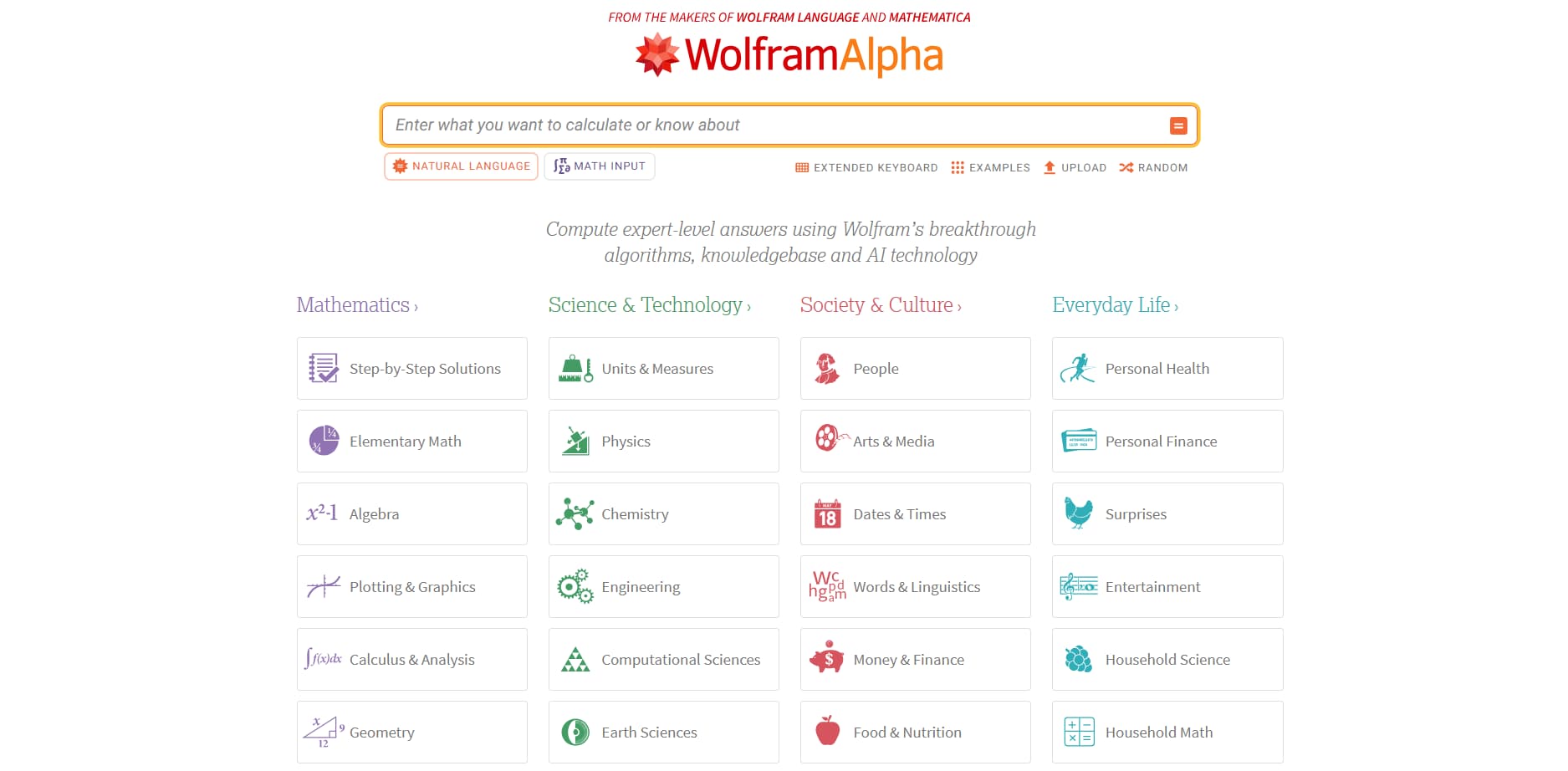
2. Wolfram Alpha – Powerful AI for Math and Science Solutions
Wolfram Alpha is not flashy. It’s precise. And when it comes to math, that’s exactly what you want. From basic equations to advanced calculus, it solves problems and shows how each result takes shape. Graphs, formulas and logic, but it also goes beyond math, with strong support for physics, statistics, and other scientific subjects, making it a powerful AI-powered tool for learning complex concepts.
Key Features:
- Instant solutions for a variety of math topics, from basic arithmetic to advanced calculus.
- Step-by-step strategies to help students figure out their issues, thus, students can easily comprehend the process and follow along.
- User interface with raphing tools for visualizing functions and equations.
- Coverage of physics, statistics, and other scientific subjects, making it versatile beyond just math.
- Integrates machine learning algorithms to enhance problem-solving capabilities and adapt to student needs.
- AI-generated content for clear explanations of various mathematical concepts.
Best for: Students who need a reliable tool to solve complex math problems and visualize equations, and who are looking for AI-powered algorithms to improve their learning process.
Pricing: There is a free version with limited features, and the premium plan, which offers more features like advanced problem-solving and detailed explanations, starts at $5/month.

3. Grammarly – Best AI Writing Assistant
Grammarly is often the first AI writing tool students try, and it’s usually the one they keep. It catches grammar mistakes, yes. But more importantly, it helps writing sound clearer and more confident. Sentences feel tighter. Ideas come through better. The result is writing that looks more polished without losing your voice.
Key Features:
- Grammar and spelling checks to ensure error-free writing.
- Writing style recognition to decide the style of the text, i.e. formal, academic, or casual.
- Plagiarism check to keep the work authentic and fair.
- Helpful hints to make the writing clearer, shorter and more fluent.
- There is a Chrome extension with which you can make checks of your writings that are in Google Docs or any web pages.
Best for: Students whose main concern is research papers, essays, and assignments and who want to polish their writing for clarity and grammar correctness.
Pricing: A free version is available; the premium account that provides functionalities like plagiarism detection and writing style improvements is starting at $12/month.

4. Notion AI – Best for Notes and Organization
Notion AI works as a digital study desk. Notes, deadlines, outlines, thorough research, group projects, everything lives in one place. The AI-powered tool helps summarize long class notes, create structure, and keep tasks under control, which is often half the battle during busy weeks.
Key Features:
- Smart note-taking with automatic summaries and highlighting of key points from lectures and reading course materials.
- Task management tools to keep track of assignments and deadlines.
- Collaboration features for group projects and sharing notes.
- AI-generated content summaries for quick revision.
Best for: Students who look for a powerful tool to organize study materials, manage research projects, and streamline their academic workflow.
Pricing: Free tiers available; premium starts at $8/month for advanced features and increased storage.

5. Jasper AI – Best for Content Generation
Jasper AI shines at the start of the writing process. When ideas feel scattered or the page stays empty, it helps you move forward. It’s not a replacement for thinking, but it’s a strong support tool. Drafts come together faster. Structure feels clearer. From there, you can revise and make the work your own.
Key Features:
- Content generation for essays, research papers, blog posts, and creative writing.
- Customizable content writing tone for different styles and purposes.
- Idea generation for brainstorming topics and themes.
- SEO optimization for blog posts and articles.
Best for: Students who need assistance with essay writing, creative writing, or content creation for academic or personal projects.
Pricing: Starts at $59/month; free trial available.

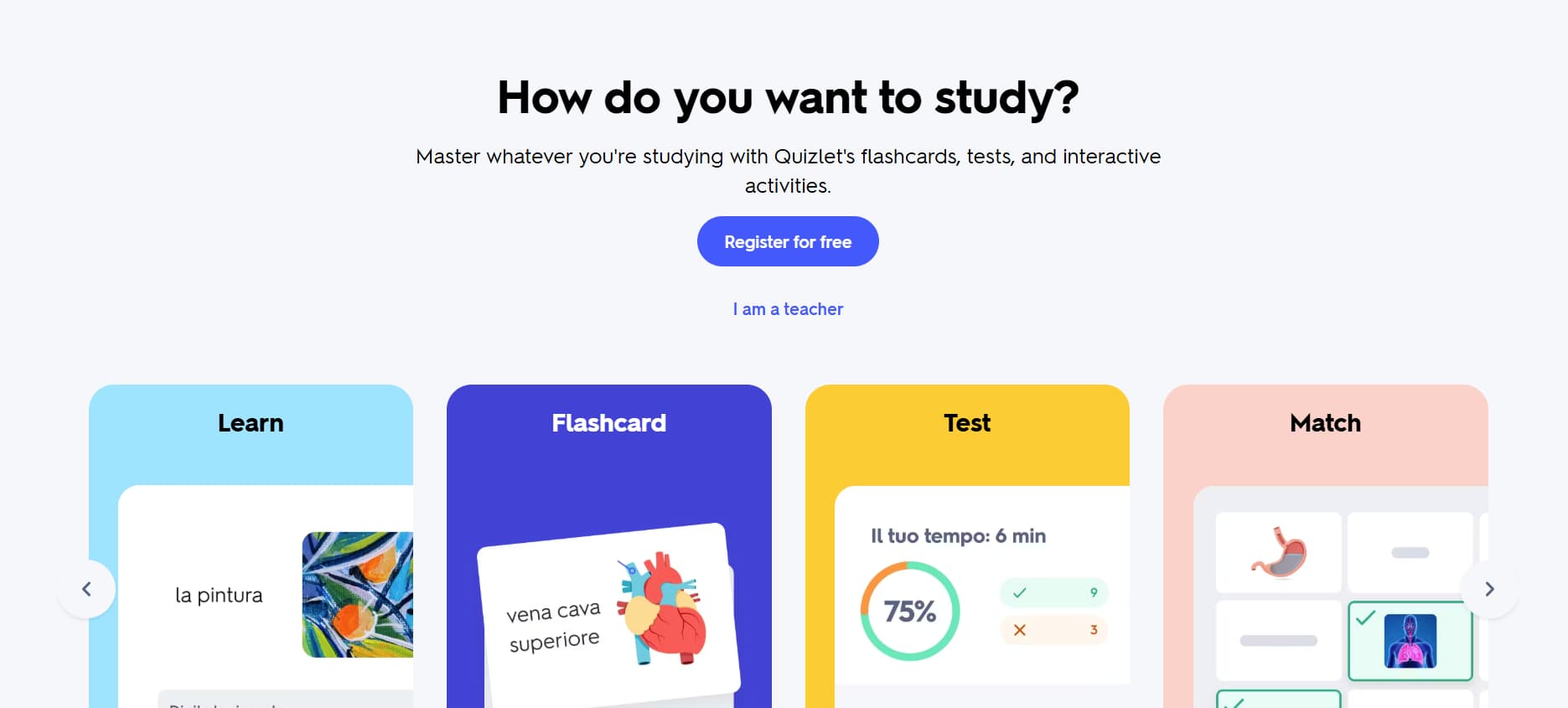
6. Quizlet – Best for Flashcards and Study Tools
Quizlet is successful as it depends on one straightforward concept: repetition, if done properly, will keep the things you have learned. The use of flashcards is the primary thing but the AI layer changes the sessions depending on what you know and what is left to be done. Short quizzes, quick tests, small challenges. Great to be with if exams get close and you have little time.
Key Features:
- Create and share flashcards for any subject or topic.
- AI-generated study paths based on student performance and progress.
- Many study modes, such as quizzes, games, and matching activities.
- Group work to share study sets with classmates.
Best for: Students who find active recall with flashcards most effective in their test preparation and learning reinforcement.
Pricing: There is a free version and a premium account that starts at $4.99/month for additional features such as offline access and advanced study tools.

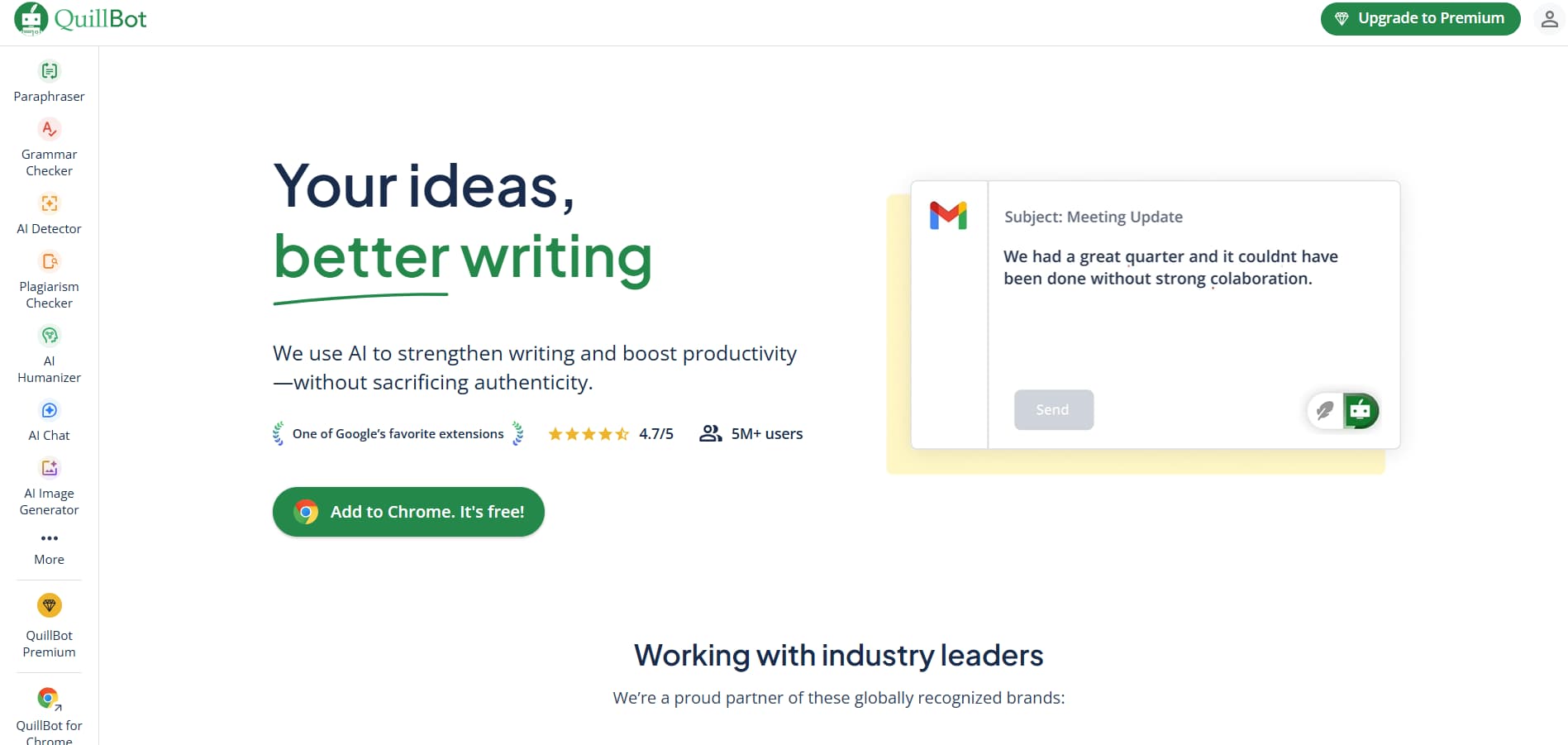
7. QuillBot – Best for Paraphrases and Refinement of Academic Texts
QuillBot is a next-gen AI writing tool that is a great help for students when they need to rewrite, paraphrase, or upgrade their text. The tool is more than just a grammar checker. It is an excellent choice when one has to deal with research papers, essays, or complicated reports because it makes the writing more clear and more logical.
Key Features:
- Paraphrasing tool that automatically changes the words of the sentences, which is the main idea, and makes the text more readable
- Grammar and style check are integrated to perfect the text.
- Summarizing tools that condense complex ideas into key points for easy understanding.
- Natural language processing features that help to restructure the sentence by providing the missing parts and thus the flow and connection between the sentences get improved.
Best for: Those who aim to paraphrase, polish, and make the argument of their essays, research papers, or academic writing clearer by using an Ai assistant that mainly deals with rewriting, grammar correction, and text flow enhancement.
Pricing: Limited-featured free version is available, and the premium plans offer advanced paraphrasing and extra features

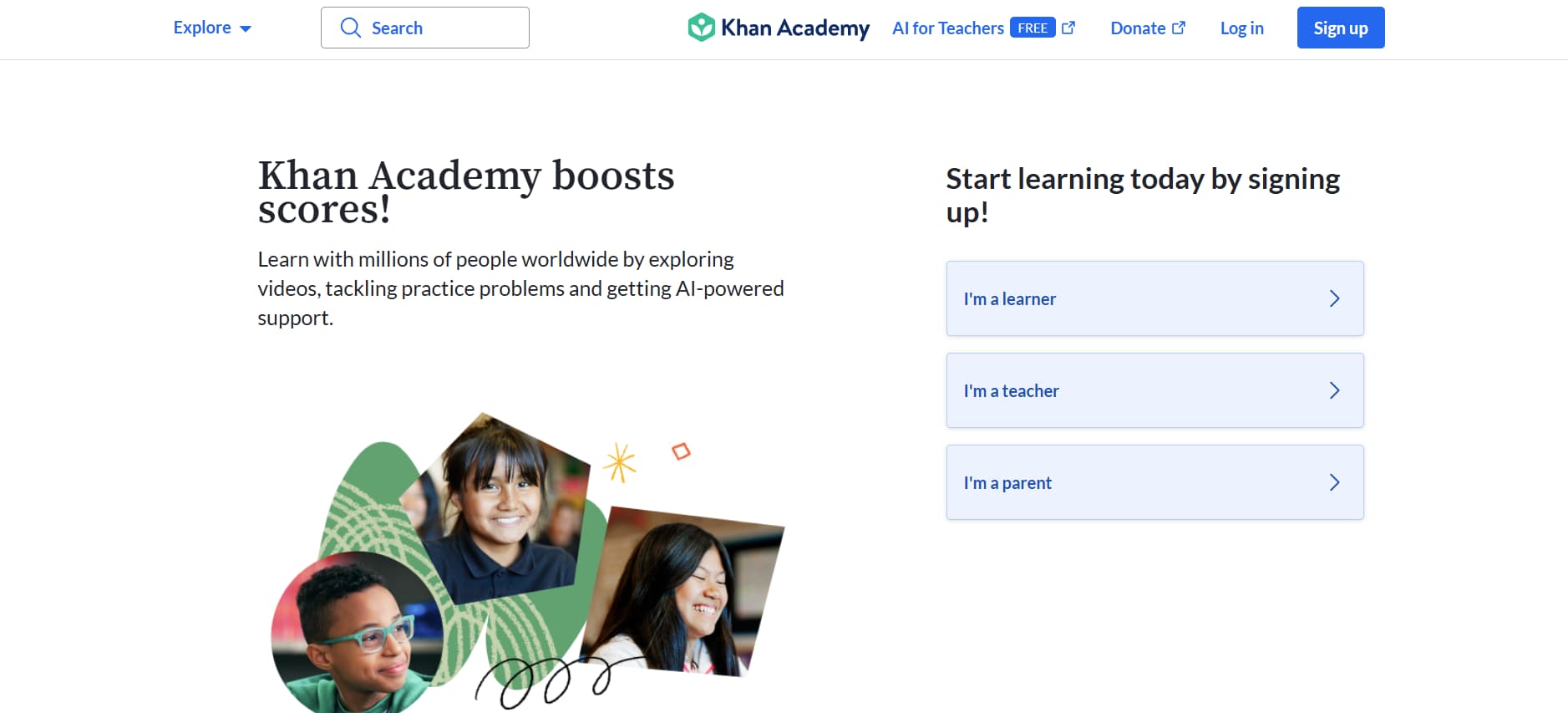
8. Khan Academy – Best for Personalization
Khan Academy does one thing very well: it explains things clearly. Lessons feel structured and approachable. The platform adapts as you move forward, which helps fill gaps without pressure. No rush, no grades: just steady progress.
Key Features:
- Individualized learning paths that are determined by the student’s performance and progress.
- Engaging tasks with immediate responses.
- Complete educational materials in mathematics, science, economics, and other subjects.
Best for: Students who want to learn at their own pace across a variety of subjects with interactive, AI-powered support.
Pricing: Free.

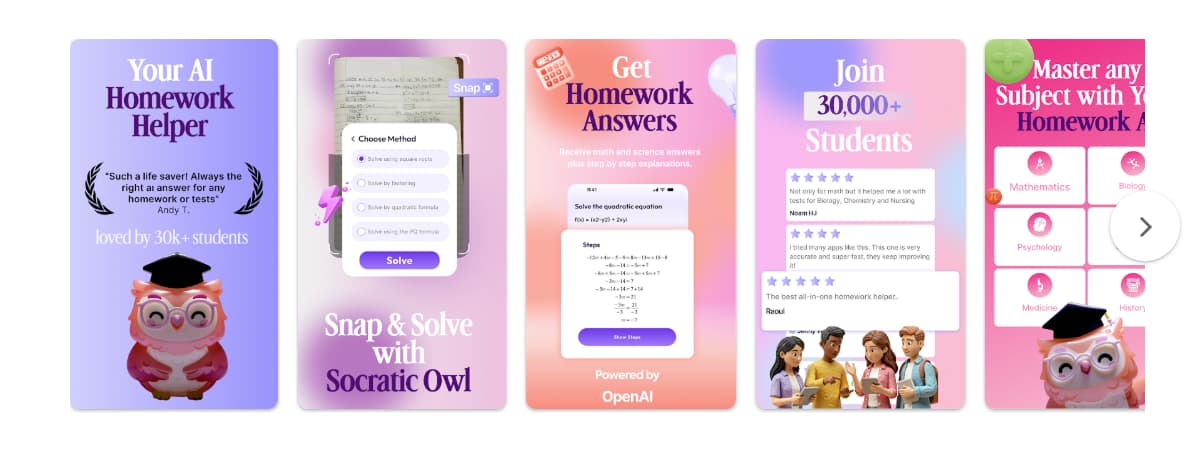
9. Socratic by Google – Best for Homework Problems
Socratic is built for answer questions quickly. You type in a problem or take a photo, and you get an explanation almost instantly. It’s not for deep study sessions. It’s for those moments when you feel stuck and need clarity before moving on.
Key Features:
- AI-powered problem-solving for a wide range of subjects.
- Visual explanations to simplify complex concepts.
- Instant feedback and solution suggestions.
- Available as a mobile app, it provides convenience for students on the go.
Best for: Students from high school and college who require quick assistance in math, science, and other subjects.
Pricing: Free.

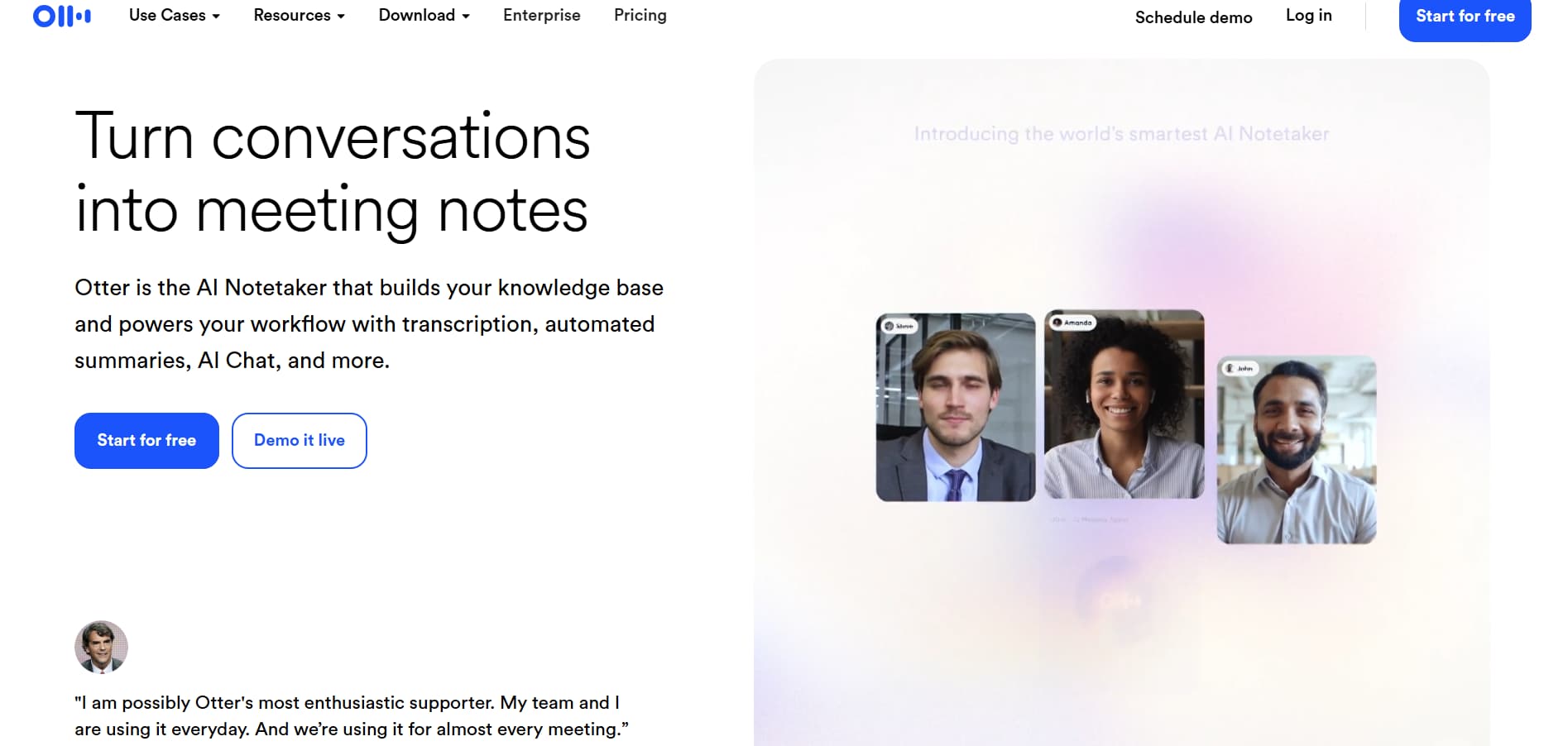
10. Otter.ai – Best for Lectures and Notes Transcriptions
Otter.ai works in real-time and is able to transcribe any lectures, seminars or group meetings. Furthermore, it is able to generate summaries from the transcripts, which can be accessed at any time later. The device is extremely helpful when you are in a situation whereby you cannot help but take notes and yet you still need to listen.
Key Features:
- Transcriptions can be done in real-time for lectures, meetings, and conversations.
- AI-generated summaries for quick review.
- Collaboration becomes easy and smooth with the help of Google Workspace and other tools.
Best for: Students who want to record lectures and meetings so that they can take notes later and revise.
Pricing: Free version available; premium starts at $8.33/month.

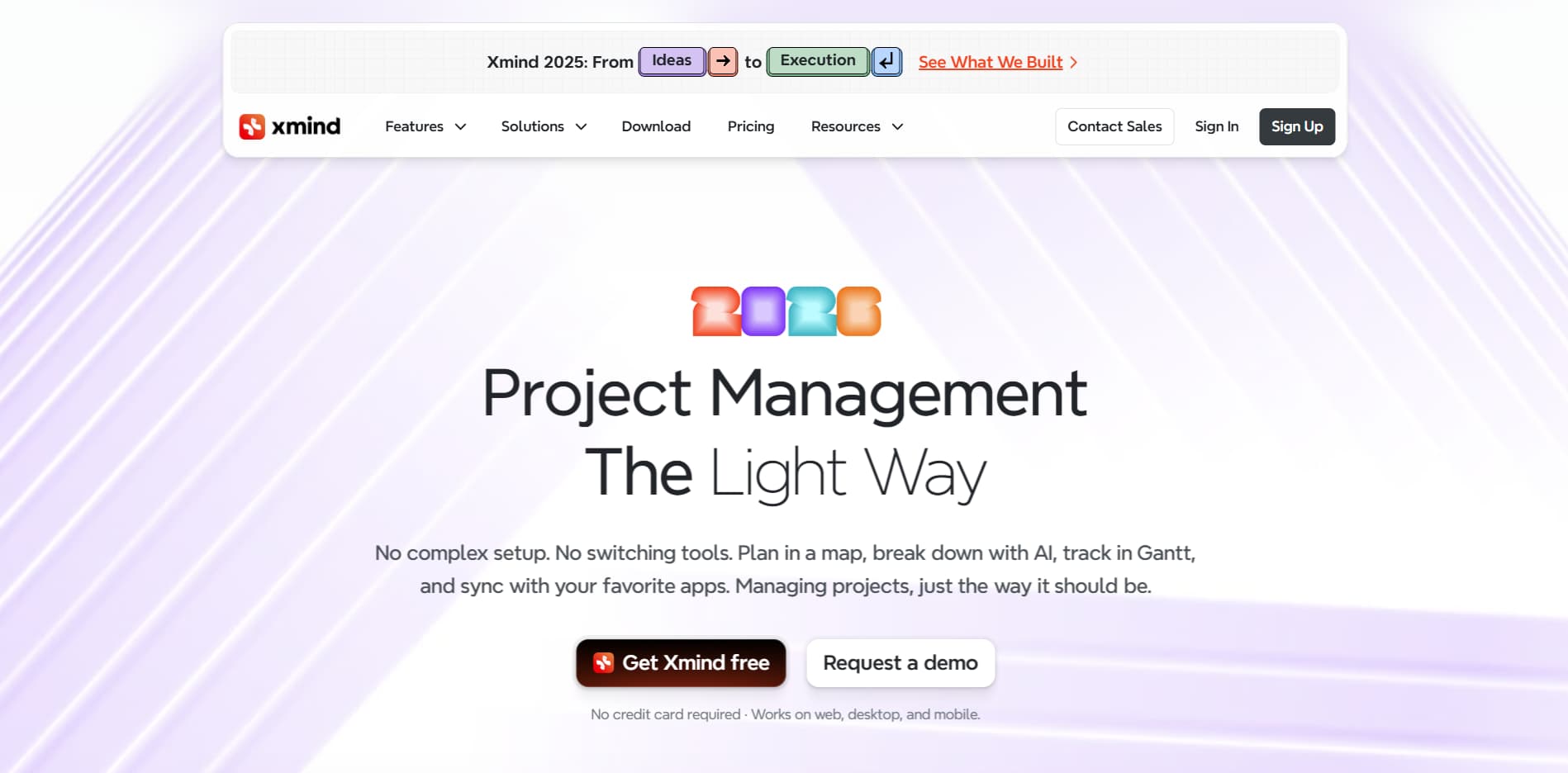
11. XMind – Best for Mind Mapping and Brainstorming
Some ideas don’t fit in lists. XMind gives them room. It helps map connections, plan essays, and structure projects visually. Great for early stages, when thoughts feel messy and need order.
Key Features:
- AI-generated mind maps based on keywords or prompts.
- Customizable templates for organizing ideas.
- Collaboration features for group projects and brainstorming sessions.
Best for: Students working on research projects, creative writing, or brainstorming ideas for essays.
Pricing: Free version available; premium starts at $39.99/year.

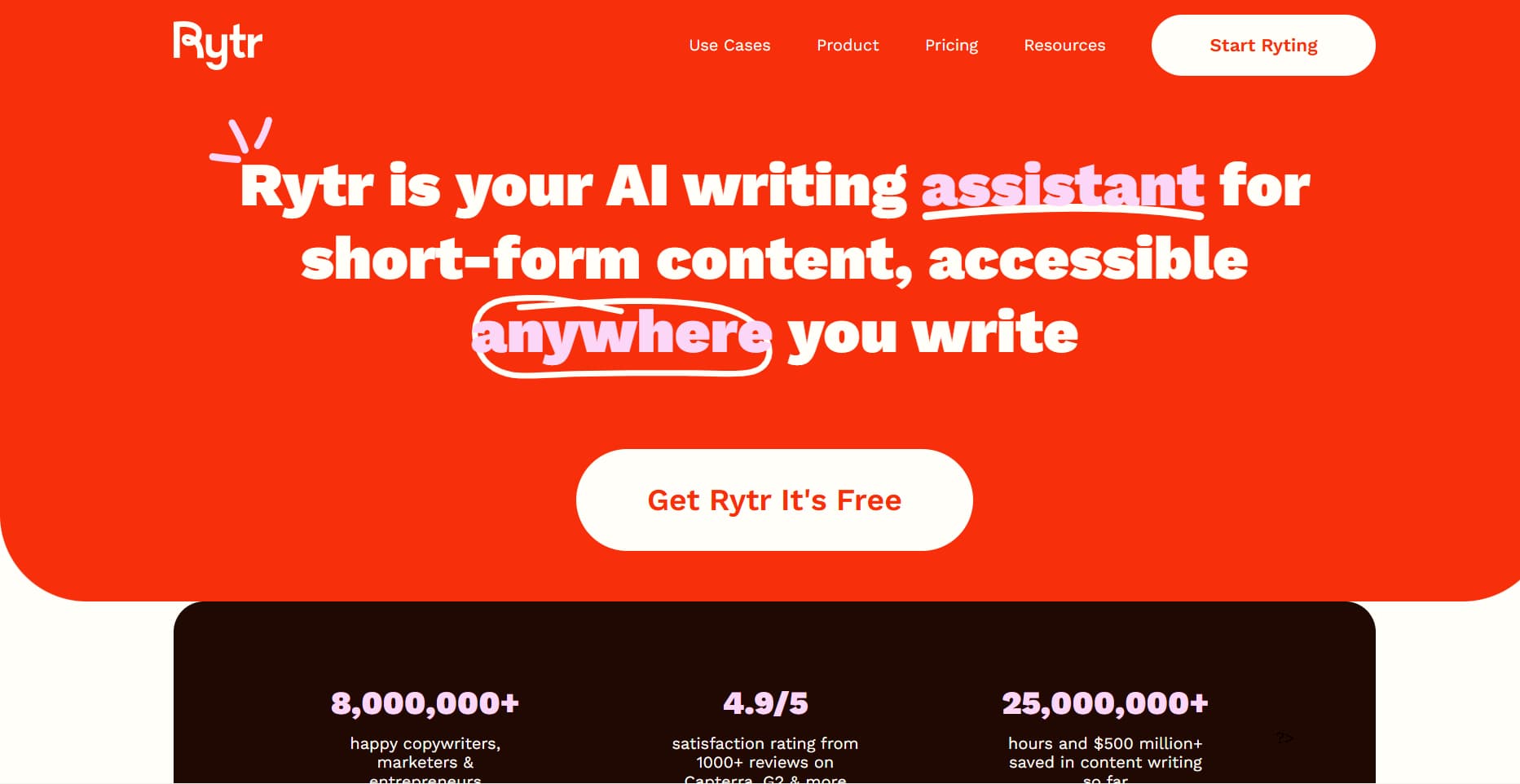
12. Rytr – Best for Quick Content Generation
Rytr is simple and fast. No complex setup. No learning curve. It is great to have when you don’t have time and you need a first draft to develop. Not flawless, but quite often it is enough to get the work going.
Key Features:
- Multiple templates for essays, blogs, and other writing repetitive tasks.
- Customizable tone and style for different academic needs.
- Instant content generation for various writing formats.
Best for: Learners needing instant writing drafts or a bit of assistance with their tasks when time is too short to write on their own.
Pricing: There is a free version of the service, and the premium version starts at $7.50 per month.

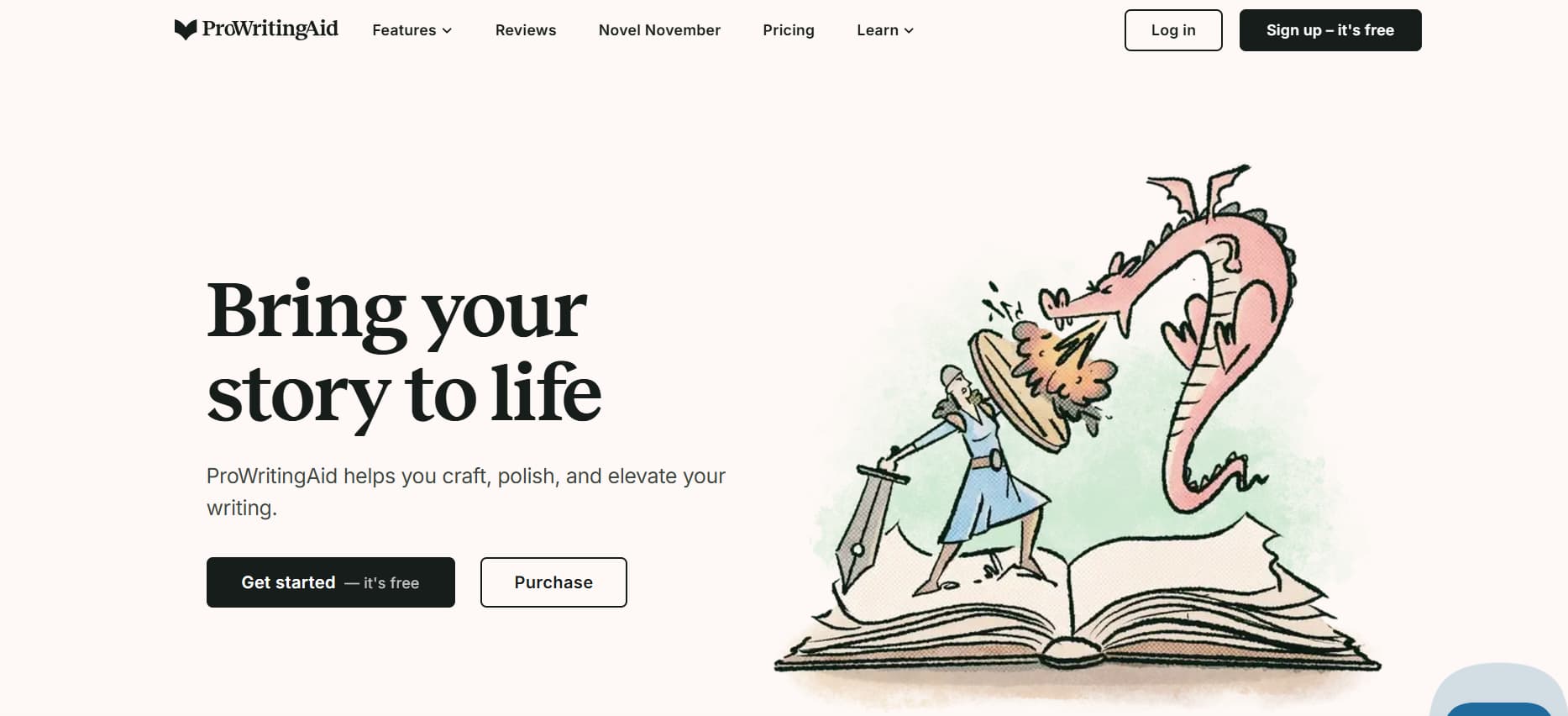
13. ProWritingAid – Best for Advanced Writing Analytics
ProWritingAid goes beyond grammar. It looks at structure, rhythm, and readability. It’s especially useful for long texts, where small issues add up. The feedback feels detailed, sometimes demanding but helpful if you want to improve over time.
Key Features:
- Detailed writing reports with emphasis on grammar, style, and readability.
- Help in restructuring sentences and making the text more fluent.
- Plagiarism detector for the maintenance of the academic integrity.
Best for: Students writing long-form essays, research papers, or dissertations.
Pricing: Free version available; premium starts at $20/month.

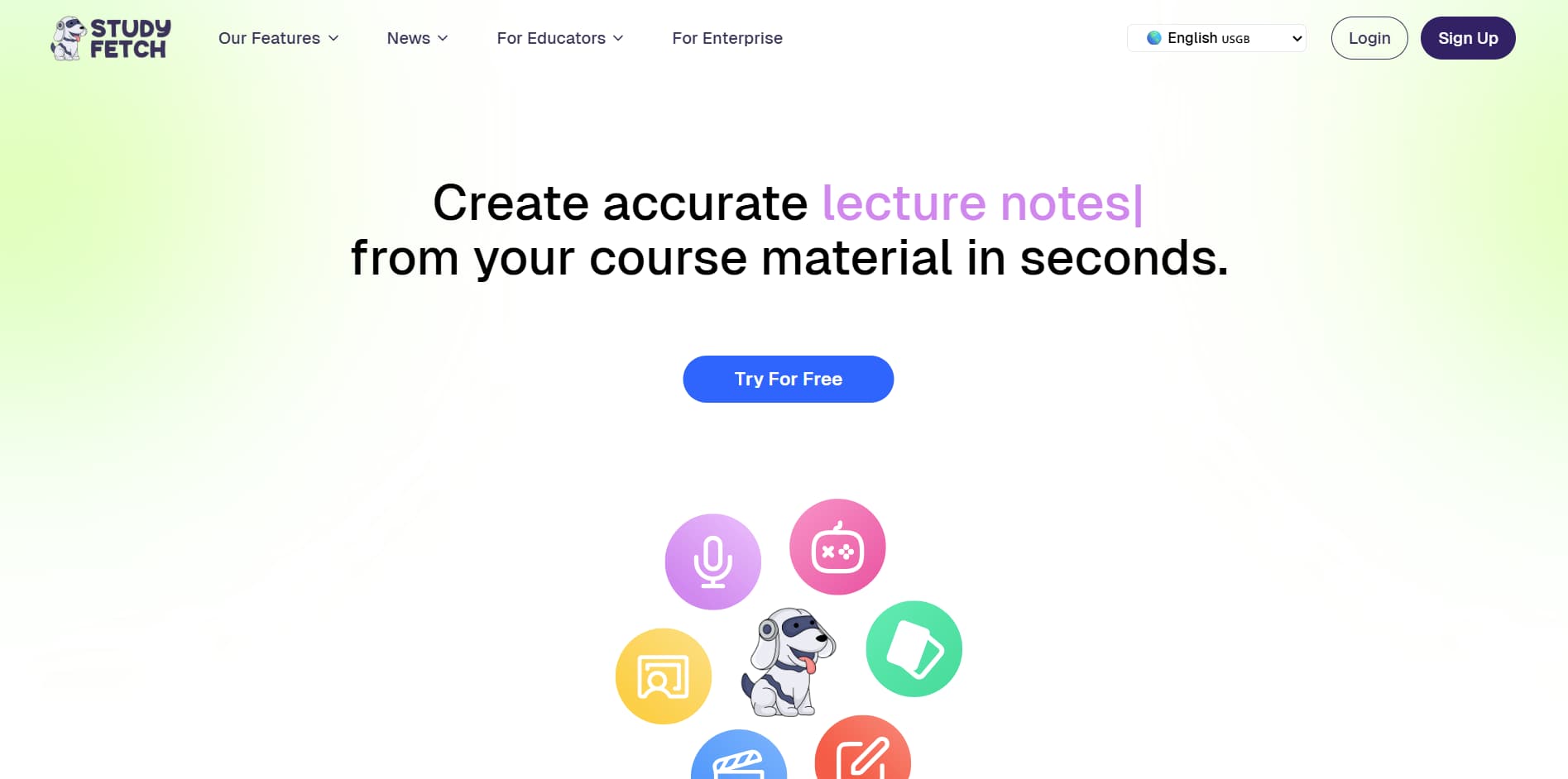
14. StudyFetch – Best for AI-Powered Study Sets and Revision Tools
StudyFetch is an AI-powered platform that transforms your study materials such as PowerPoints, notes, lessons, and guides into active learning tools like flashcards, quizzes, and tests. It also provides an AI tutor that answers questions based on the uploaded material, making it perfect for high school students who want to revise quickly and more efficiently.
Key Features:
- Converts notes, audio files, lessons, and course materials into flashcards, quizzes, and tests.
- Access to an AI tutor that answers questions based on the uploaded materials.
- Generates personalized summaries to help with focused revision.
- Tools for creating study plans and tracking progress.
Best for: High school students who want to quickly create study materials or need extra help with understanding their notes and lessons.
Pricing: Free basic plan available with essential features. Premium starts at $9.95/year for additional features like bibliography management.

15. Hemingway Editor – Best for Clarity and Readability
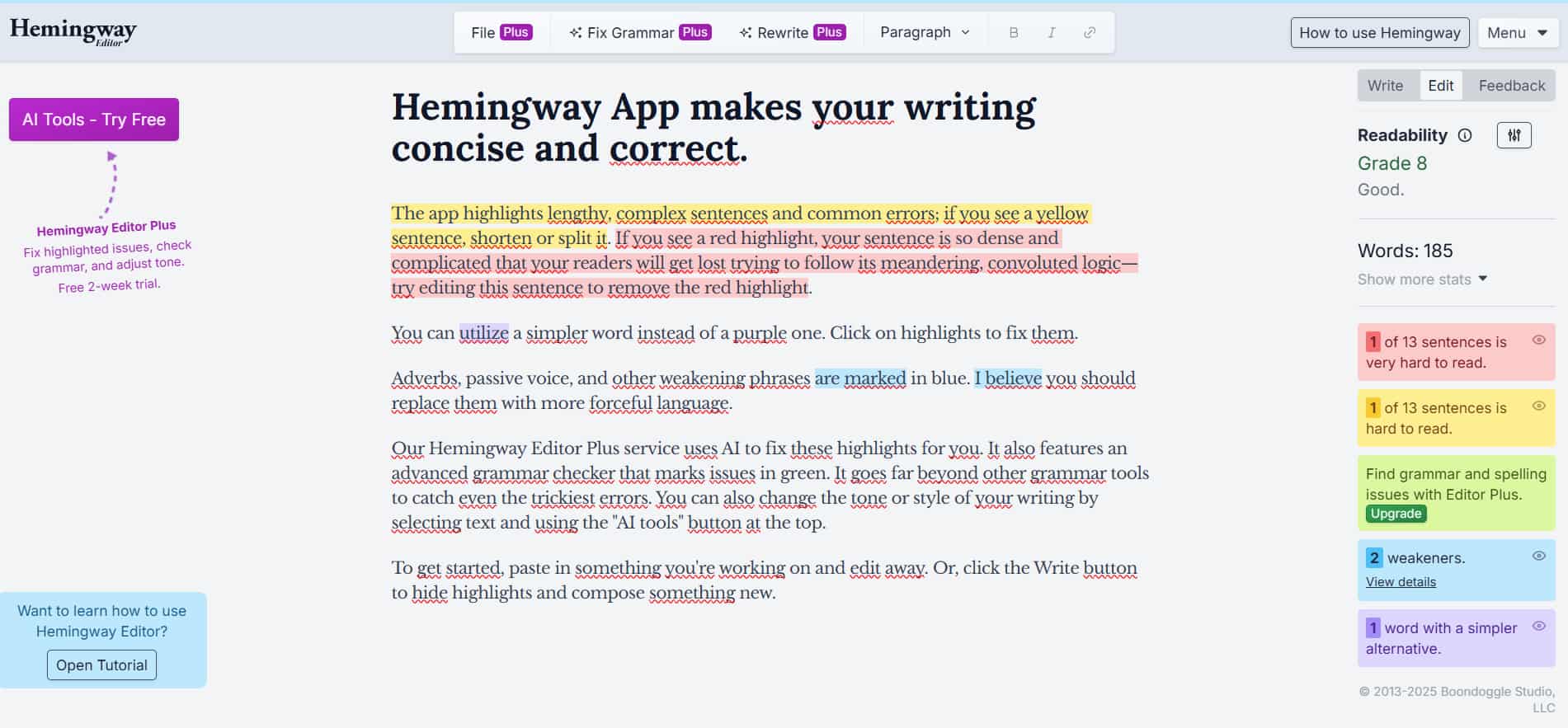
Hemingway Editor is a writing tool that makes the student’s content more clear and readable. The tool singles out complicated sentences and structures, passive voice, and unnecessary words so that your writing comes out more concise and direct.
Key Features:
- Analysis of sentence structures to enhance the text’s clarity and flow.
- Readability score, which determines the level of text difficulty.
- Suggestions to make the difficult sentences more understandable.
Best for: Students who desire to make their academic writing more clear and concise.
Pricing: Free online version; premium desktop app costs $19.99 (one-time fee).

How to Use AI Tools for Studying and Homework
AI tools have the ability to speed up your study sessions and take some of the pressure off, but that is only true if you employ them wisely. It is definitely not necessary to have ten different apps running simultaneously. The main thing is to understand where you need help and then select the appropriate tool to accomplish that.
Here’s a simple way to fit AI tools into your study routine without turning it into a mess.
Start from Your Real Needs
Before downloading anything, ask yourself where you actually struggle.
- Homework and problem-solving: If math or science assignments slow you down, look for the best AI for math to help break down the steps and simplify the process, not just provide the answers.
- Writing and essays: For grammar, clarity, and structure, Grammarly is often enough. If you need help getting started or organizing ideas, Jasper AI can speed up the drafting phase.
- Notes and organization: If your notes are scattered everywhere, Notion AI helps keep everything in one place, while Otter.ai is useful for transcribing lectures and discussions.
Match One Tool to One Task
You don’t need a tool for everything. A simple setup works best:
- Math & science: Wolfram Alpha, Socratic
- Writing: Grammarly, Jasper AI
- Notes & planning: Notion AI, Otter.ai
Using fewer tools but using them well is usually more effective than juggling too many at once. You can also have realistic conversations with AI chatbots like Google Gemini and ask them to guide you in the workflow.
Conclusion
AI tools have slowly become part of how many students actually study, not just how they plan to. Some use them to check homework, others to organise notes or get unstuck when a topic stops making sense. The result is often less time lost staring at a problem and more time spent figuring out what matters.
The tools covered here serve different purposes. Some help with writing, others with math or general organisation, and a few work across several tasks. Together, these 15 options can support students at very different stages, from high school to university, without forcing everyone into the same study method.
Using AI during study sessions does not mean doing less work. In most cases, it helps students focus their effort better. Tasks feel more manageable, complex subjects less overwhelming. When chosen with care, the right tool can make studying feel less scattered and more intentional.
Latest Articles
If you have ever tried to make an impactful PowerPoint presentation, you know it is not an easy task. There...
Many students say math is the subject they fear the most. Not because they never understood numbers, but because at...