
One simple course is sufficient to save your GPA and leisure time, which you can then utilize for a heavy...
Best AI Chatbots This Year
In 2026, AI chatbots like Edubrain have become indispensable for work and learning, providing quick answers, drafting text, analyzing data, and supporting customers. Choosing the “best” AI chatbot for everyone is no longer the primary concern; users now select tools that suit specific purposes, such as general assistants, research engines, workplace suites, social companions, or education-focused products.
This shift reflects the rapid progress in AI models and growing expectations for privacy, especially when chats and files contain sensitive data. This guide highlights the strengths, limitations, and pricing of the top AI chatbots, with a glance at free options as well.
Table of Content
ToggleKey Market Context
The chatbot economy is basically the main engine behind the momentum that we can see now. According to Grand View Research, the global chatbot market is valued at $7.76B in 2024 with a forecast of $27.29B by 2030, and the CAGR is close to 23.3%. The Conversational Artificial Intelligence market, as per Fortune Business Insights, is a bit larger and is valued at $12.24 in 2024 with a projection of $61.69 by 2032. These numbers are the reasons why many AI chatbot platforms nowadays are coupling natural language processing with such things as image generation, voice, and workflow tools.
However, scale has a different perspective. AI chat has transitioned from being a novelty to a regular feature, as evidenced by the claim that ChatGPT reached ~800 million weekly active users in 2025. An initial strong free plan is usually the main reason for the first trials; however, the right AI chatbot for you will be determined by the tasks, privacy controls for customer data, and compatibility with fast-evolving AI models.
How We Selected the Best AI Chatbots
We used the same benchmarks that leading roundups apply, then added a stricter lens for daily use.
- Core model quality: Reasoning, accuracy, and tone control were mainly prioritised, as these core features essentially determine how a bot can handle complex tasks and be compatible with custom instructions.
- Multi-modal inputs: We preferred tools that can accept text, images, and voice, along with strong image generation capabilities, where available, without requiring users to switch to other models for basic needs.
- Search & citations: We rated the bots based on how clearly each bot supports sources and how well it builds in-depth reports for research and study.
- Ecosystem fit: We identified workspace integration with Google, Microsoft, and major social platforms, and additionally, whether a single interface can seamlessly fit into an existing workflow.
- Automation potential: We assigned a higher weight to safe and efficient workflow automation that reduces repetitive steps while avoiding added complexity.
- Price-to-value: We compared free tiers against paid upgrades and also noted when the maximum plan offers significant advantages for power users.
Best AI Chat Bots
This table provides a snapshot of the top choices, so those interested can quickly identify the strengths, best use cases, and plan types with no need to explore the full tool reviews.
| Chatbot | Standout strength | Best for | Key limitation | Free tier? |
Paid plans
|
| ChatGPT | Versatile all-round performance | Writing, coding, study, creative work | Quality and features vary by tier and mode | Yes |
Plus / Team / Enterprise
|
| Claude | Strong long-form clarity and structured reasoning | Drafting, summarising, analysis-heavy work | Fewer ecosystem-native hooks than office suites | Yes |
Pro / Team / Enterprise
|
| Google Gemini | Tight Google ecosystem fit | Docs/Gmail/Drive-supported tasks | Best experience often depends on Google stack | Yes |
Advanced / Workspace tiers
|
| Edubrain AI | Education-first image-to-answer flow | Homework help from photos | Narrower scope than general assistants | Yes |
Premium / Edu tiers
|
| Microsoft Copilot | Deep Microsoft 365 support | Word/Excel/PowerPoint workflows | Most valuable inside Microsoft subscriptions | Yes |
Pro / Business / Enterprise
|
| Perplexity | Search-first, source-forward answers | Fast research and comparisons | Less of a pure “creative companion” feel | Yes | Pro |
| Meta AI | Social-native convenience | Casual AI chat inside Meta apps | Fewer advanced work/research controls | Yes |
(Platform-linked, if any)
|
| Poe | Multi-bot access in one place | Trying different styles quickly | Depends on third-party model availability | Yes | Premium |
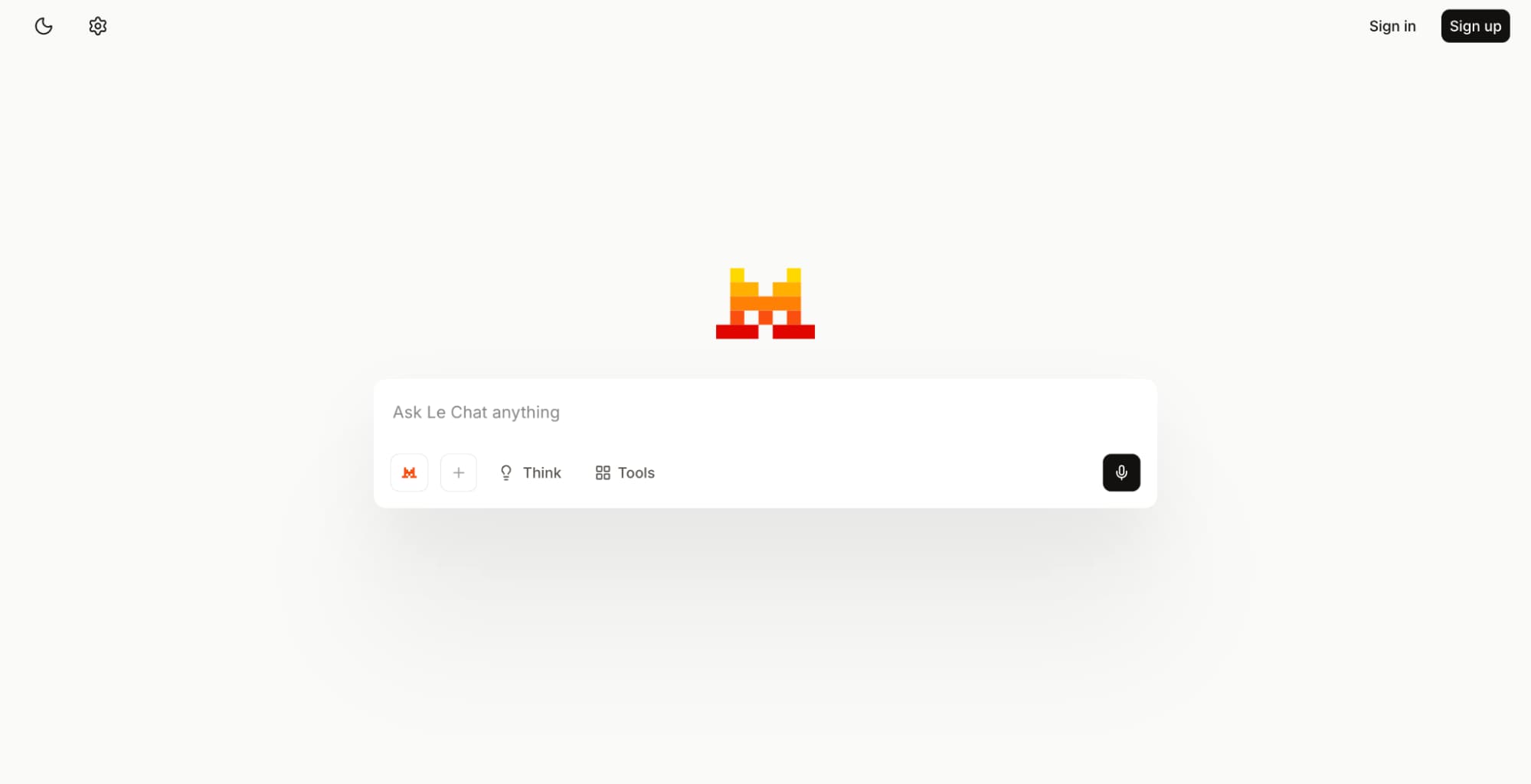
| Le Chat (Mistral) | Lightweight, fast general assistant option | Everyday Q&A and drafting | Smaller ecosystem and fewer advanced extras | Yes | Pro / Team |
| DeepSeek Chat | Strong value for technical tasks | Coding and problem-solving | Feature set can be lean versus suite tools | Yes | Pro |
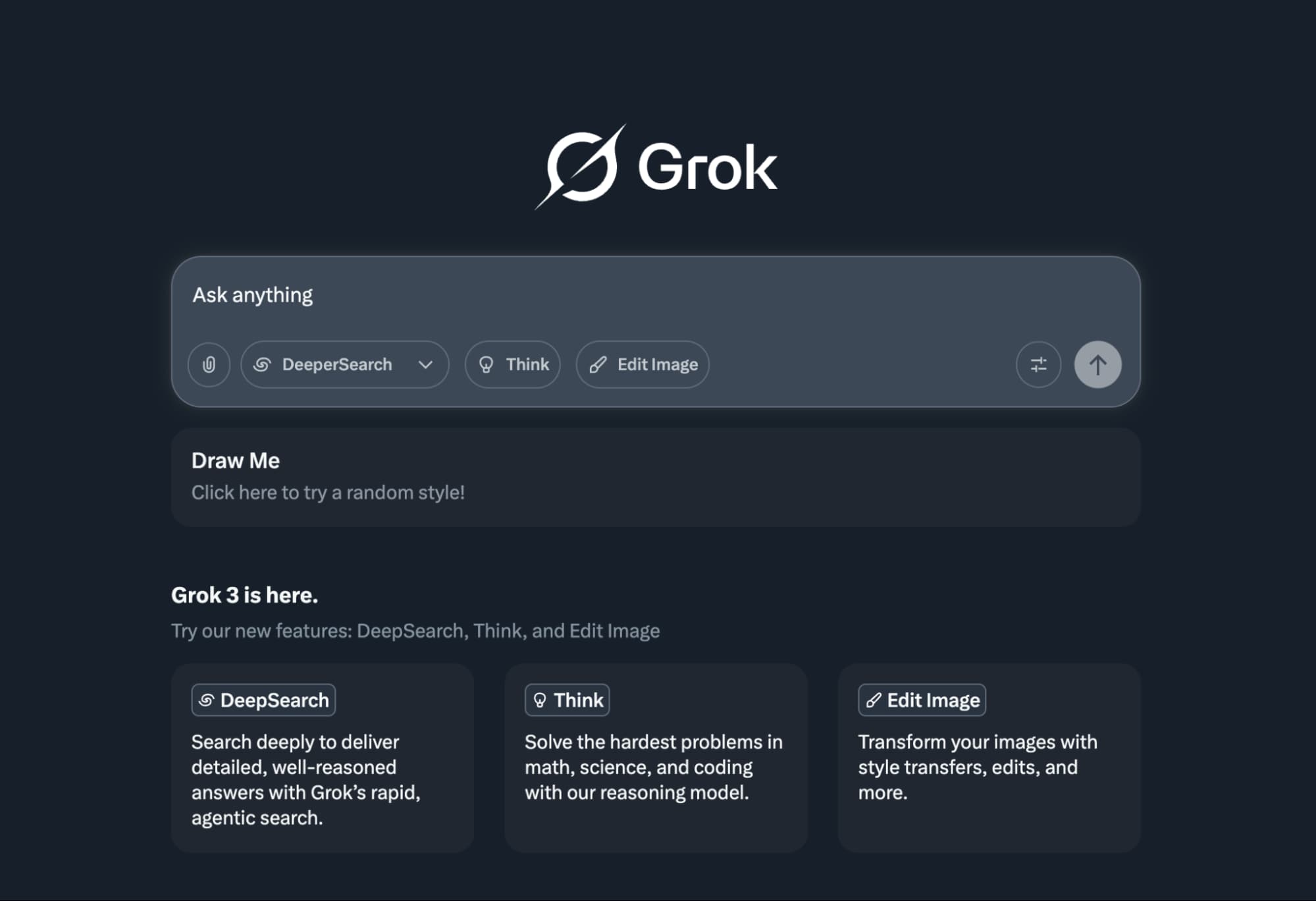
| Grok | X/Twitter-native conversational access | Trend and social-context chat | Best use case tied to one platform | Yes | X Premium tiers |
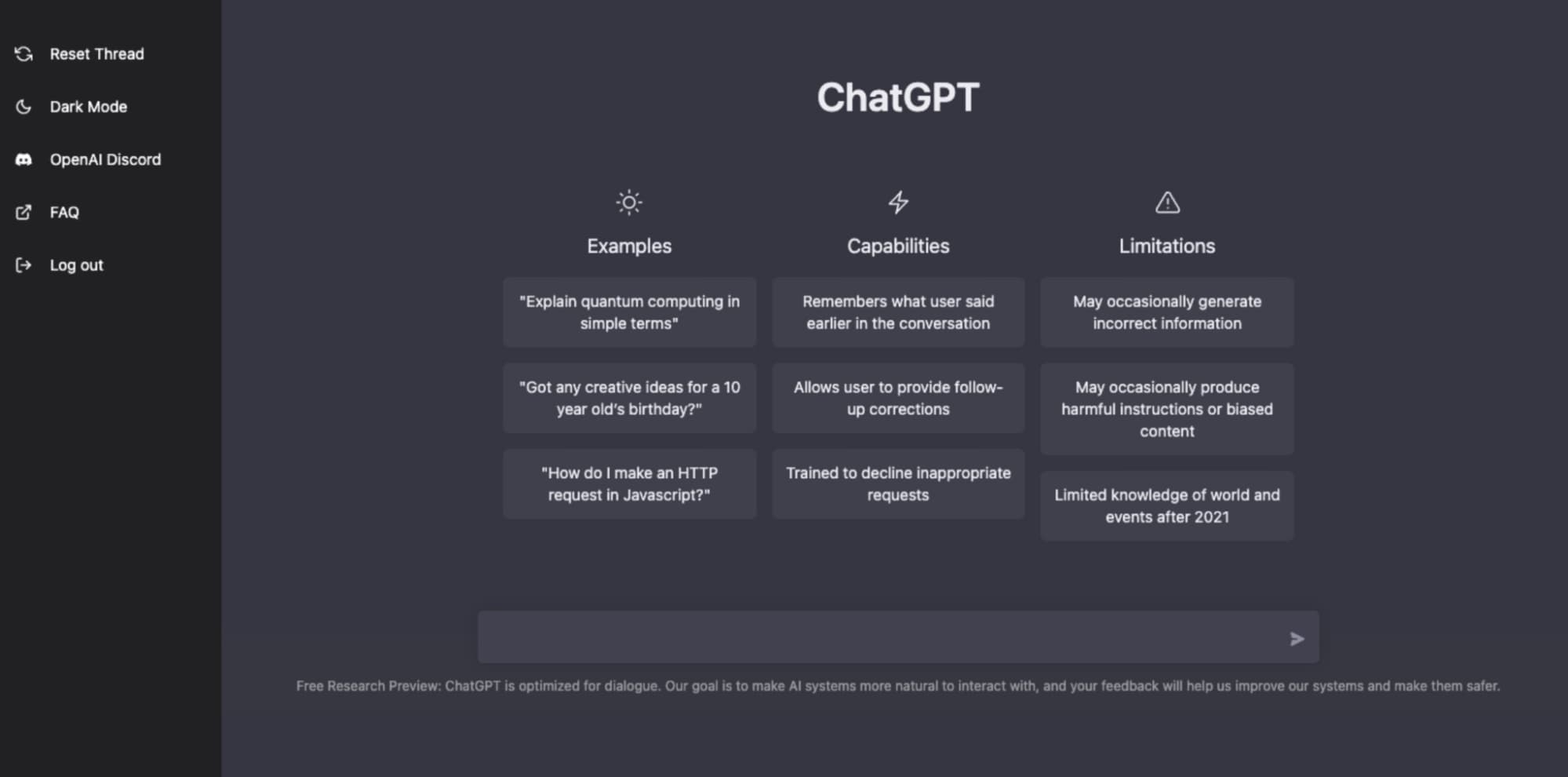
1. ChatGPT
ChatGPT is an adaptable, all-round helper that can do writing, coding, idea generation, and study work quite well in a wide range of topics. Its main features are that it gives fairly accurate answers to complicated questions and provides a seamless multi-modal experience.
Services: It is able to assist with writing and organizing thoughts, facilitate the process of file uploading for summaries or analyses if one is on a supported tier, and perform web searches for up-to-date, source-based answers. As per the restrictions of the subscription, it also allows for the creation of images and the interpretation of visuals, along with the provision of a structured approach to business plans at the initial stage.
Prices: ChatGPT offers a Free tier and several paid paths. The official pricing page lists Free ($0), Plus ($20/month) and Pro ($200/month) for individuals. For teams, ChatGPT Business replaced the older Team label in 2025, with pricing shown as $25/seat/month billed annually or $30/seat/month billed monthly, while Enterprise uses contract pricing.
Who Is It For: This is ideal for students, creators, and professionals who want one hub for daily tasks. It also pairs well with specialist tools such as AskTutor when you need a more school-first flow for specific subjects. Using both can balance quick general help with focused academic support in one routine.

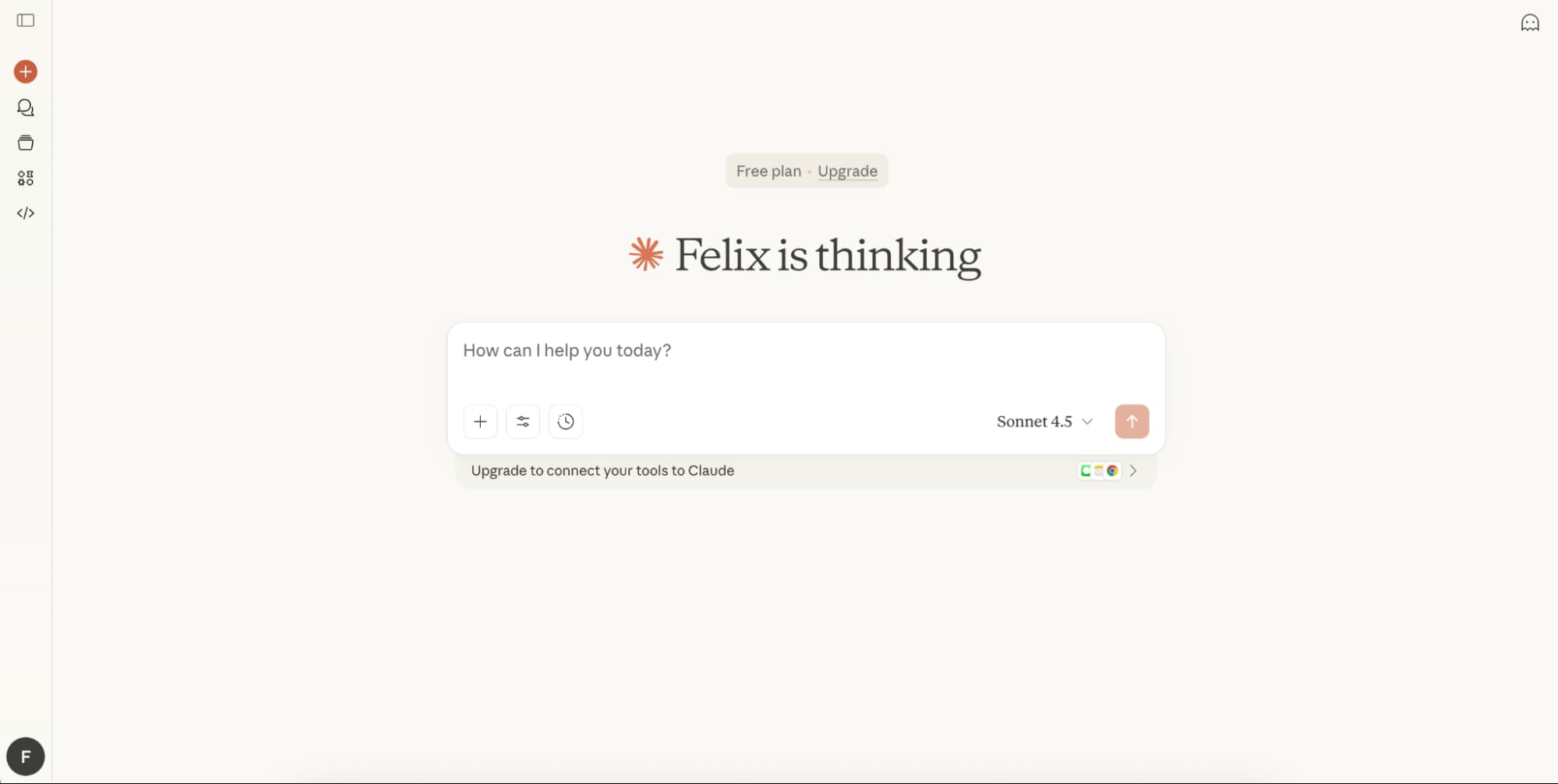
2. Claude
Claude is recognized for its meticulous long-form writing and organized thinking, emphasizing clarity and a consistent tone over longer threads. Even its free version is already one of the best free AI chatbots for essays, summaries, and initial drafting of ideas.
Services: Besides writing, it also supports summarisation and coding with the same high standard. User experience is greatly enhanced with the ability to quickly browse chat history, thus saving time when you want to follow up on projects or continue your discussion without losing context.
Prices: Anthropic lists Free, Pro, and Team, with Enterprise for larger organisations. Pro is shown at about $20/month or discounted with annual billing, while Max offers higher usage at a higher price point.
Who Is It For: Writers, researchers, and teams who value clean structure and strong advanced features for long documents.

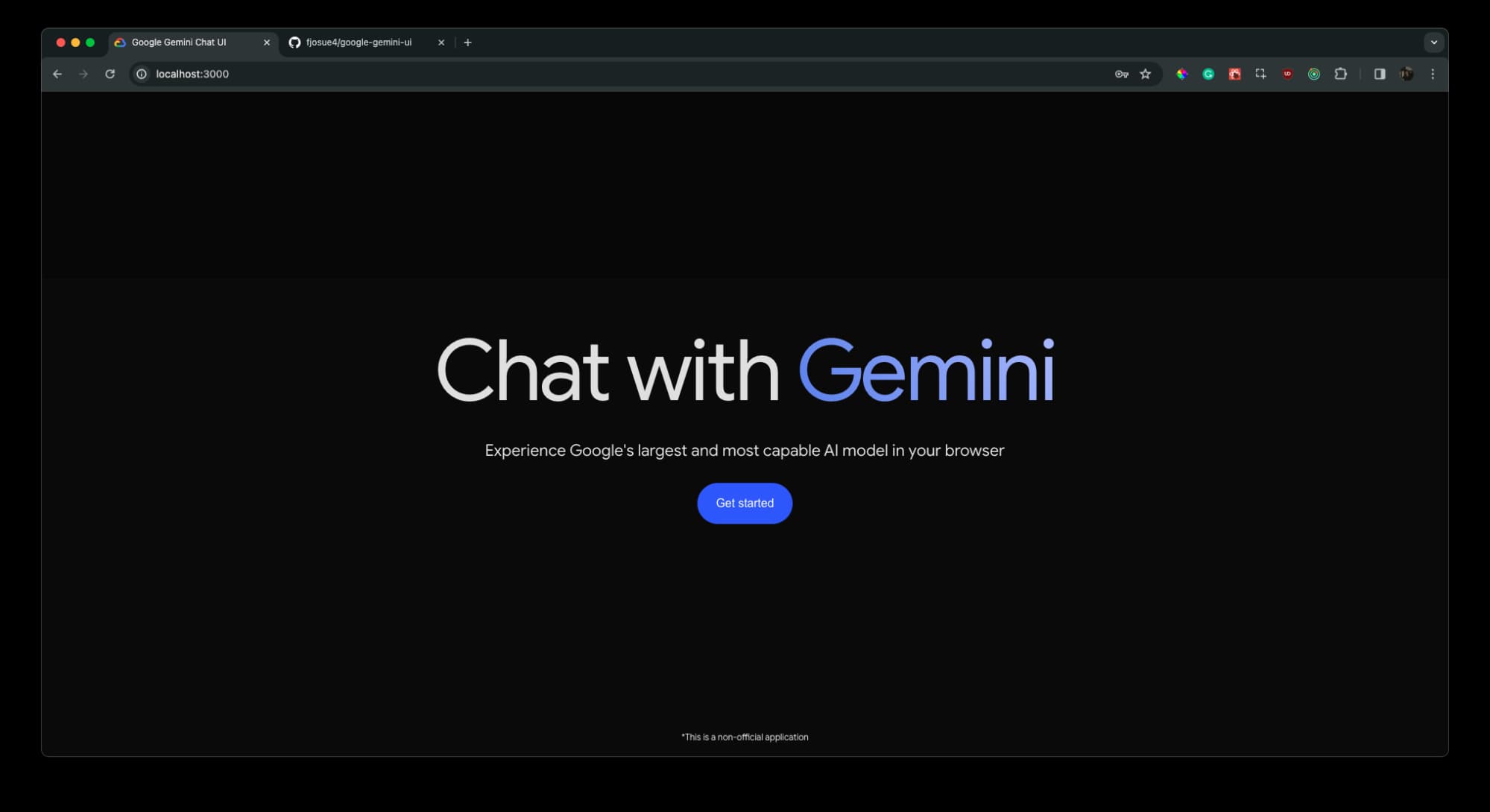
3. Google Gemini
Gemini is the most suitable for individuals who are deeply ingrained in Google apps and are looking for an assistant that is inherently native to Docs, Gmail, and Drive.
Services: It allows drafting with the help of Workspace, multimodal Q&A, and search-adjacent research. For quite a few users, real-time web search sounds like the most natural thing here because Gemini is very close to Google’s overall information ecosystem. Google is also extending the agent-style options within Workspace, which indicates that the business users are moving towards a no code interface direction.
Prices: Google lists AI subscriptions such as Google AI Pro (~$19.99/month) and Google AI Ultra (~$249.99/month) for personal accounts, with separate add-ons for Workspace customers.
Who Is It For: Students and professionals who want tight Google integration with modern advanced features.

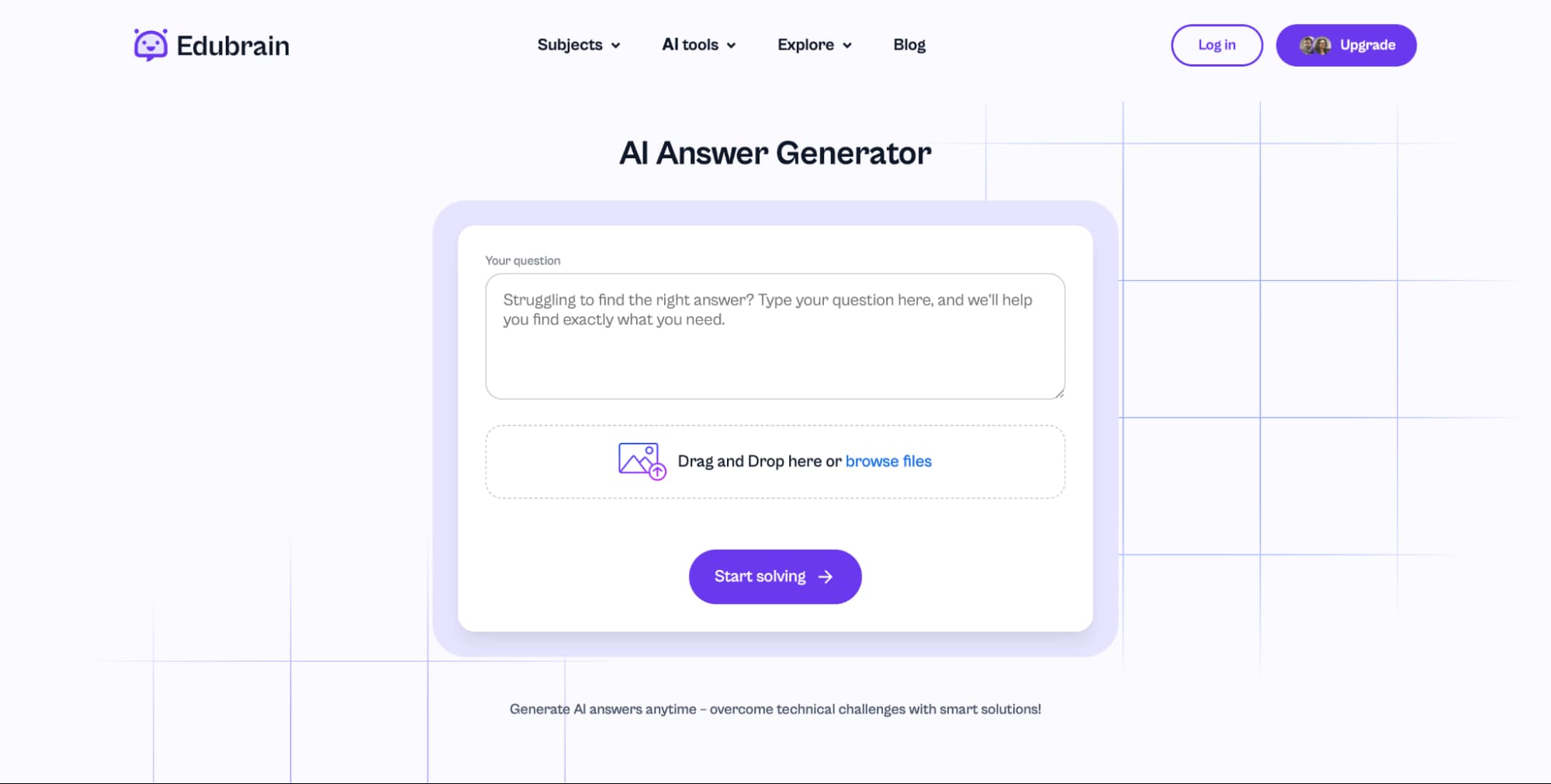
4. Edubrain AI
Edubrain is an education-first helper with a special AI Answer Generator by picture and a very clear goal: fast explanations that can be used in a real homework crisis. Among the numerous study-focused Artificial Intelligence tools available online, this tool is distinguished by its photo-led workflows, which are less interactive for visual learners.
Services: Photo-to-answer help, step-by-step guidance, and extensive subject matter with explanation-first outputs. The service is suitable for students who prefer clear conversational responses and want structured reasoning without doing manual formatting.
Prices: Edubrain lists a Free plan at $0/week and an AI-Plus plan at $3.99/week that removes ads and unlocks advanced reasoning across tools such as the answer generator, notes, flashcards, and research assistant.
Who Is It For: Students who understand best through worked examples and visual prompts, and families who want to have a choice of a low-cost access before making any upgrade.

5. Microsoft Copilot
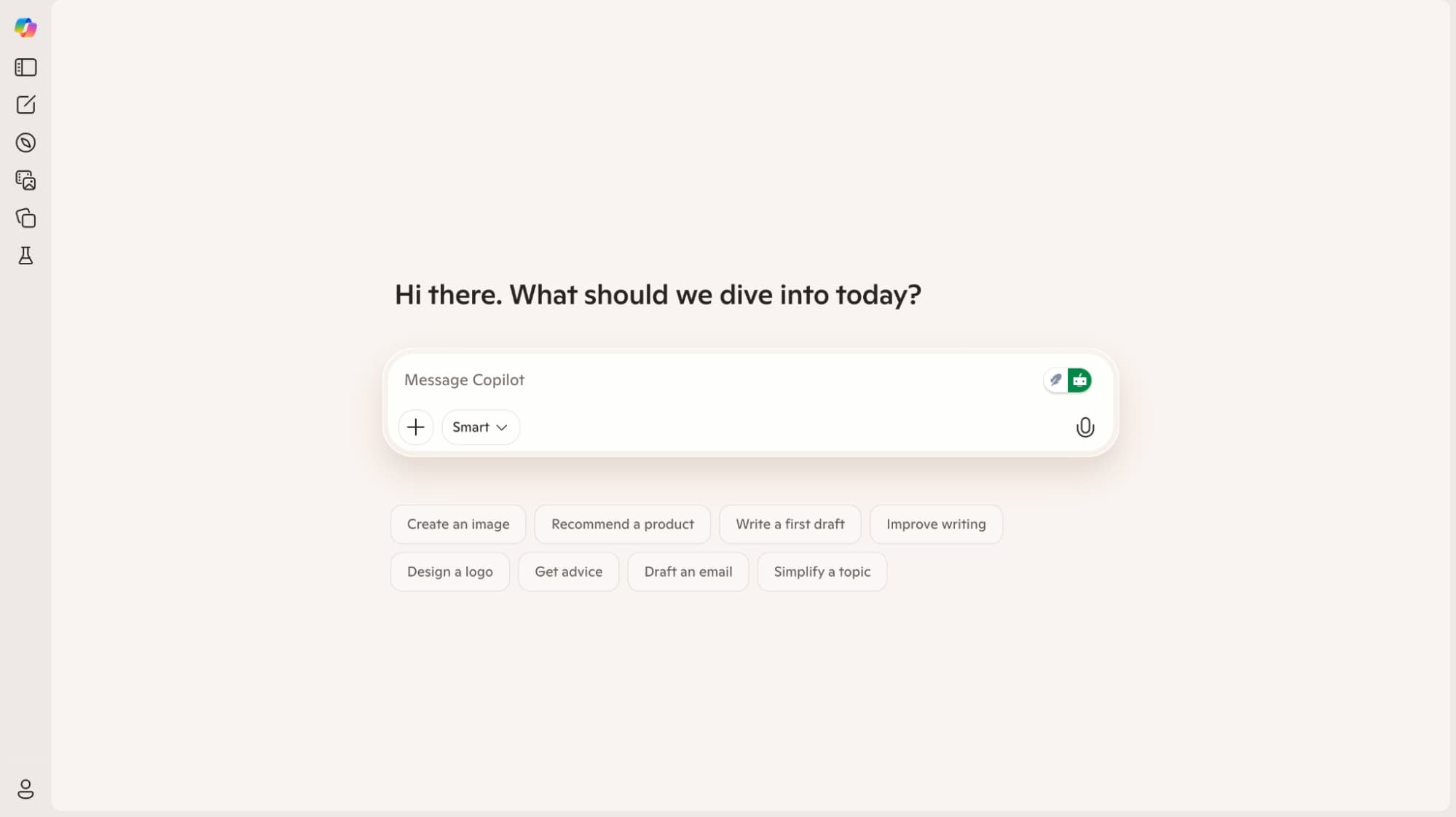
Copilot is strongest inside the Microsoft ecosystem, where it can assist with Word, Excel, PowerPoint, and Teams-heavy work.
Services: It assists with document drafting, spreadsheet analysis, presentation development, and meeting summaries. For organisations that want custom agents, Copilot Studio offers a no-code interface that extends Copilot into business-specific flows.
Prices: Microsoft lists consumer and business paths. Copilot for individuals costs around $19.99/month on personal plans, while Microsoft 365 Copilot Business is priced at around $18/user/month with annual billing, with Enterprise options also available.
Who Is It For: Office teams and corporate users who want AI embedded in daily tools and dependable upgrades beyond the free version.

6. Perplexity
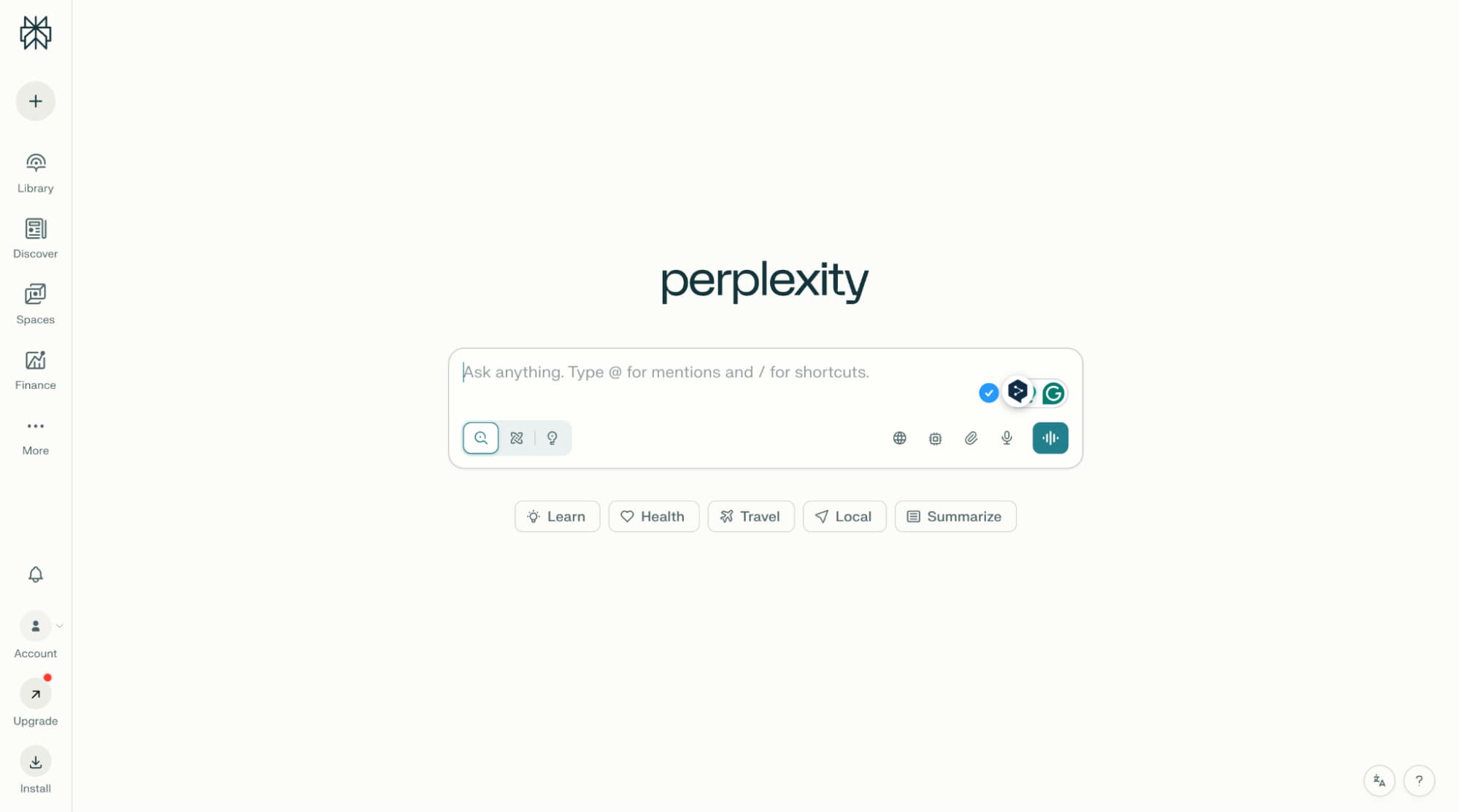
Perplexity is a search-first virtual assistant built for fast, citation-forward answers. It feels closer to a smart research layer than a classic chatbot, as it often begins where Google search ends and turns scattered results into a straightforward narrative on a single web page. The primary benefits stem from speed, clean sourcing, and a focused experience within a single chat window.
Services: It supports web-backed research, source-led summaries, and structured follow-up exploration that responds well to precise user input. Instead of long creative detours, Perplexity helps you trace claims, compare viewpoints, and refine a question until the evidence holds together.
Prices: Perplexity lists Standard (Free) and Perplexity Pro at $20/month or $200/year. Its help centre also notes Education Pro with one month free for first-time subscribers, then $4.99/month with verification. Enterprise tiers sit above these for organisations.
Who Is It For: Students and professionals who prioritise research speed, transparent sources, and a compact tool that keeps reading and verification in the same flow.

7. Meta AI
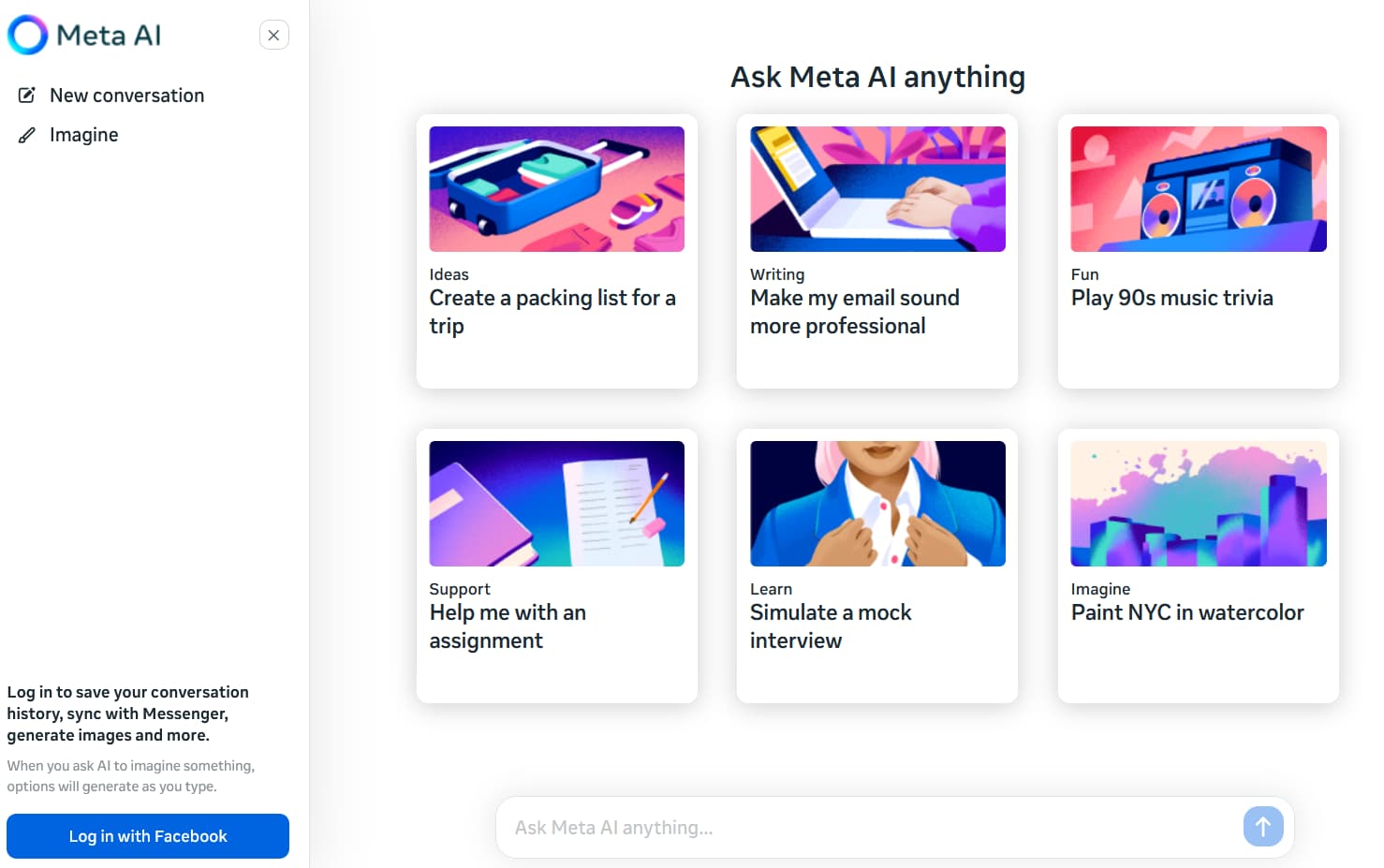
Thanks to being integrated into the biggest social media platforms, one can say that Meta AI is practically everywhere, and this is what distinguishes it from the others. The user is drawn into a friendly, human-like conversation, making it a very efficient and light assistant for everyday planning, quick explanations, and generating ideas for social content.
Services: It is a great tool for casual Q&A, simple drafting, and quick idea generation within the normal chatting or messaging spaces. If used by brands or creators, this can be a great way to improve customer interaction through AI-shaped replies, outlines, or content angles. A voice mode, in some cases, can add that extra convenience of being hands-free; thus, it can be a great way to support teams that handles short, repeated questions at a fast pace.
Prices: For consumers, Meta AI is presented as a free service ($0) within applications like Facebook, Instagram, WhatsApp, and Messenger. Additionally, Meta has indicated that it intends to experiment with paid subscription models, providing more advanced experiences.
Who Is It For: Everyday users who want a simple assistant where they already chat, plus small teams that value quick responses across social channels and broad multilingual support.

8. Poe
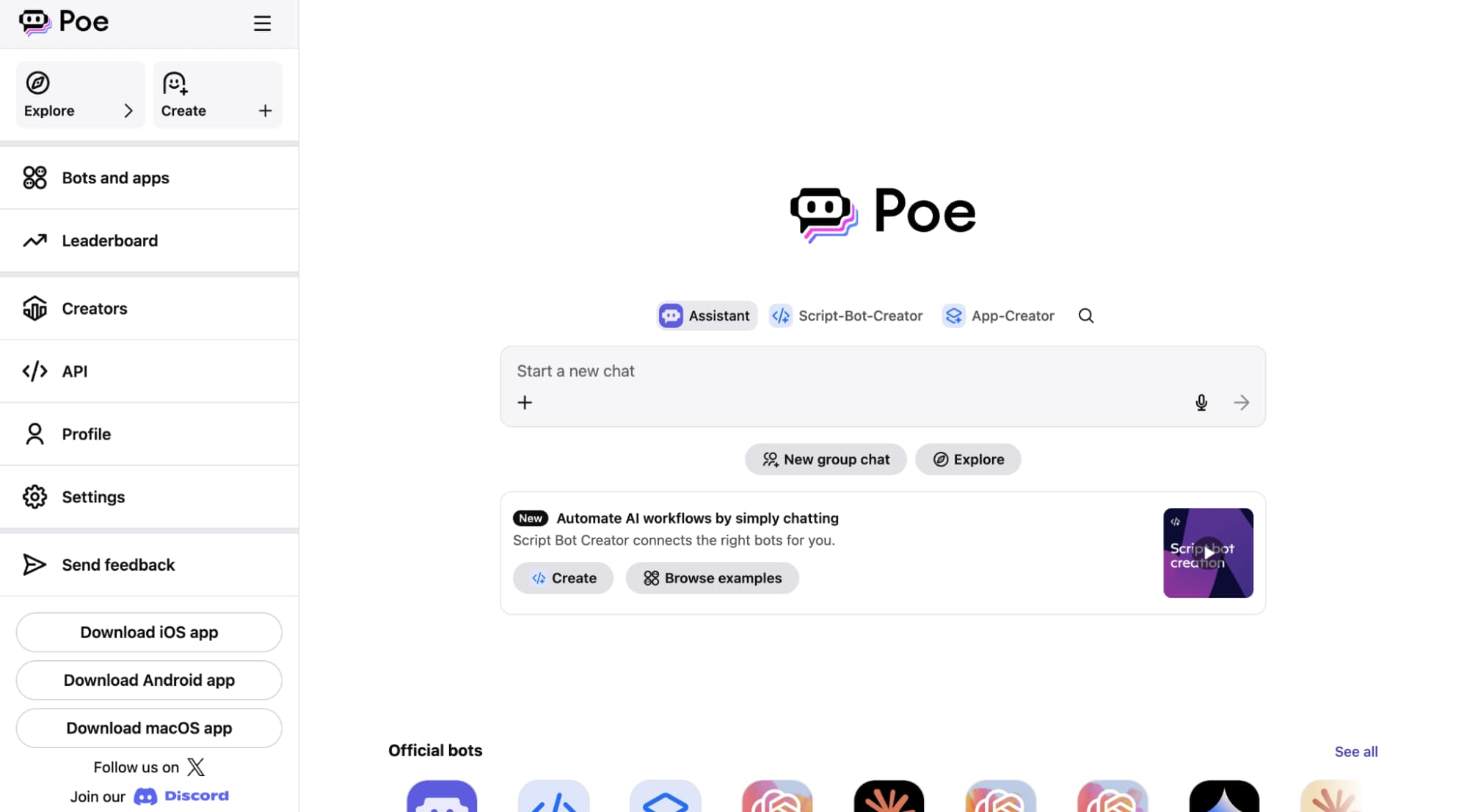
Poe works as a multi-model hub, allowing users to switch styles and capabilities while maintaining one consistent experience. It reduces the effort of switching between apps and also minimizes the risk of losing context, as most options are available within a single chat window. With this layout, you can test different tones, depth of reasoning, and creativity without having to create your prompt from the beginning.
Services: Poe provides access to several models along with the ability to support custom bots that can represent specific tasks or the brand voice. People frequently use it as a sandbox for business tool workflows, especially when they desire a single place to compare outputs before finalizing a draft in Google Apps. You could outline a summary, then a different model might help you to refine it. After that, you can simply use Docs to paste a neat version or turn well-organized notes into tables, quickly opening Google Sheets.
Prices: Poe includes a Free option. The mainstream consumer subscription is commonly listed at $19.99/month or $199.99/year.
Who Is It For: Power users who enjoy comparing models quickly, and teams who want a practical testing space before standardising on a long-term assistant for work, study, or content.
9. Le Chat (Mistral)
Chat is a lightweight European alternative with a growing consumer base and a clear emphasis on utilizing artificial intelligence in a practical way for daily tasks. It is designed to provide conversational responses quickly, in a calm manner, and the interaction feels modern, making it suitable for both casual users and power users.
Services: Le Chat offers general chat, summarisation, and coding assistance of a high standard. The platform also mentions additional features, such as voice mode, image generation, document upload, and a deep research preview with higher limits for paid tiers. Additionally, it features a built-in customer support knowledge base, which is crucial for teams seeking consistent guidance and clear internal key points during the rollout.
Prices: Mistral lists Free, Pro at $14.99/month, Team at $24.99/user/month, and Enterprise (custom pricing). The pricing page also shows student access for Pro in some regions.
Who Is It For: Users who want a strong general assistant outside the biggest US platforms, plus organisations that want options designed to protect company data.

10. DeepSeek Chat
DeepSeek Chat has been a major winner in a number of comparison tests where it is often singled out for its superior reasoning and coding abilities. The company describes its product as a quick and efficient AI assistant that is able to alternate between a simple chat and a more complex reasoning mode.
Services: DeepSeek has various features such as chat history sync across platforms, web search, file upload, and a “Deep-Think” option for more organized problem-solving. All these features enhance context awareness, and therefore, they can continue their conversations with one thread without the need to start over.
Prices: The app is presented as free to use. For developers, the API uses usage-based pricing; the docs list deepseek-chat at $0.028 per 1M input tokens (cache hit), $0.28 per 1M input tokens (cache miss), and $0.42 per 1M output tokens.
Who Is It For: Developers and cost-conscious users who want strong logic and coding performance without a steep subscription barrier.

11. Grok
Grok is a kind of technology that can be most efficiently utilized inside X for conversations that are loosely in real-time and are related to what people post and debate. Basically, it is a tool that is very helpful for quick reactions, providing some background to the news, and giving a brief summary of the trends that are going on in the same feed.
Services: Trend commentary, social-focused Q&A, and short synthesis that reflects fast-moving public conversation. This manner of working can be of great assistance to creators as well as community managers in getting the main points out of the daily noise and still staying in the timeline.
Prices: Access links to X subscriptions: Basic starts at $3/month or $32/year, Premium at $8/month or $84/year, and Premium+ at $40/month or $395/year on web, with local pricing variations.
Who Is It For: Users who want AI embedded in X and who value quick cultural context more than long-form deep research.

How to Choose the Right Chatbot: 3 Simple Paths
Without overthinking it, you can find the best AI chatbot fit in 2026 by just using these three quick checks.
- Purpose first (all-rounder).
If you are willing to have a single tool for your everyday writing, coding, and planning activities, then opting for ChatGPT or Claude would be the right decision. Users who prefer a more cautious tone may find Claude’s constitutional AI approach more suitable. - Ecosystem next (where you work).
In case you spend most of your day in Google apps, then Gemini would be the right choice for you. On the other hand, if you are heavily dependent on Microsoft 365, then Copilot would be the one to offer you the same chat interface across documents and meetings, but in a more natural way. - Task style last (specialist).
Perplexity is the leader when it comes to providing sourced answers. Meta AI or Grok are the best for quick social media posts. If you have a photo-based homework, Edubrain can be better than many free AI chatbots. This is how AI chatbots work best: having a clear purpose, being on a strong platform, and then having the right level of premium features.
Conclusion
No single best AI chatbot is for every person. The right choice varies depending on the context: general everyday tasks, in-depth research, an office suite, casual conversation, or study assistance. As AI models continue to improve and new premium features are launched, the ranking of AI chatbots can change more rapidly than that of older software categories.
Free AI chatbots should be seen as a means to test the tone, speed, and chat interface before you decide to go for a paid tier. It is a good practice to review features and prices periodically, especially if you rely on work integrations.
Latest Articles
Teachers face constant pressure across lesson plans, assessments, differentiation, parent messages, and admin tasks. Smart AI tools can cut routine...
In 2026, AI chatbots like Edubrain have become indispensable for work and learning, providing quick answers, drafting text, analyzing data,...