Artificial intelligence is no longer a novelty for students. It’s part of their routine. It shows up when an essay...

Best AI Tools for PowerPoint Presentations
If you have ever tried to make an impactful PowerPoint presentation, you know it is not an easy task. There are business presentations that can be done for school activities and conference events, all geared toward making a clear, engaging, and professional slide deck. Thanks to advances in AI presentation tools, this process is now made incredibly simple.
These AI presentation generators help you not only to create stunning presentations but also to craft the entire presentation story that keeps your audience engaged from start to finish. From content generation to design suggestions, these tools make sure that the slides are free from errors and well-structured.
Table of Content
ToggleBest Tools for AI PowerPoint Presentations
This article discusses some of the best AI for PowerPoint presentations. Every tool has its unique features that smoothen, quicken, and maximize productivity while presenting so that one can design a perfect presentation in no time.
1. Decksy – AI-Powered Presentation Maker
Decksy is a very basic yet versatile AI presentation maker that lets one create an impressive presentation with just a few clicks. It can generate AI presentations from scratch based on your requirements input, one that looks very professional and, of course, attractive.
Services: Decksy makes focused presentations that are clean and organized. Supply a topic for the AI, and it offers some suggestions on slide layouts, color schemes, and sometimes even images and graphs to use. This way, people can create great-looking presentations without the usual hassle of spending a lot of time designing each slide.
Pricing: Free for basic use, with premium plans starting from $10 per month, offering more features, such as unlimited slides and access to more premium templates.

2. Beautiful.AI – Smart Presentation Design
With Beautiful.AI, great slides can be made in no time. Automatic reorganization of presentation layout and design is powered by the AI according to your content so that the entire presentation looks seamless.
Services: With a template as a background, the AI customizes your content to suit it, making suggestions for improving layout, typography, and even visuals in real-time. As new details are added or removed, it modifies the existing design to keep the presentation leveled and professional.
Pricing: Free plan available with limited features, while premium plans start at $12/month.

3. Tome – The AI-Powered Narrative Builder
Tome is an AI slide generator that brings an innovative angle to presentations, one that emphasizes storytelling. This approach will assist in organizing your ideas into a flowing story construction, which makes presentations more suspenseful and easier for the audience to follow.
Services: The AI will suggest ways to build your content so that one slide rolls naturally into the next; it will recommend design options that support the story so that movement from beginning to end is undisturbed.
Pricing: Offers a free trial, with full access starting at $15/month.

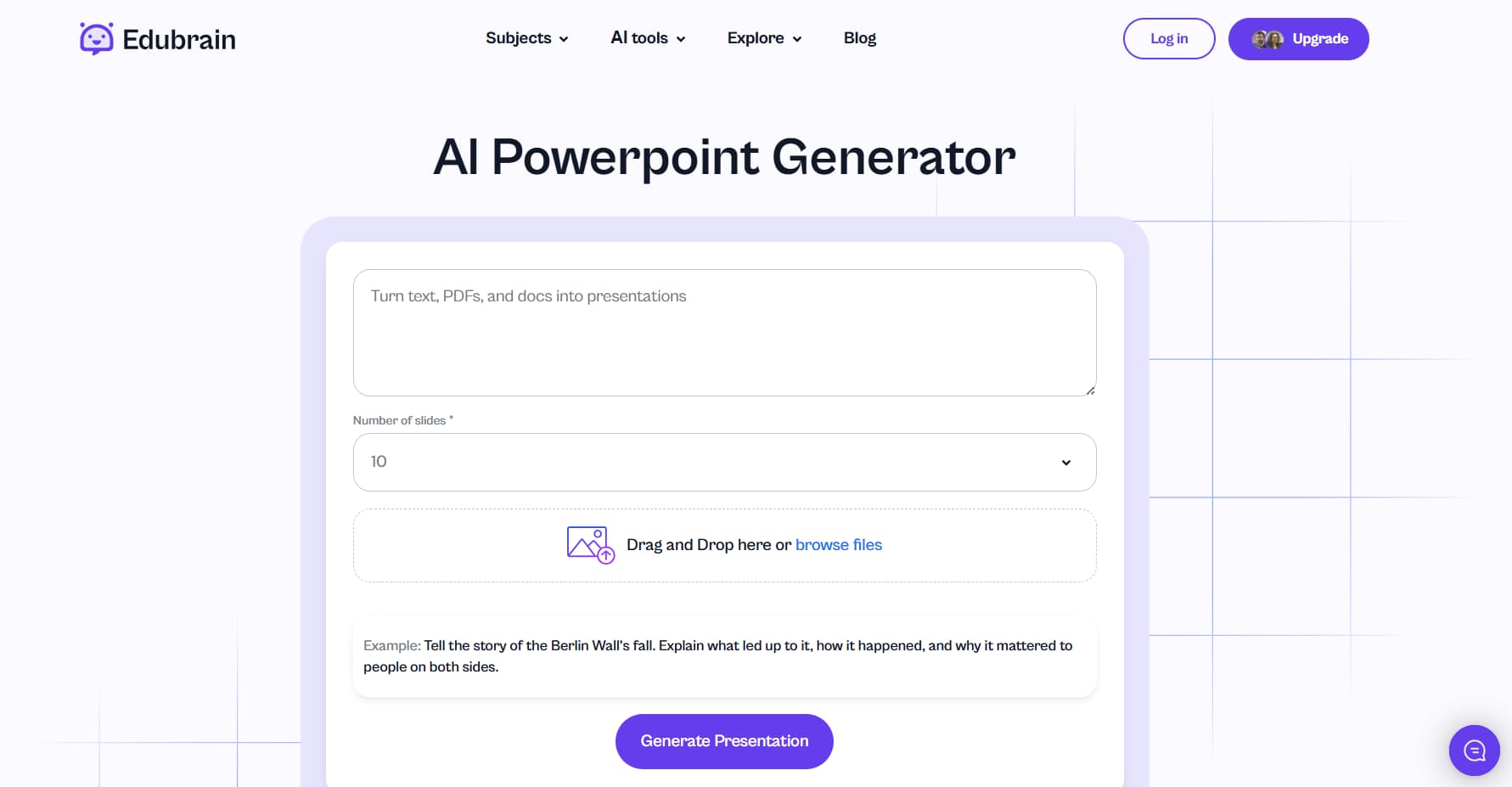
4. Edubrain – AI-Powered Presentation Maker
Edubrain is a great platform that also has an intuitive and efficient AI-powered tool that allows users to generate professional PowerPoint presentations quickly and easily. Designed to cater to a variety of needs, whether for business, education, or personal projects, it streamlines the entire presentation creation process with just a few simple steps.
Services: The AI presentation maker at Edubrain helps you build presentations from scratch by automatically generating slides based on your input. Users can enter their content, and the AI will suggest layouts, designs, and even interactive elements.
Pricing: Free account available with limited features, while premium plans offer extended access to more advanced features and tools, starting at $12 per month.

5. Visme – Visual AI Design with Data Integration
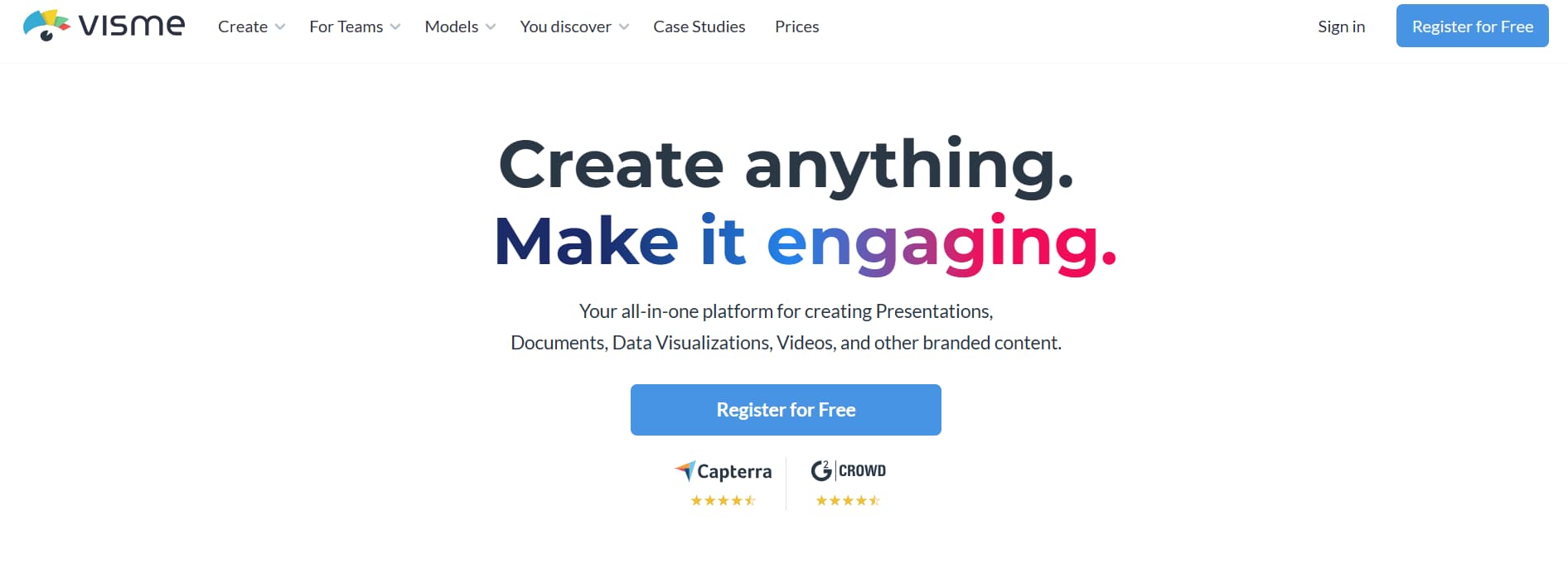
Visme is a powerful design tool that utilizes innovative AI techniques to create brilliant presentations, particularly for data-heavy types. DesignScape, the unique feature embedded within Visme, automatically adjusts your design according to the content type that you are adding.
Services: Visme examines your content and suggests how best to present it to emphasize your points. It includes pre-made templates, icons, and design elements, so you can create stunning presentations instantly.
Pricing: Free version available, with premium plans starting at $15/month.

6. Prezi – Dynamic and Interactive Presentations
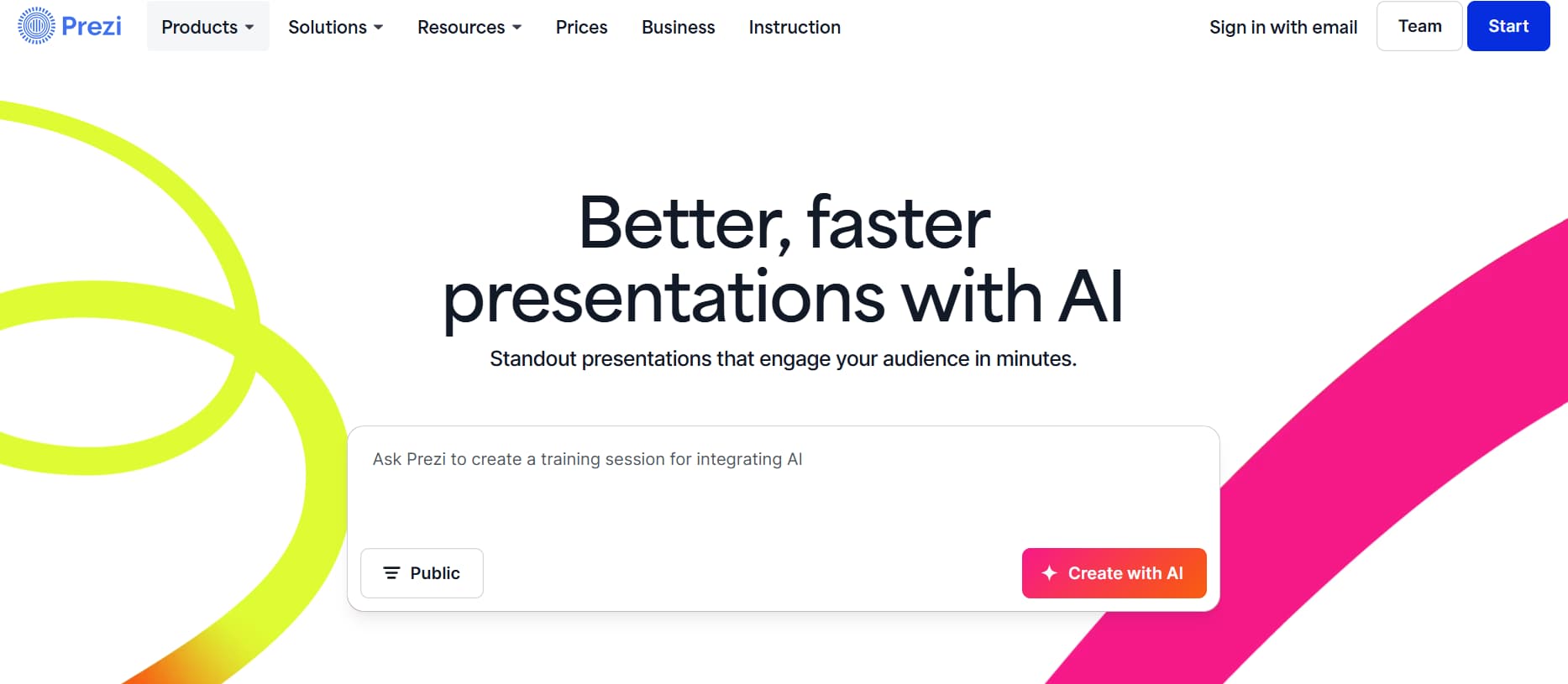
Prezi is an amazing presentation tool that has a dynamic and zoomable canvas format to present the content. It takes you away from the traditional slide-orientation and zooms in and out of your presentation’s content to make it a more interactive presentation.
Services: AI Prezi helps you structure your presentation, suggesting optimal content placement, transitions, and layouts. Its dynamic design is interactive enough to send an audience on a journey with the flow of the presentation, giving them a chance to do so in a non-linear fashion.
Pricing: Free basic plan available, with premium plans starting at $5/month for features like custom branding and offline access.

7. Zoho Show – AI-Powered Presentation Suite
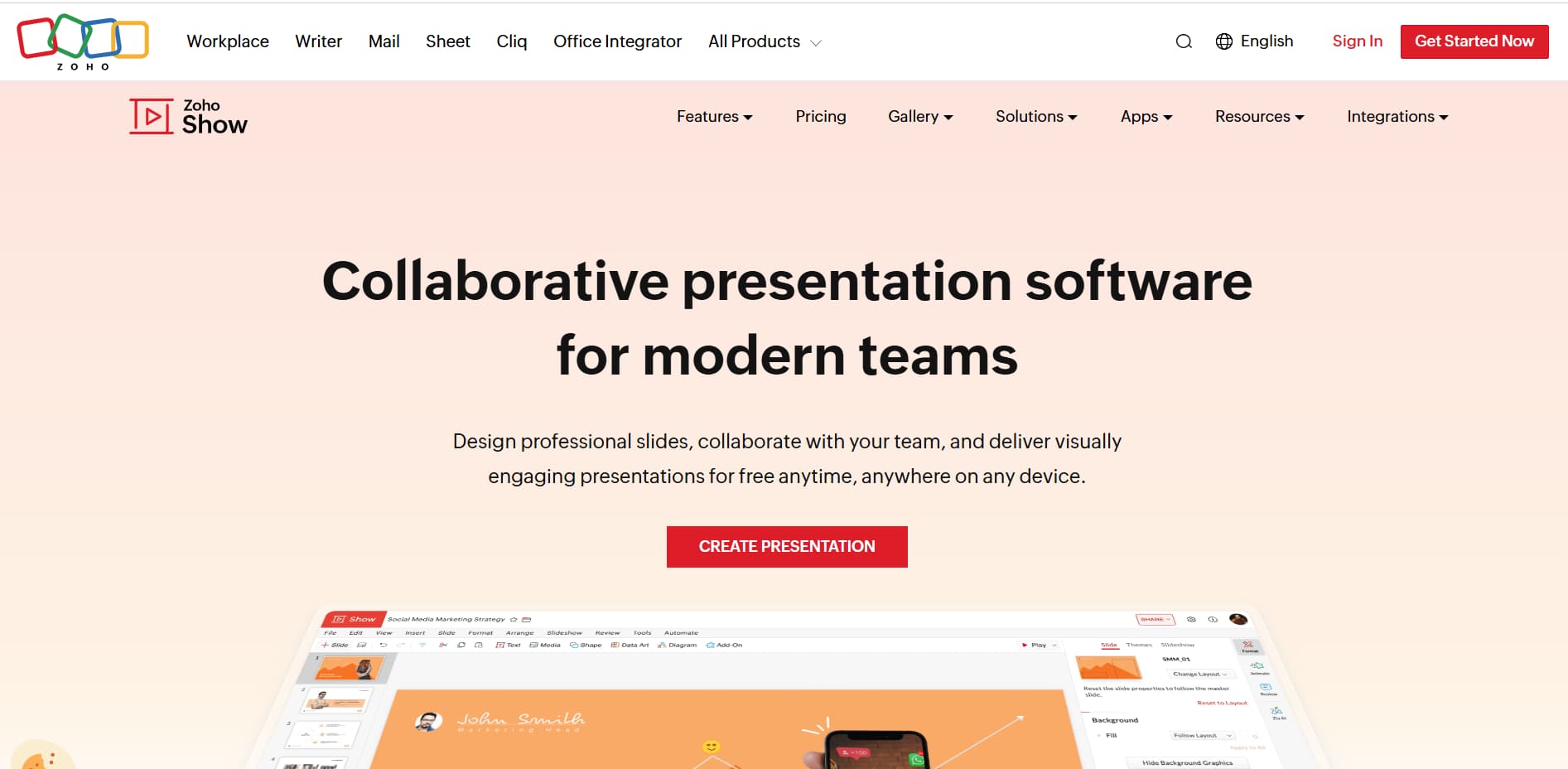
Zoho Show is a full-fledged online presentation suite equipped with Artificial Intelligence, for the purpose of presentation creation, collaboration, and sharing. This maintained user-friendly simplicity at both the team and individual levels aims at enhancing productivity, without compromising strong design requirements.
Services: Zoho Show presented smart templates, design suggestions, and AI-powered layout changes. Its collaboration tools enable multiple users to work on a single presentation in real-time, with AI suggesting improvements and adjusting the structure.
Pricing: Currently free for individual users, while plans for groups usually commence at about $5/month to add business collaboration tools and more templates.

8. Microsoft PowerPoint Designer – Integrated AI Assistance
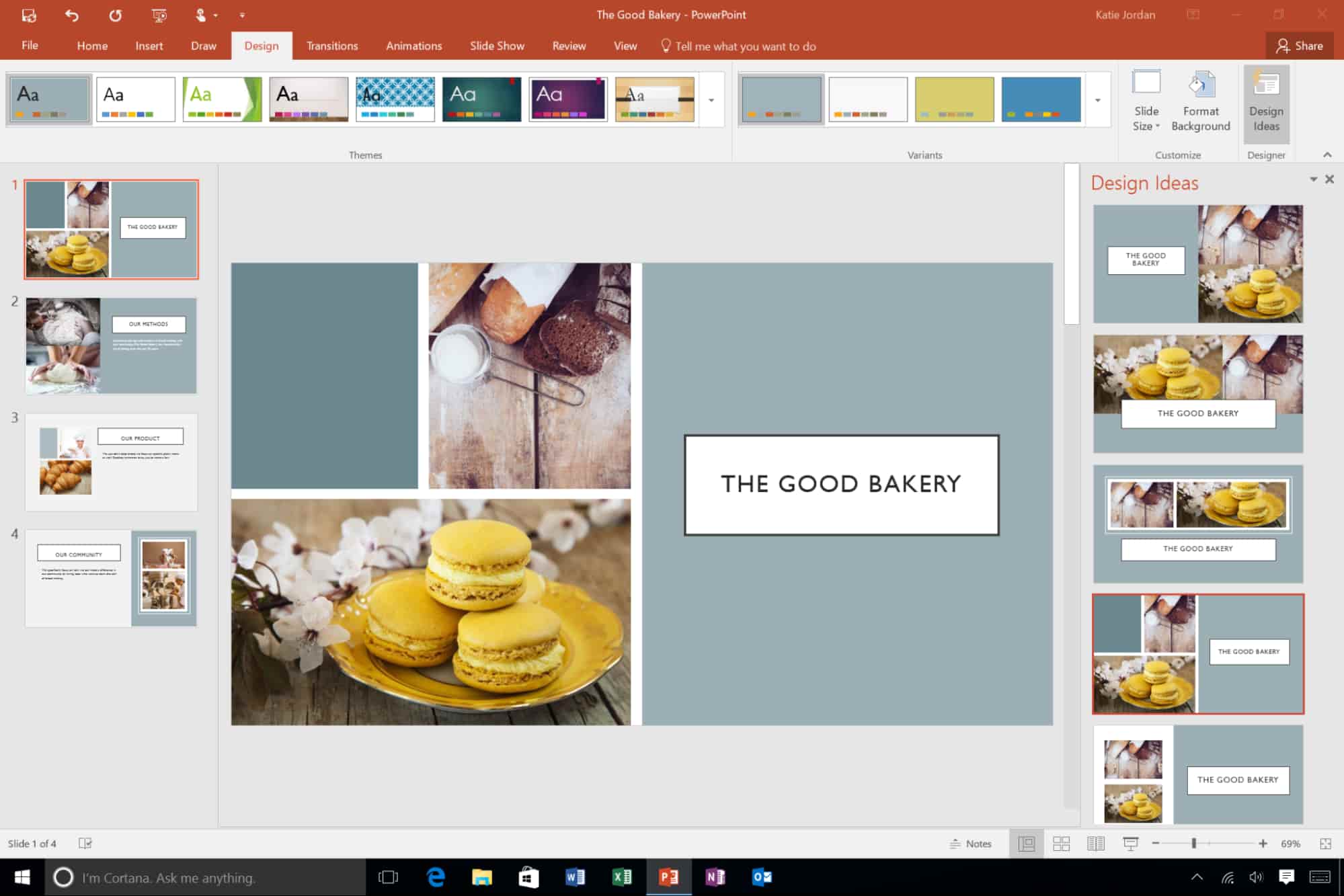
Microsoft PowerPoint is one of the most popular tools for creating presentations, and with the addition of the Designer AI feature, users can now create professional slides in less time. This built-in AI feature offers quick and intelligent suggestions for layout designs, animations, and formats, making the presentation process faster and more efficient.
Services: PowerPoint Designer will create slide designs on its own once you put in content. Whether that be typing in text, inserting an image, or even making a chart, the tool will suggest layouts and design styles that complement your material, even making suggestions of animations and transitions to make your presentation smooth.
Pricing: Available with a Microsoft 365 subscription, which starts at $69.99/year.

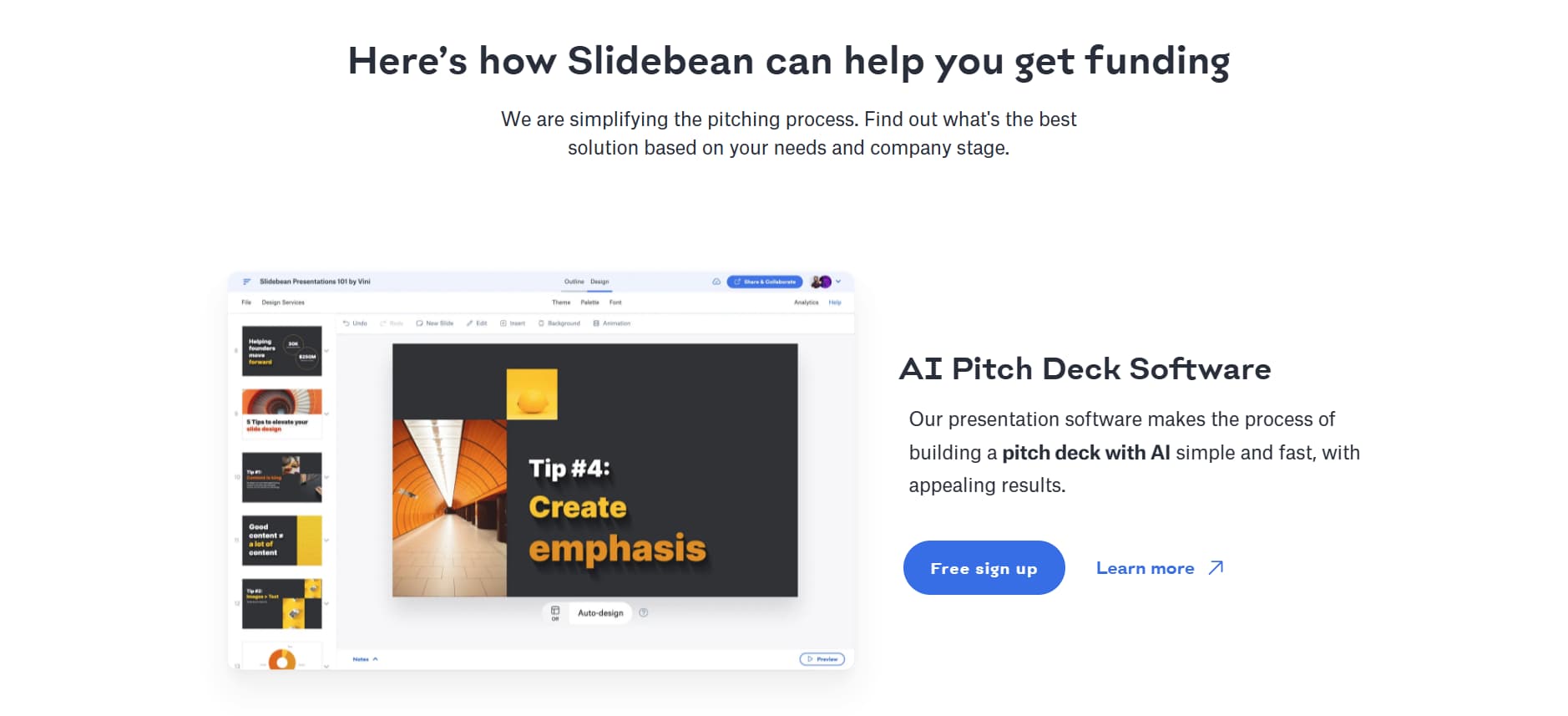
9. Slidebean – AI-Powered Pitch Deck Creator
Slidebean is an AI tool dedicated to building pitch decks for startups, entrepreneurs, and professionals. Its artificial intelligence organizes your content into a presentation with the greatest visual appeal to ensure that all work is done with professionalism and minimal effort.
Services: The tool offers AI-generated templates for pitch decks, startup presentations, and business proposals. You add your content, and the AI organizes it into a proper, polished presentation. It also gives suggestions regarding colors, fonts, and graphic elements that help bring together the overall design.
Pricing: Slidebean offers a free version for basic use, with premium plans starting at $8/month for additional features like advanced analytics and more template options.

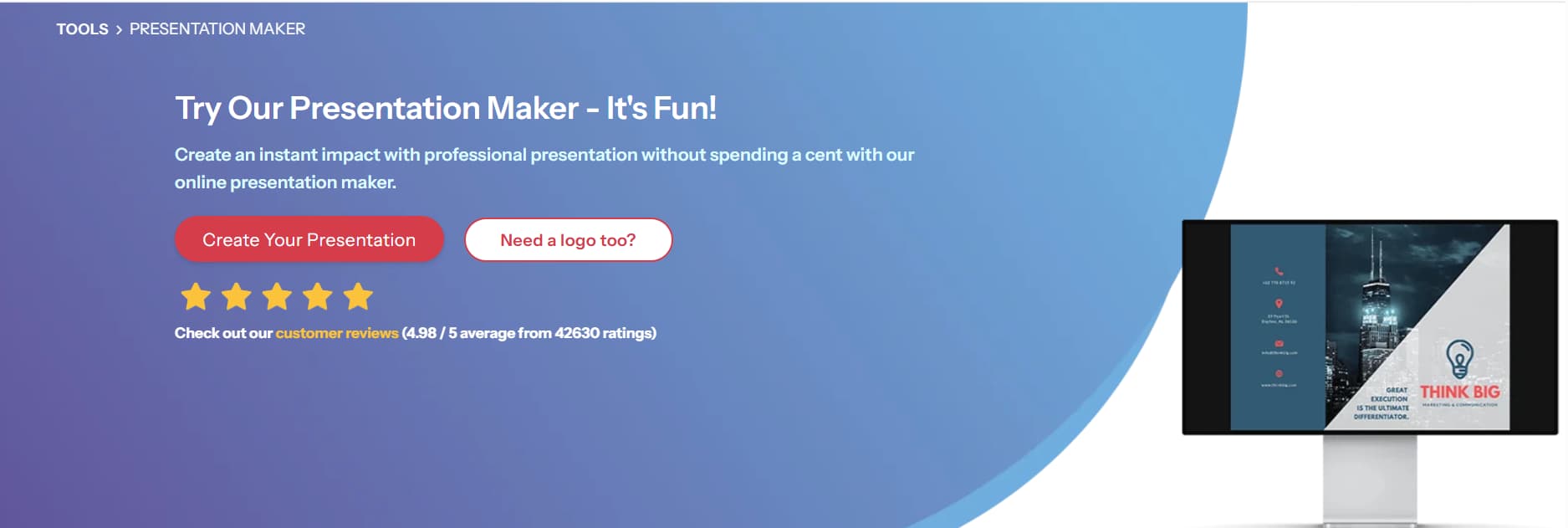
10. Designhill Presentation Maker – Custom AI Design
This is a design platform that extends its service to offer AI-driven presentation creation; this is for those users who prefer more customizable presentation slides, but at the same time benefit from AI in making additional design suggestions.
Services: Designhill allows you to create presentations entirely from scratch or customize its pre-built templates. The AI helps you to lay out the content in your presentation, maintains design consistency, and suggests images or icons relevant to the content. It provides you with quick access to stock images and illustrations so that you can find visual assets much easier for your stunning slides.
Pricing: There is a free subscription that includes the following benefits: access to high-resolution images, as well as premium templates, starting at $10 per month.

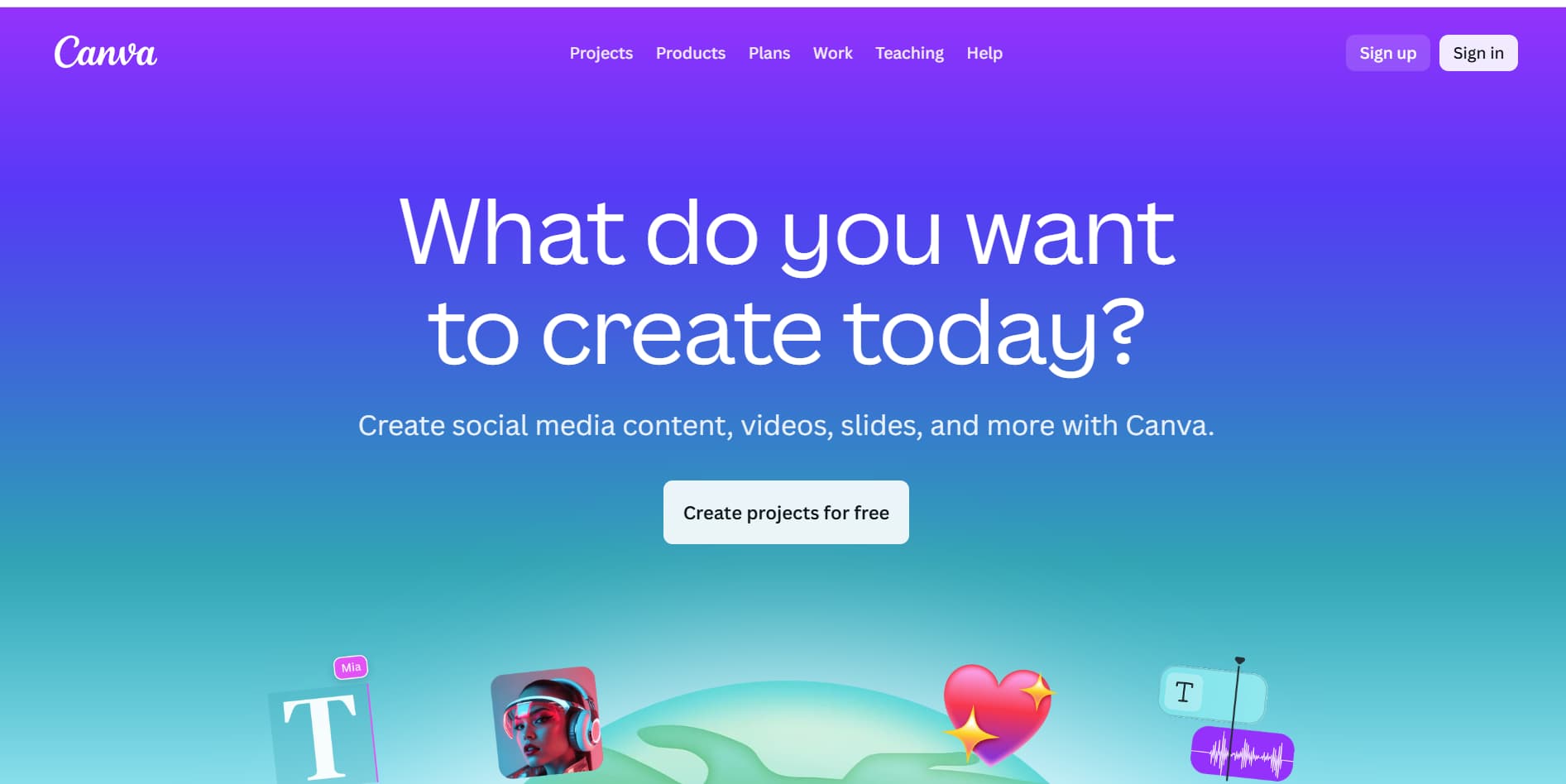
11. Canva – AI-Powered Graphic Design for Presentations
Canva is one of the top graphic design platforms, and many use it also for presentations. Its wide range of templates and useful drag-and-drop features work hand in hand with AI suggestions to enable users to create beautiful slides within minutes.
Services: Canva’s AI will suggest layouts based on your content and adjust the designs according to the presentation themes. You can also upload your own images or use the vast library of graphics and stock images available in Canva. Canva also provides branding elements-your design elements can match the colors and style of your brand.
Pricing: Free version available, with premium versions starting at just $12.99 a month for added features like brand kits, animations, and extra presentation templates.

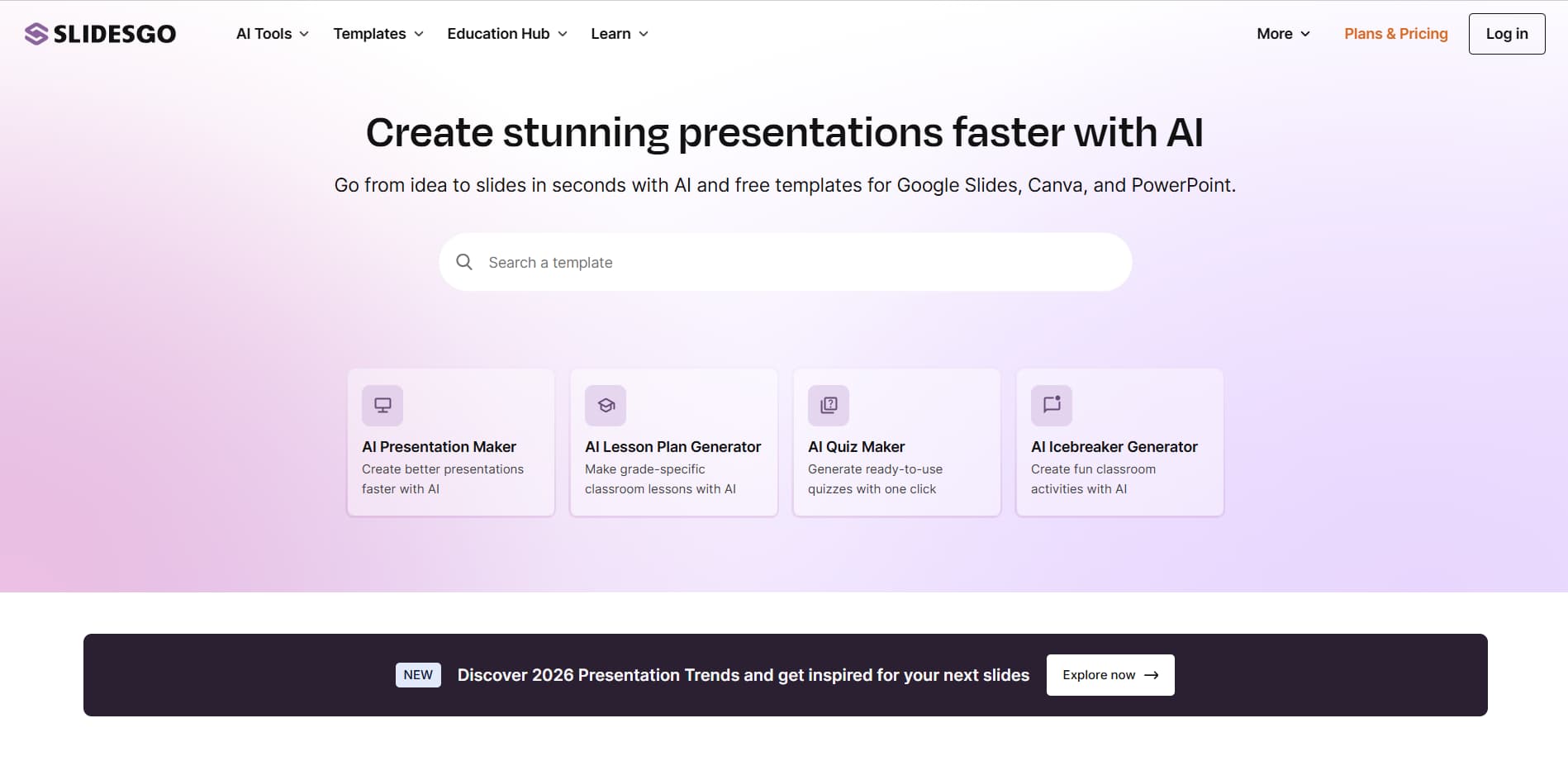
12. Slidesgo – Free Google Slides Templates with AI Features
Slidesgo offers a unique twist on AI-powered presentations. It’s a free platform offering a wide selection of Google Slides templates, and its AI helps to adjust these templates based on your specific content and design needs.
Services: With Slidesgo, you can browse hundreds of templates and let the AI suggest the best ones for your content. After selecting a template, the AI adjusts the layout and design to suit your text, images, and other elements, ensuring the presentation looks polished and cohesive.
Pricing: Free, with a premium plan that starts at $19/month for access to exclusive templates and additional design features.

Step-by-Step Guide: How to Create the Perfect PowerPoint Presentation Using AI Tools
Creating a PowerPoint presentation can be a time-consuming process, but with the assistance of an AI PowerPoint generator, it becomes faster, more effective, and appealing to the audience’s eye. The following is an easy guide to maximize your creations using AI-powered tools in preparation for the next presentation.
Step 1: Define Your Message
Begin by defining the main message of your presentation. In a business pitch or academic project, knowing your key points will help you better shape your high quality content.
Tip: Use Tome or similar AI tools for the purpose of content structuring. It should assist you in breaking down material into smaller but digestible portions, validating the importance of your message.
Step 2: Choose the Right AI Tool for Design
Once the content is ready, you need to choose the AI tool to design the presentation. These tools suggest layouts, fonts, and overall structures based on your content.
Tip: Beautiful.AI and Decksy generate designs automatically that are very professional and will suit your presentation in a timely manner. Want a dynamic flavor? Go for Prezi with all slides zooming.
Step 3: Add and Enhance Content
Subsequently, add texts, images, and data to your slides. AI tools such as Zoho Show and Canva can suggest locations and formats for content. But you can also look for other ai presentation tools to make it perfect!
Tip: Use AI to choose high-quality visuals. Canva consists of hundreds of stock images, whereas Venngage transforms complex data into easy-to-grasp infographics.
Step 4: Use Animations and Transitions
Visually appealing presentations always require some animations and transitions. These can create interest when kept to a moderate level. PowerPoint Designer, for example, suggests slight animation with the help of AI to accentuate key points.
Tip: For text, always go for fading or sliding in, while transitions should be smooth, such as the Morph transition, to keep the flow of one slide into the next feeling natural. Interactive elements will be a game-changer for your presentation.
Step 5: Review and Refine
AI tools like Grammarly and Zoho Show help fine-tune your content, checking for grammar and clarity. Ensure your visuals are aligned with the message.
Tip: Spend some time on the flow of the presentation once the slides are made. Where data exists, ask DesignScape from Visme to crystal clear the presentation.
Step 6: Personalize the Design
While AI handles the basic design, it’s time to incorporate your style. Customize the colors, fonts, and images to fit your taste or brand.
Tip: Canva includes brand kits to maintain branding consistency so that your presentation feels polished and above board. Don’t forget to download presentations when you’re done.
Step 7: Practice and Polish
Lastly, practice your delivery to ensure smoothness. AI tools such as Beautiful.AI give immediate feedback to help you refine your pacing and timing.
Tip: Always use rehearsal features to feel confident and prepared for the actual presentation.
Conclusion
AI tools are transforming the approach to making PowerPoint slides. Whether you are a student preparing for a class presentation, a professional pitching a new idea, or a marketer presenting data, these tools save time and enhance the quality of slides.
From design suggestions to building a narrative, from simple choices to sophisticated narrative-building features, they tools are great for everyone. The key is to choose the one that matches your needs: speed, customization, or storytelling.
There is no doubt that the future of presentations is AI, and with these tools, you can create presentations that not only look great but also communicate your message effectively.
Latest Articles
If you have ever tried to make an impactful PowerPoint presentation, you know it is not an easy task. There...
Many students say math is the subject they fear the most. Not because they never understood numbers, but because at...