

ASA Citation Generator for American Sociological Association Style
Are you sure you you want to delete all the citations in this list?
Cite ASA Sources with Less Rework

Start from a DOI, ISBN, URL, or title
To avoid “same title” mismatches, use a DOI for articles, an ISBN for books, and the exact URL for the page you used. This is a boring tip, but it saves citation work. If you prefer a free ASA citation generator feel, start with Auto and only switch when the metadata is messy. (Not every source is clean. That’s normal.)
Keep in-text citations and the reference list aligned
ASA style looks simple until one detail slips. Author spelling changes, the year shifts, or the in-text reference doesn’t match the reference list entry. One clean set of fields keeps your ASA citations consistent across the draft. This is the real point of any citation generator: fewer citation errors, fewer rechecks, fewer “why are my citations different in two places?” moments.
Copy a References entry that survives review
Generate first. Then do the short scan that prevents the big headaches: names, year of publication, title, container (journal/book/site), and the fields your course guide expects. Fix once, copy once. Your citations stop drifting.
What an ASA Citation Generator Does
ASA is an author date system (author date format) used by sociology programs and widely adopted in sociology writing. You usually have two linked parts:
- in-text citations (author + year, plus page numbers for quotes)
- a reference list at the end (full details)
An ASA citation generator handles structure and punctuation. It doesn’t know what you meant to cite or which version counts as the “real” one (PDF vs. repost vs. updated page). That’s why the writing process stays the same: generate → verify → paste. Whole process, every time.
If your course hands you an ASA style guide PDF, follow it. If your program gives extra specific rules (sometimes even an “ASA code” one-pager), follow that too. Same name, slightly different ASA formatting rules.
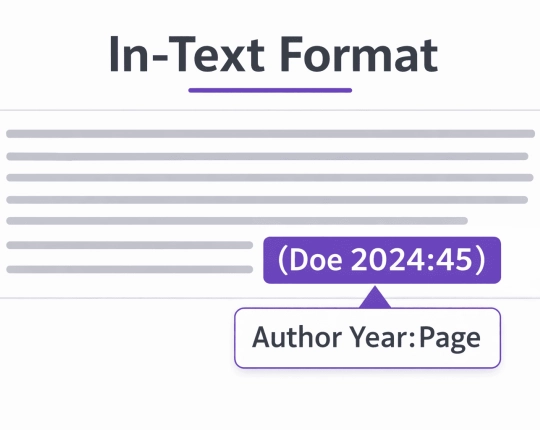
How ASA citations fit inside a real paper
Most ASA in-text citations are parenthetical: (Full Surname Year). If you mention the author in the sentence, the year still sits right there. Quotes need page numbers and quotation marks so they are traceable.
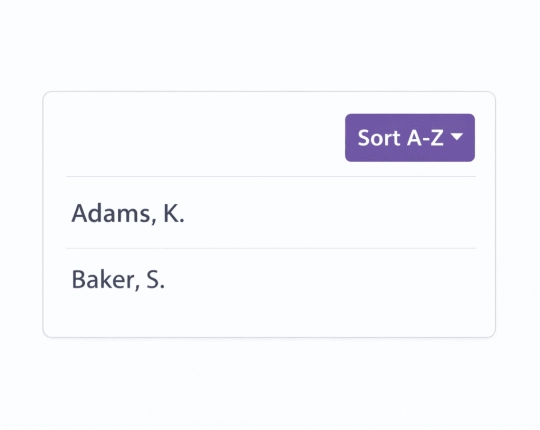
Then the reference list (“References” / sometimes “References Cited”): alphabetical, and it must include everything you cite. Same author + same year may need 2020a/2020b.
Pick one surname/initials format and stick to it. Sociologists explicitly identify credit through citations, and the formatting is part of that credit.
Quick steps in EduBrain
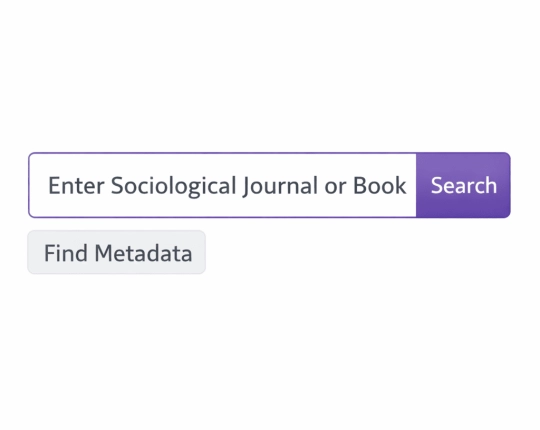
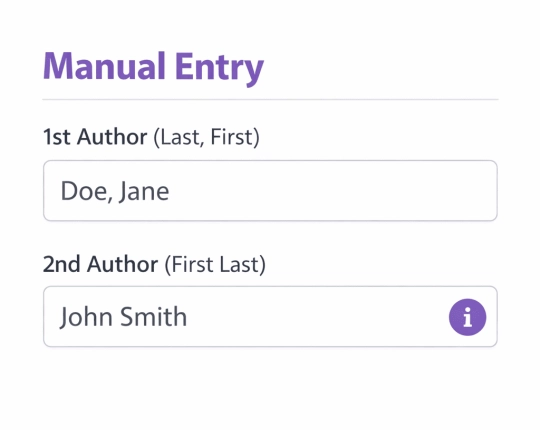
Pick speed when the record is clean. Pick manual entry when the record is messy.
- Choose ASA citation style / ASA style as your citation style.
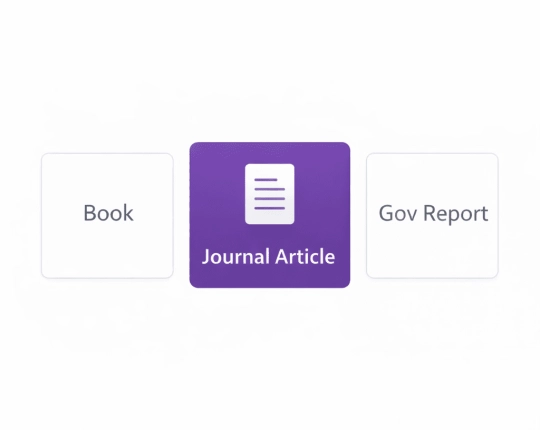
- Pick a source type (Journal article, Book, Chapter, Website, Report, Video, Other).
- Use Auto when you have a DOI/ISBN/URL (a title works too, but needs more checking).
- Switch to Manual when author/date/publisher fields look wrong or missing.
- Copy the in-text citations and the reference list entry into your draft.
If you want the “tool vibe”: yes, this is basically an online ASA citation generator workflow.
ASA format: the terms instructors actually grade
You’ll see people call it ASA format, ASA citation format, or “ASA style.” Same idea: consistent citations.
- ASA format in the text: author date format
- ASA format at the end: the reference list
- ASA format has edge cases: missing publication date, corporate authors, and reprints
- ASA format punishes inconsistency more than it punishes tiny punctuation issues
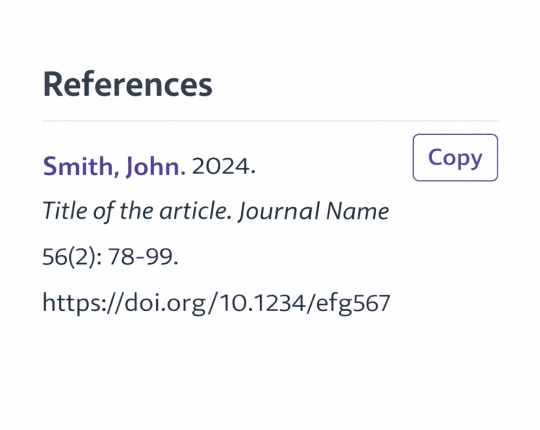
Checks before you copy (fast, but specific)
A generator formats fast. It also repeats mistakes fast. A quick check prevents the “fixed three times” loop.
- Authors: match spelling and order to the PDF header/title page
- Year of publication: use the year tied to the version you actually used
- Publication year: don’t mix a preprint publication year with a final PDF year
- Title page: books and reports hide key fields on the title page
- Journal fields: journal title, volume number, issue number, page numbers
- DOI: include the digital object identifier when it exists
- Websites: confirm author + publication date; add retrieval date only if required
- Subsequent citations: keep the same author format and the same year every time you reuse the same source
Reference list checklist (this is where citations break)
Make the reference list boring. Boring is good. Clear citations live here.
- Check every reference list entry against the source
- Keep each reference list entry consistent in author names (full surname)
- Confirm the year of publication in the reference list entry
- Verify volume number + issue number in the reference list entry
- Verify page numbers in the reference list entry
- Keep the digital object identifier in the reference list entry when available
- For online resources, use the exact URL in the reference list entry
- If your guide asks for retrieval date, add it to the reference list entry
- Don’t let the reference list turn into three different styles stitched together
ASA citations by source type
Journal articles
DOI input usually pulls the cleanest record. After output, verify author order, year of publication, article title, journal title, volume number, issue number, and page numbers. If something looks “almost right,” it’s usually pages or author formatting. Add the digital object identifier if it’s missing.
Books and book chapters
ISBN helps, but edited books cause weird results. Chapters need both “part” and “container” details: chapter title + book title, editor names, and the page numbers span. Foreign publisher fields also get messy, so check the title page.
Websites and other online resources
Web sources are the easiest place to lose accuracy. A page may hide the publication date or use a corporate author. Use the person name when one exists; otherwise, use the organization. Keep the page title and the specific URL you read. Add retrieval date only if your ASA style guide requires it.
Reports and agency documents
Sociology assignments love reports. These citations go wrong when the issuing body is unclear or the title is shortened. If the report has a number, keep it. If the institution is the author, don’t invent a person as the author.
Media and e-resource items
Videos, podcasts, and e-resource pages store details in different spots. Pick the date your guide expects (the publication date, when possible). Keep the full title exactly as shown. Make the source easy to locate again.
Common ASA citation mistakes and fast fixes
Little issues multiply when you have 20+ citations.
- Wrong source pulled by title search → switch to DOI/ISBN/URL, or verify year + container by hand
- Author name mismatch across paper → lock one full surname spelling and reuse it everywhere
- Year of publication mismatch → check the version you actually cited (PDF vs preprint vs updated page)
- Chapter cited as a whole book → add editors + page numbers + container details
- Web page with unclear author/date → use the organization; follow your missing publication date rule
- Same author, same year entries collide → apply 2022a / 2022b if required
Explore More Citation Styles



 Unlimited AI homework help

 Diagram Generator, Flashcard Maker, Notes Generator, Research Assistant, Answer Generator, AI Homework Helper & AI Detector