

Chicago Citation Generator for Chicago Style Citations
Are you sure you you want to delete all the citations in this list?
Chicago style citation generator: accurate Chicago style citations without last-minute citation errors

Create accurate Chicago style citations (then verify)
This Chicago citation generator is a citation generator for Chicago style citations: it outputs the right order, punctuation, and spacing for Chicago citations. But “accurate” depends on the source record you fed it. Most citation errors happen when the record is wrong (or incomplete), not because the citation generator can’t format.
Pick your Chicago citation style system first
Chicago usually comes down to a choice in the Chicago Manual of Style: Notes and Bibliography or Author–Date. Use the one your course or editor expects, and don’t switch systems halfway through the draft.
Copy a bibliography entry that matches your Chicago style guide
Generate, then check the author, title, date, and the page numbers you used. Paste the bibliography entry once it reads clean. If your instructor wants a separate bibliography (or a reference list), follow that style guide exactly—Chicago is picky about small fields.

What Chicago citation style is
Chicago style comes from The Chicago Manual of Style (University of Chicago Press). Use the edition your course names (17th, 18th, or older), not whatever a template assumes. Chicago is common in the social sciences, history, and mixed research writing because it supports both notes and bibliography and the author date approach under one umbrella.
Notes and bibliography: Chicago style citations with numbered footnotes
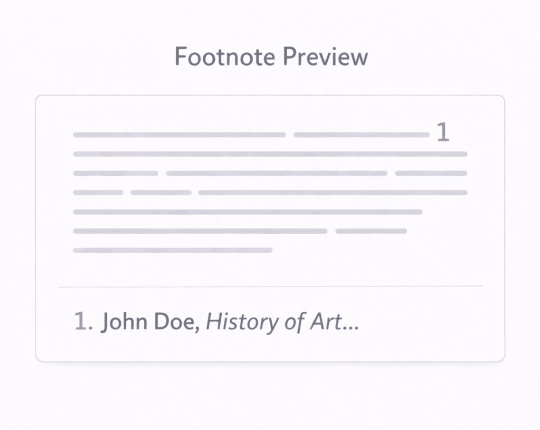
In the notes and bibliography system, Chicago style citations appear as numbered footnotes (or endnotes). The first note is full; later notes are usually shorter.
Typical notes and bibliography flow:
- First note: full details (author, full title, publication info, page number).
- Later note: a shortened citation (author + short title + page number). This is also called a shortened note.
- Bibliography: full bibliography entry in alphabetical order.
Reusing a source? Keep one bibliography entry. Reuse the same source, keep the citation information steady, and keep the bibliography system clean: one source → one matching bibliography entry.
Author-date system: Chicago style in-text citations
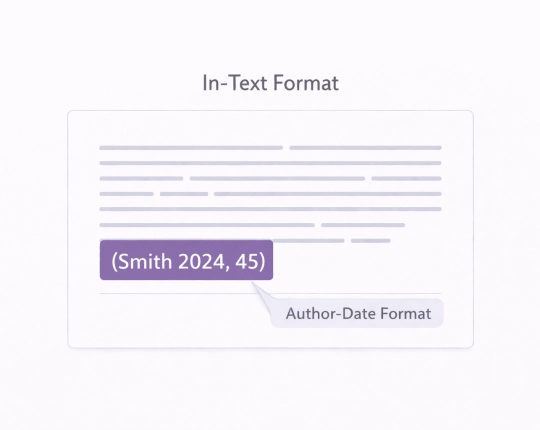
Chicago Author–Date uses (Author Year) citations in the text and a matching reference list with full details.
Typical author date pattern:
- In text citations: (Author Year, page number )
- Reference list / bibliography: full bibliographic entry, usually alphabetical
If your editor says “Chicago author date,” it’s still Chicago—just a different bibliography system. Again: pick one author date system and keep it.
Quick steps: create Chicago citations in just a few clicks
- Choose Notes & Bibliography or Author–Date.
- Select a source type.
- Paste a DOI/ISBN/URL/title and generate.
- Review the key bibliographic details, then copy: footnote + bibliography (N&B) or in-text + reference list (A–D).
- After major edits, recheck—moving sections can throw off notes and references.
Workflow: generate → verify → paste → recheck to avoid citation errors.
What to verify for accurate Chicago style citations (fast checklist)
Chicago style citations can look “fine” and still be wrong. Quick checks that catch most problems:
- Author/title: confirm author and full title (watch double quotation marks vs italics rules).
- Publication date: Use one date consistently across the bibliography.
- Page numbers: Add a page number for quotes; use a page range for chapters.
- Titles: Match the exact article title (journals) or page title (web pages).
- Accessed date: for web pages, add an accessed date when your guide requires it (some instructors require it often).
- Revision date: if a web page shows a revision date, follow your guide rule—don’t guess.
- Spacing varies—double or single. Use your course guide.
This is how you keep Chicago citations accurate across the full citation list.

Chicago citation examples (templates)
Swap in your details and keep Chicago formatting consistent.
Notes and bibliography examples
- Journal articles (note):
Author First Last, “Article Title,” Journal Title volume, no. issue (Year): page number, DOI/URL. - Journal articles (bibliography entry):
Last, First. “Article Title.” Journal Title volume, no. issue (Year): page range. DOI/URL. - Books (bibliography entry):
Last, First. Book Title. Place: Publisher, Year. - Web pages (bibliography entry):
Author/Organization. “Page Title.” Website Name. Date published or revision date. URL. Accessed date.
Author-date examples
In text citations (Chicago author date):
(Last Year) or (Last Year, page number)
Reference list entry (journal articles):
Last, First. Year. “Article Title.” Journal Title volume (issue): page range. DOI/URL.
Common Chicago citation mistakes (and fixes)
- Mixing systems: notes & bibliography + author–date in one draft → choose one and use it throughout.
- Short note mismatch: short title doesn’t match the bibliography title → make the short note match the bibliography entry.
- Missing accessed date/date published on web pages: guide expects one → add accessed date or date published per the style guide.
- Wrong page number: quotes without a page number → add the page number to the note or parenthetical cite.
- Citation errors after rearranging sections: moved paragraphs, copied notes → recheck footnotes and the citation list.
Explore More Citation Styles



 Unlimited AI homework help

 Diagram Generator, Flashcard Maker, Notes Generator, Research Assistant, Answer Generator, AI Homework Helper & AI Detector