

MLA 8 Citation Generator for Works Cited Page Entries and In Text Citations
Are you sure you you want to delete all the citations in this list?
An MLA Citation Generator That Keeps MLA Citations Consistent in a Real MLA Paper

Build MLA 8 citations you can actually reuse
Generate MLA 8, then verify. Stick to the same core elements + container, and keep the Works Cited entry format consistent.
Keep in text citations tied to the right Works Cited entry
MLA in text citations only work when they point to the correct Works Cited page entry. This citation generator gives you a clean Works Cited entry first, so your in text citations don’t drift into incorrect citations after edits.
Reduce citation errors from messy source material
Many citation errors aren’t “formatting” problems. They’re “wrong record” problems. This MLA citation generator formats journal articles, web pages, databases, and research papers—just verify the details against the source.

Start with source details that prevent incorrect citations
When you create citations, the input matters more than the tool. Cleaner input = fewer near matches = fewer incorrect citations.
- DOIfor journal articles (usually the best pull)
- ISBNfor books (works well when the edition is correct)
- Direct URLfor the exact web page you read (not a homepage)
- Title searchonly when you have nothing else (then verify carefully)
If you’re using Citation Machine or a similar citation machine workflow, it’s the same citation process every time: find a record → check it → copy. The checking part is what keeps MLA citations accurate.
MLA 8 is built on core elements and containers
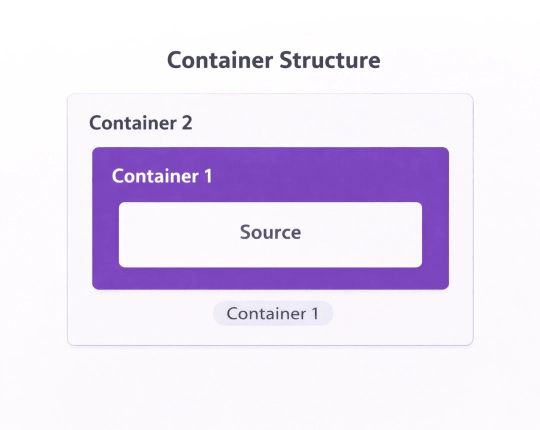
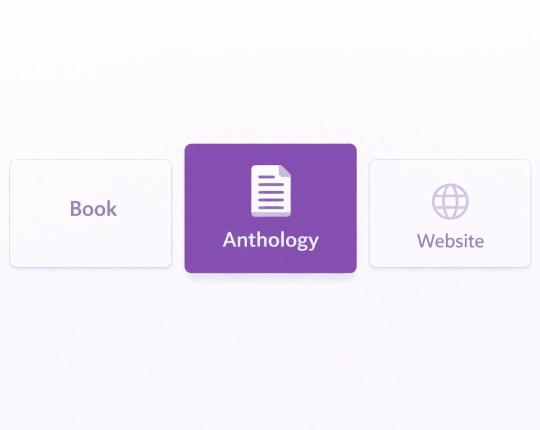
In MLA 8, we have the core pieces, which include a container (a journal, website, database, streaming service, anthology). If you choose the wrong container, your citation will not match your source.
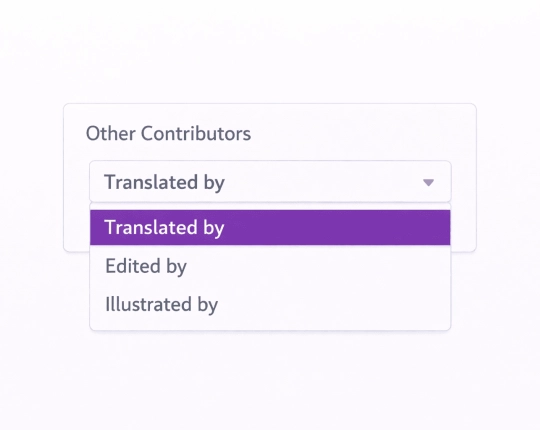
Core elements include: author, title of source, title of container, other contributors, version, number, publisher, publication date, and location.
One easy miss: “Location” isn’t always pages.
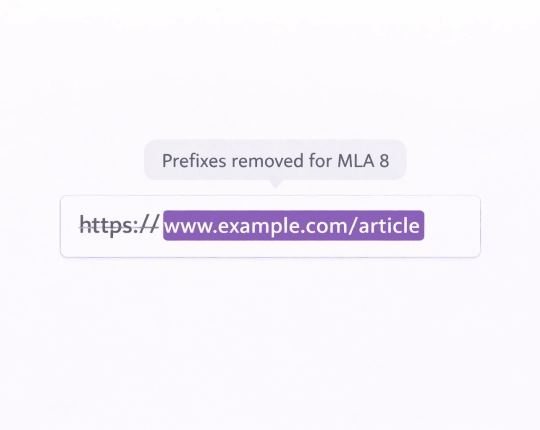
In MLA, “location” can be a page range, DOI, or URL. For journal articles with page numbers, use the page range. If it’s a web page, you usually use the URL. That’s how MLA citations stay in a clear and consistent way.
(Yes, MLA 8 and MLA 9 exist. If your course says MLA 8, follow MLA 8. The MLA Handbook and your MLA citation guides matter more than a template.)
MLA in text citations in the body of your MLA paper
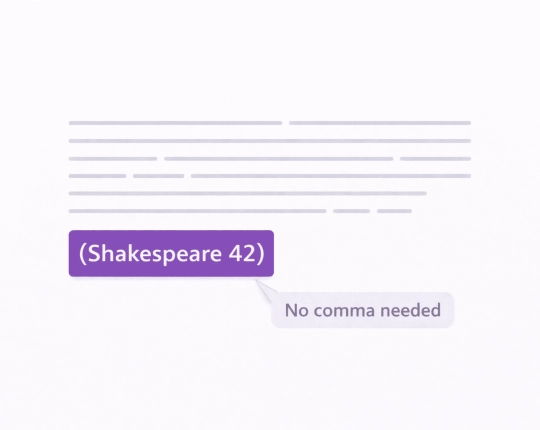
MLA in text citations usually follow the author–page pattern. No comma.
- One author: (Smith 42)
- Two authors: (Smith and Jones 42)
- Three+ authors: (Smith et al. 42)
If the author is already in the sentence, you often use only the page number: (42). That’s common in MLA papers.
Two places this breaks:
- You change a Works Cited entry (author name or shortened title), but you don’t update the in text citations.
- You quote from multiple sources in the same paragraph and your parenthetical citation isn’t clear about which source matches which claim.
If you cite multiple sources at once, keep the in text citations readable. If you reuse the same author in the same paragraph, don’t “invent” a new author spelling. Same author, same spelling, same Works Cited entry.
Works Cited page formatting teachers check fast
Your Works Cited page is where instructors spot incorrect citations quickly. MLA citations can look “fine” even when they’re wrong, so the formatting basics matter.
Typical MLA Works Cited page expectations:
- Works Cited page at the end
- Entries in alphabetical order (usually by author surname)
- Double-space the list (typically required)
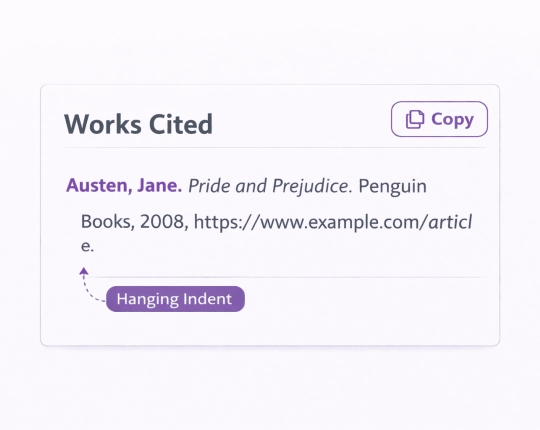
- A hanging indent on Works Cited list entries
Consistent punctuation marks and quotation marks (MLA is picky here)Some instructors require “Works Cited”; others accept “Works Cited Page.” Follow your instructor’s MLA guidelines.
MLA paper format basics (so your citations match the page)
This isn’t only about MLA citations. MLA format paper rules affect what your reader sees.
Common MLA paper basics from MLA citation guides / MLA Handbook summaries:
- Double space the whole MLA paper
- Use an easily readable font (your instructor may specify which)
- Header: last name + page number on every page.
- First page: name, instructor, course, and date (often replaces a title page).
- Center the paper’s title on the first page
- Paragraph number rules vary by instructor, but paragraph spacing should be consistent
MLA usually doesn’t require a title page. If your course guide does, add one (title page/cover). If it doesn’t, don’t add one just because a template offers it.
Quick steps in EduBrain to create MLA citations
- Set citation style to MLA 8 (MLA citation style matters)
- Pick a source type (journal articles, books, web pages, reports, videos)
- Paste DOI / ISBN / URL / title
- Generate, then review the citation format fields
- Copy the Works Cited entry and add in text citations where you cite sources
- After edits, recheck in text citations and Works Cited list entries (citations drift)
If the record is thin, switch to Manual. It’s slower for 30 seconds, then faster for the whole research process.
What to verify so MLA citations stay accurate
If you want accurate MLA citations, verify the parts that cause citation errors most often:
- Author: spelling, corporate authors, same author consistency
- Title: correct MLA capitalization, correct quotation marks vs italics
- Container: journal title vs database vs website name (wrong container = incorrect citations)
- Publication date: use the date shown for the version you used
- Location: page range for print/PDF when it exists; DOI/URL when that’s the locator
- Pages: quotes = page number; articles/chapters = page range.
- Punctuation: don’t mix patterns across Works Cited.
Common MLA 8 mistakes that create incorrect citations
What gets flagged a lot:
- Wrong container (website vs database)
- Missing page range (preview instead of PDF)
- Mixed author names (initials in one entry, full name in another)
- Missing publication date when the page clearly shows a date published
- Title mismatch between in text citations and Works Cited page entries
- Corporate authors ignored (organization is the author, but the citation uses a random editor name)
If the Works Cited can’t support a quote or idea, it may read as plagiarism.
MLA 8 citation examples (templates you can copy)
These are templates. Fill in your details. Keep MLA formatting consistent.
Journal article (print/PDF)
Last, First. “Article Title.” Journal Title, vol. #, no. #, publication date, pp. page range.
Journal article (database access)
Last, First. “Article Title.” Journal Title, vol. #, no. #, publication date, pp. page range. Database Name, DOI or URL.
Book
Last, First. Book Title. Publisher, publication date.
Chapter in a book
Last, First. “Chapter Title.” Book Title, edited by Editor First Last, Publisher, publication date, pp. page range.
Web page
Last, First (or Organization). “Page Title.” Website Name, publication date, URL. Accessed date (only if your MLA guidelines require it).
If you’re unsure, check the MLA Handbook examples your course uses. Different instructors lean on different MLA citation guides.
Explore More Citation Styles



 Unlimited AI homework help

 Diagram Generator, Flashcard Maker, Notes Generator, Research Assistant, Answer Generator, AI Homework Helper & AI Detector