

NLM
Are you sure you you want to delete all the citations in this list?
An NLM citation generator that keeps your numbering and references aligned

Keep numbered in-text citations tied to the right reference
NLM style is unforgiving about numbering. If one citation shifts, everything after it can point to the wrong source. Generate the entry, then reuse the same number when you cite that source again.
Start from DOI or PMID so you don’t grab the wrong paper
Title search is where “same title, different study” happens. For journal articles, DOI or PMID usually pulls the cleanest record. For books, use ISBN. For web pages, paste the exact page URL you actually read.
Copy an NLM reference entry that matches common NLM patterns
The tool handles order and punctuation. You handle intent: correct authors, correct year, correct journal abbreviation, correct pages/article number, correct link or access date when needed.
How NLM citations work in real papers
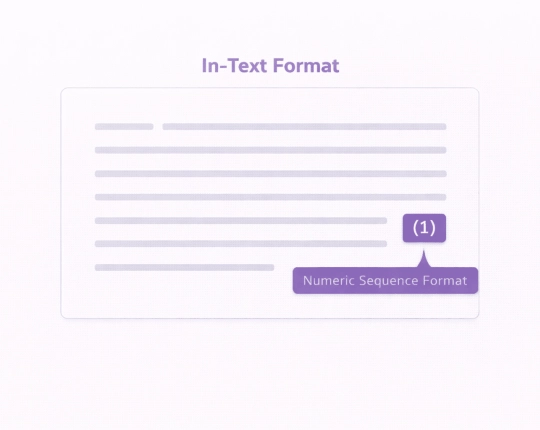
Most NLM setups use numbers in the text that point to a numbered reference list. You’ll see formats like (1) or [1] depending on the guide your lab/course uses. When you cite multiple sources together, you usually list numbers in order, and ranges compress (example: [3-5]).
The practical rule: the number in the text has to point to one specific entry in the references. If it points to the wrong one, the reader can’t verify the claim. That’s where you lose points (or reviewer patience).
What to paste for the cleanest NLM results
Use the strongest input you have:
- PMID (great for PubMed-indexed articles)
- DOI (also strong for journal articles)
- ISBN (best starting point for books)
- Direct URL (the exact page, not a homepage)
Title (only when you have nothing else — then double-check harder)
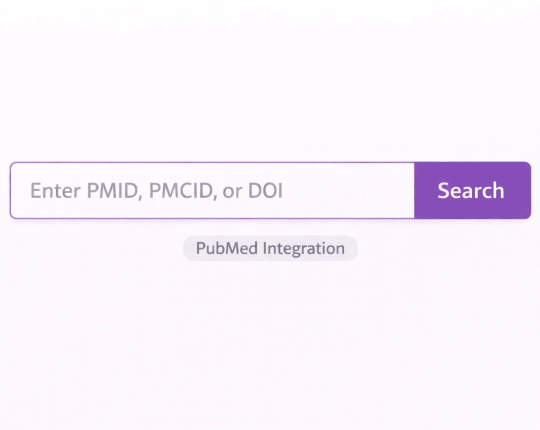
Quick steps in EduBrain
- Select NLM as the citation style
- Choose a source type (Journal article / Book / Website / Report / Other)
- Paste PMID/DOI/ISBN/URL (or title if needed)
- Generate → scan the key fields → copy
- Add the matching in-text number where you used the source
If the record is thin (conference PDF, institutional report, messy web page), manual entry is usually faster than fixing the same broken output twice.
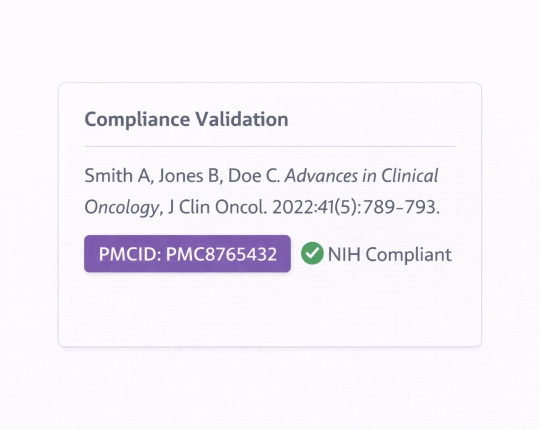
What to check before you paste
A generator formats fast. It also repeats mistakes fast.
- Authors: spelling + order + initials (match the PDF title page/header)
- Year: use the version you actually read (final PDF vs early online update)
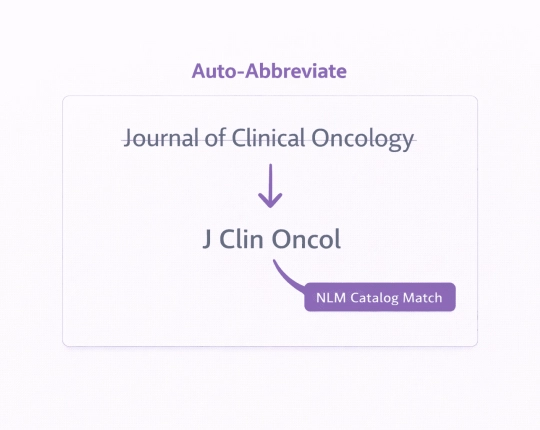
- Journal abbreviation: many NLM guides expect the standard abbreviation, not the full journal title
- Volume/issue + pages: don’t drop page range; if it’s an eLocator, keep that instead
- DOI / PMID: include them when available, and don’t mix formats across entries
- Web sources: include date info only the way your guide asks (published/updated vs accessed)
NLM style (National Library of Medicine) quick sanity check:
open the PDF and verify that the record matches what you actually used. Confirm author list, year published, journal abbreviation, volume(issue), and page range or eLocator; then add DOI or PubMed PMID if available.
For in text citations, keep the citation sequence stable so the reference list stays aligned (same source = same number).
NLM format notes:
- “Location” isn’t always pages: it can be page range, an article number/eLocator, or a URL (web sources).
- A NLM reference generator formats the entry; your check is what makes it accurate NLM citations.
NLM formats by source type
- Journal articles (PubMed-heavy workflow)
Use PMID or DOI, then verify: authors, article title, journal abbreviation, year, volume(issue), pages/eLocator, DOI/PMID. - Books and book chapters
ISBN helps, but editions/editors can get messy. Chapters need the chapter details and the container book details (and page span). If you cited the whole book, don’t paste a chapter-shaped entry. - Websites and online docs
Web pages hide authors and dates. If there’s no person author, use the organization. Keep the page title exact, and use the specific URL you read. Add accessed/cited dates only when your guide requires them. - Reports, standards, agency documents
Often: corporate author + year + full title + report number (if shown) + stable link. Don’t “invent” a person author.
NLM citation examples you can use as templates
Journal article
AuthorSurname AA, AuthorSurname BB. Article title. Journal Abbrev. Year;Volume(Issue):PageRange. doi:DOI
Website
Organization. Page title. Website Name [Internet]. Year [cited Year Mon Day]. Available from: URL
Book
AuthorSurname AA. Book title. Place: Publisher; Year.
(Templates — swap in your real fields and match your course/lab guide.)
Common NLM mistakes that get marked
- Numbering changes mid-draft → citations point to the wrong reference
- Journal title not abbreviated (or abbreviated inconsistently)
- Missing pages/eLocator → reference looks incomplete
- Wrong version/year (preprint vs final)
- Website cited with homepage URL instead of the specific page you used
Explore More Citation Styles



 Unlimited AI homework help

 Diagram Generator, Flashcard Maker, Notes Generator, Research Assistant, Answer Generator, AI Homework Helper & AI Detector