

Vancouver Citation Generator for Fast, Numbered Vancouver References
Are you sure you you want to delete all the citations in this list?
Vancouver Citations that Stay Consistent from Draft to Final

Build numbered cites that keep their place
Vancouver style assigns a number by first mention. Cite the same source again, and the number stays the same. A generator helps you keep that rule intact.
Use stronger inputs, get cleaner records
Paste a PMID or a URL when available. Title search works too, but it pulls near matches more often, so it needs a closer review.
Copy a reference list entry that passes a quick scan
Check author initials, journal abbreviation, year, volume(issue), and pp. range. Fix the few fields that tools miss, then copy.

What the Vancouver citation generator does
Vancouver is a numeric citation style: numbers in the text point to numbered entries in the reference list. Use this Vancouver citation generator to create Vancouver citations that match the reference list in your paper.
One detail matters more than people expect: alignment. If the in-text number doesn’t match the entry in your reference list, readers can’t trace the source.
Many medical journal editors follow rules from the International Committee of Medical Journal Editors (ICMJE). Many scientific journals do too. Small details still vary, so follow the guidelines for your course or target publication.
How Vancouver numbering works in a real paper
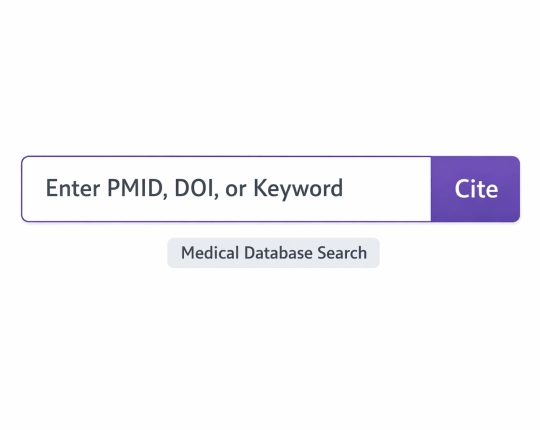
Start with the first source you cite. That becomes 1. The next new source becomes 2.
Each new source gets a citation number. Repeat cites keep the same citation number. That rule saves edits later. Reuse the same citation number in in text citations when the source appears again.
In-text citations and citation style choices
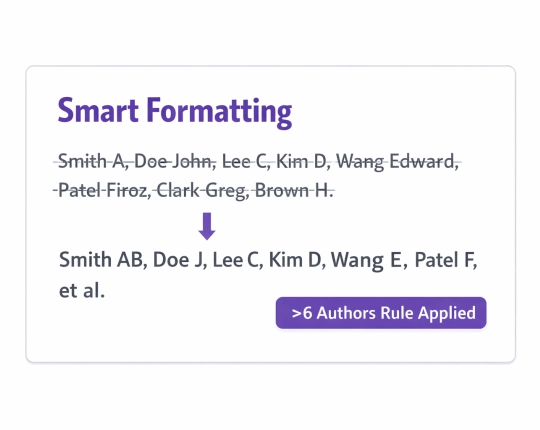
Common in text citations show up as parenthetical citations like (1) or [1], or as a superscript ¹. Pick one format and use it throughout the paper.
Reference list order in Vancouver citation style
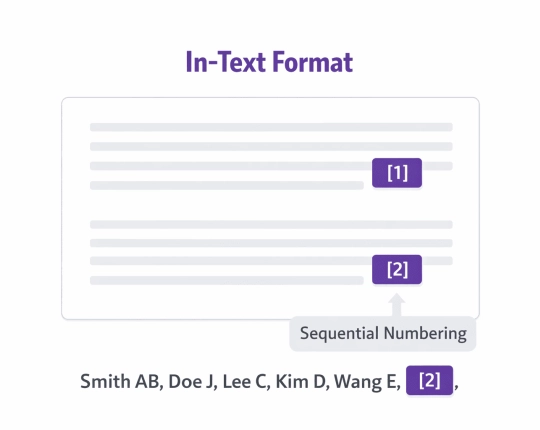
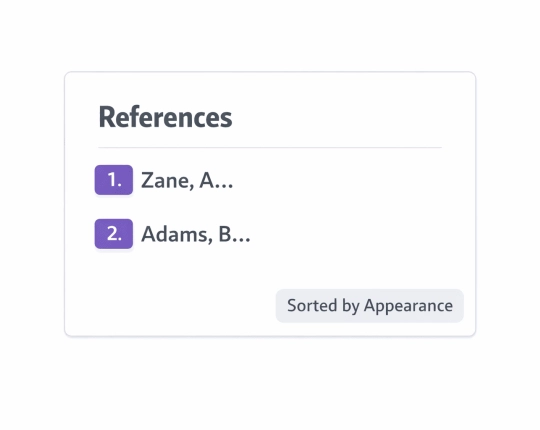
Reference list order follows the order of first appearance in the text. Think of it as a numbered bibliography, not an alphabetic list.
Quick steps in EduBrain
- Select Vancouver as your citation style
- Choose a source type (Journal article, Book, Website, Report, Video, Other)
- Use Auto input when you have source information like an ISBN, PMID, or a URL
- Switch to Manual input when the metadata looks wrong or incomplete
- Review the entry, then copy it into your reference list
- Short version: generate → verify → copy. It keeps writing drafts cleaner.
Vancouver citation examples
Need vancouver citation examples for a paper? Use this as a simple pattern. Your exact punctuation may shift based on the guide you follow.
In text: The trial showed a clear reduction in risk (1).
Reference list:
Patel R, Kim S. Outcomes after early therapy in acute disease. J Clin Med. 2022;11(4):233-40. PMID: 12345678.
That line is the full citation in your reference list.
Cite common sources with the Vancouver style
Journal articles
Entering a PMID usually yields the best match. Check initials, journal abbreviation, year, volume(issue), and pp. range.
Books and chapters
ISBN helps, but editions cause mix-ups. For a chapter, confirm the chapter title, editors, book title, publisher, place, year, and page span.
Websites
Corporate authorship shows up a lot. Add an access date if your guide expects one, especially for websites that change.
Guidelines and policy documents
For reports, confirm the organization name and the publication date. Databases sometimes place these fields in odd spots.
Common Vancouver mistakes and fast fixes
- New number for a repeat source → Reuse the original number every time you cite that same work.
- Reference list put in alphabetical order → Switch back to numeric order based on first mention in the text.
- Journal title not abbreviated → Use the journal’s standard abbreviation if your guide requires it.
- Missing pp. range → Add pp. (or the article number format your journal uses).
- Wrong year → Use the publication year of the version you actually used, not a site update timestamp.
- Web source with no access info → Add access details when your instructor or journal requests them.
Explore More Citation Styles



 Unlimited AI homework help

 Diagram Generator, Flashcard Maker, Notes Generator, Research Assistant, Answer Generator, AI Homework Helper & AI Detector