In 2025, automated assistants can produce emails, blog posts, study notes and technical summaries within seconds. This efficiency is useful,...

The Best AI Detectors This Year: Spot AI Writing with Top Tools
Artificial intelligence tools now shape much of what people read online and in classrooms. This makes it harder to know if a person or a machine produced a piece of text. As AI writing becomes more common, the need for an accurate AI detector has grown. An AI detector aims to solve this by checking patterns in style, structure, and word choice.
They are not perfect, but they give teachers, editors, and companies a way to detect content before they trust or publish it. My guide reviews the most reliable options, like ChatGPT detectors, with details on how each works and its main strengths and limits.
Table of Content
ToggleHow AI Detectors Work: Detecting AI-Generated Content
With so much generative AI media online, people now look for ways to tell what is real. How do AI detectors work? A detection tool attempts to address this by scanning words and sentences to find indicators of an AI origin. They are critical of grammar, word patterns, and sentence length to evaluate texts from AI services. The intention is to provide a transient clue concerning the source of the content, indicating if text is AI. Such detector tools can be used to accomplish a great number of things:
- Teachers use them to check if schoolwork is genuine and see if AI is used.
- Editors want proof of originality before release.
- Companies rely on them to monitor AI usage and avoid misleading posts.
Often, they blame machine labor for human writing, and sometimes high-level AI passes through. This is why a text detector should not be regarded as the ultimate decision maker.
Ways an AI Detection Tool Checks Text
These tools scan text to determine whether it is AI generated text or human-made. A core AI detection model evaluates perplexity and burstiness. Perplexity indicates the ease with which one can predict the next word. An AI detection model expects machine text to be easily predicted, whereas the human and AI writing mix is not regular. Burstiness considers sentence length. Detectors add these measures and provide an AI detection score, representing the probability of use of AI.
Some also compare text with big human and AI datasets, applying what the AI detector is trained on. This makes text detection more reliable, but there are limits. A detector may wrongly label human work as AI, creating a false positive, or let machine text pass. Because of these limits, an AI text detection feature should act as an aid.
Best AI Detector Options This Year
Now we look at the AI checker options people use most. Each AI detector tool is explained based on how accurate it is, cost, languages supported, and integrations. We review the best detectors on the market, analyzing the leading AI solutions.
| Tool | Main Use Case | Key Details |
| QuillBot AI Detector | Writers, students, editors | Part of QuillBot suite with grammar, paraphrase, and plagiarism tools |
| ZeroGPT | Quick checks for short texts | Detects AI, plus translator, summarizer, paraphraser |
| EduBrain AI Detector | Students and teachers | Linked with notes generator, flashcards, and homework solver |
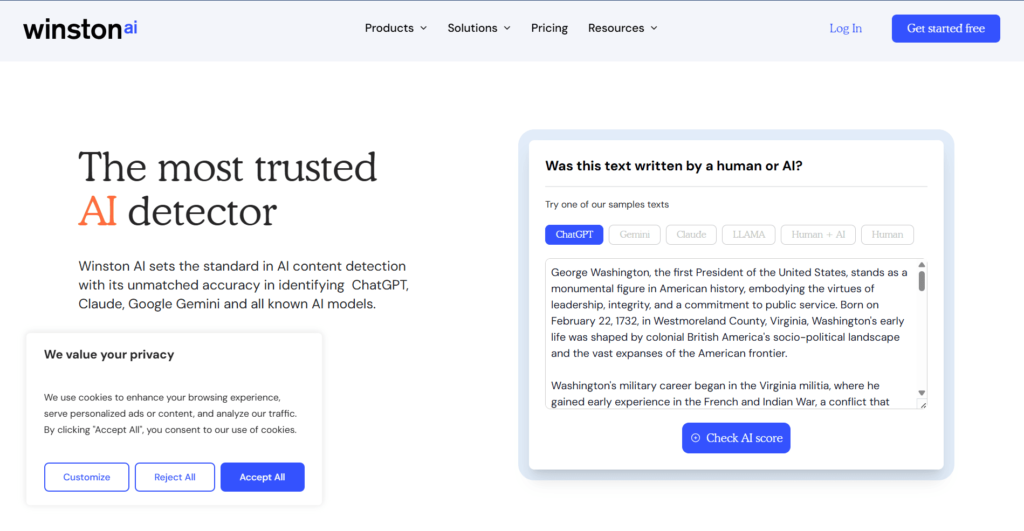
| Winston AI | Education, publishing, content teams | Detects both text and images, offers PDF reports |
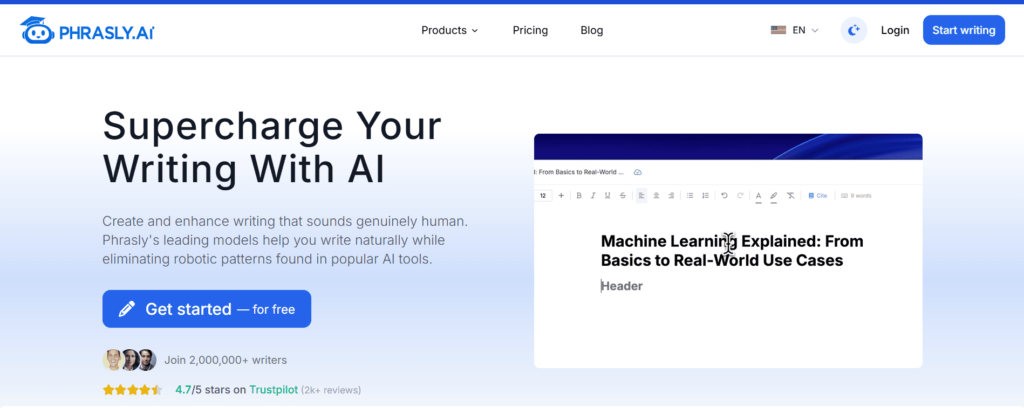
| Phrasly.AI | Writers who also need rewriting | Detects AI and can humanize or generate text |
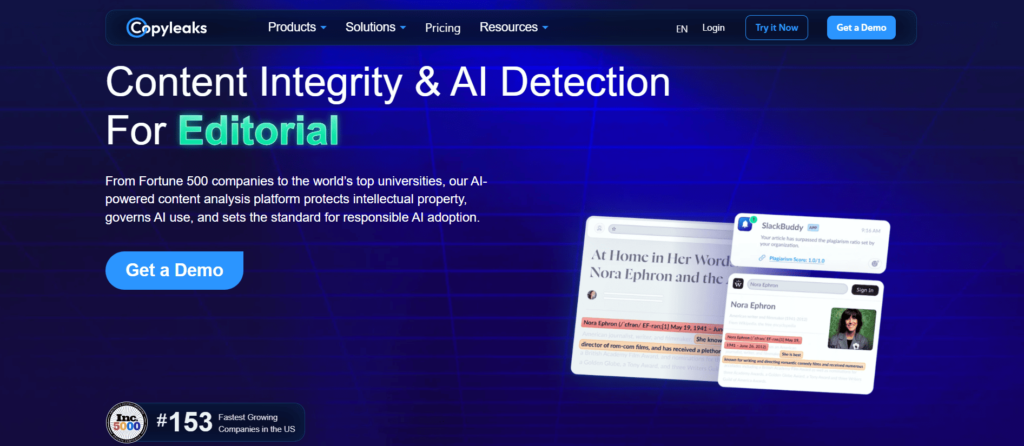
| Copyleaks | Schools and universities | Detects both plagiarism and AI in full documents |
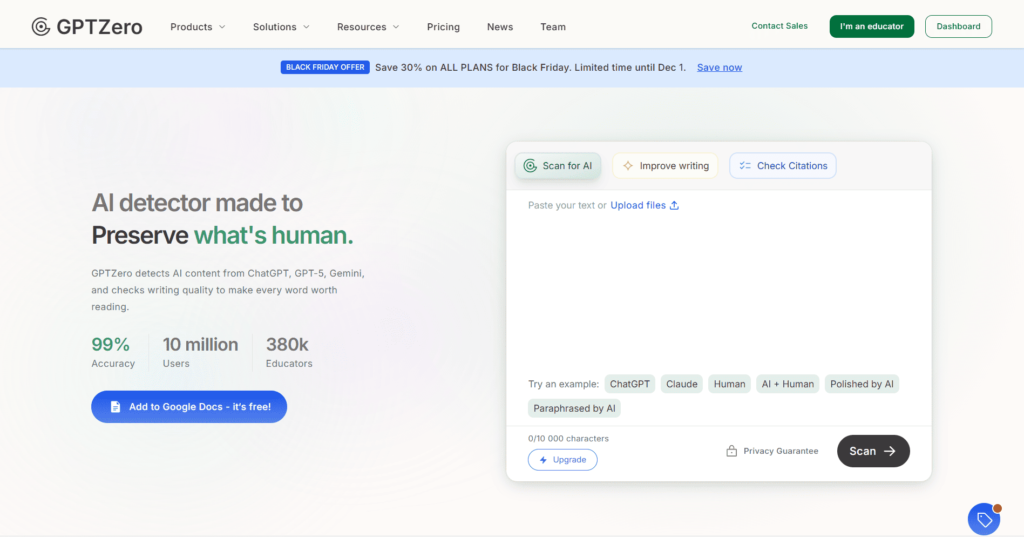
| GPTZero | Teachers, editors, research teams | Detects AI, supports file uploads and team use |
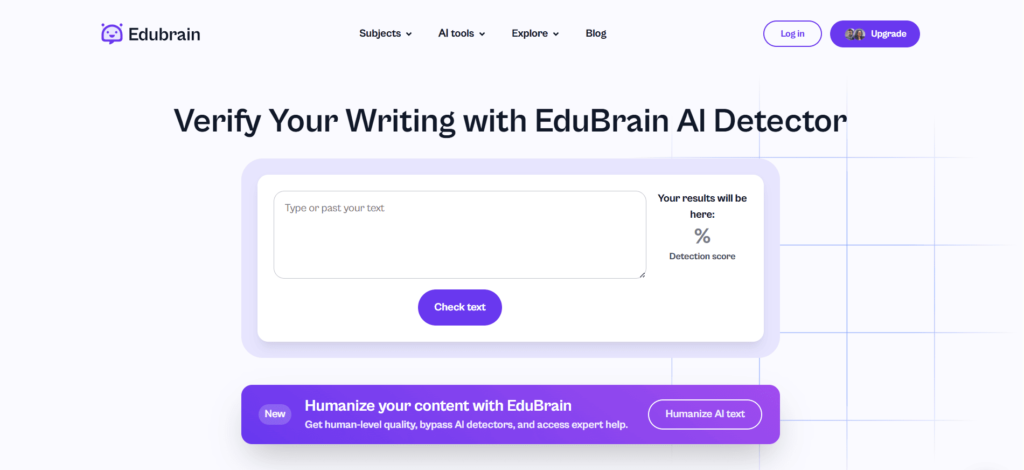
EduBrain AI Detector: Top Free AI Detector Choice

EduBrain includes an AI text detector that is mainly used by students and teachers. We show a score that estimates how much of a text may come from AI and highlights the parts that look most likely machine-made. You can paste text, upload a file, or type directly into the tool. It works in several languages and is part of the wider
EduBrain AI platform built around study support. Besides detection, EduBrain also has other tools that help with schoolwork:
- Notes generator that turns text into clear study notes
- Flashcards that help with quick practice and review
- Homework solver by image that explains answers from a photo of a task
- AI for Python that gives coding support and explanations
The detector is free to try with a set number of checks, and a paid plan allows more scans and full access to the study tools. We may not always be perfect on tricky texts, but we stand out because we combine detection with learning support, which is rare among AI tools.
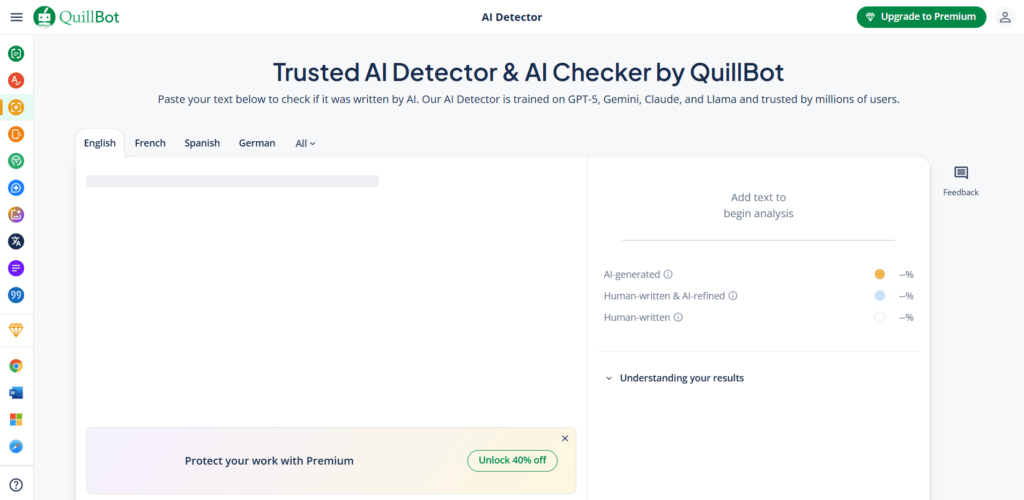
QuillBot AI Detector

QuillBot’s detector gives a score that shows how much of the text may come from AI. The free version allows checks of up to 1,200 words per scan and supports multiple languages. It is widely used by students, writers, and editors because it is simple and part of a broader toolkit that includes a paraphraser, grammar checker, and plagiarism scanner. These features enable handling several tasks in one place without switching tools.
The detector is free at the basic level, while the premium plan starts at about $4 per month when billed yearly. Team plans are also available for larger groups. The main strength is accessibility, since users can run unlimited free scans within the word cap. The main weakness is that both free and paid versions keep limits on text length, which means longer documents must be split into smaller parts before review.
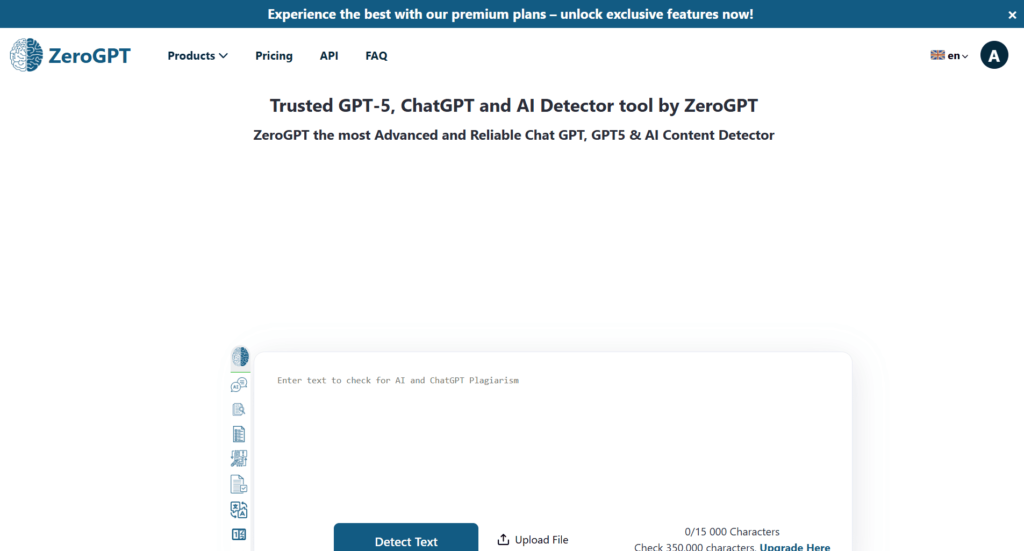
ZeroGPT: A Checker for ChatGPT

ZeroGPT gives users a way to scan text and see how much of it may come from AI. The free version can identify AI generated content to 15,000 characters at once and shows an overall percentage and marked sections that it believes are machine-written. On top of detection, it also includes a few extra tools:
- Summarizer to reduce long text into shorter key points
- Translator that works across several languages
- Paraphraser to rewrite content with new wording
A paid plan starts at $8 per month when billed yearly or $10 per month with monthly billing. This raises the limit to 100,000 characters per scan. For companies or publishers, an API is available at about $0.03 per 1,000 words, which makes bulk checking possible. The free option covers most casual use, while the paid and API tiers suit larger workloads.
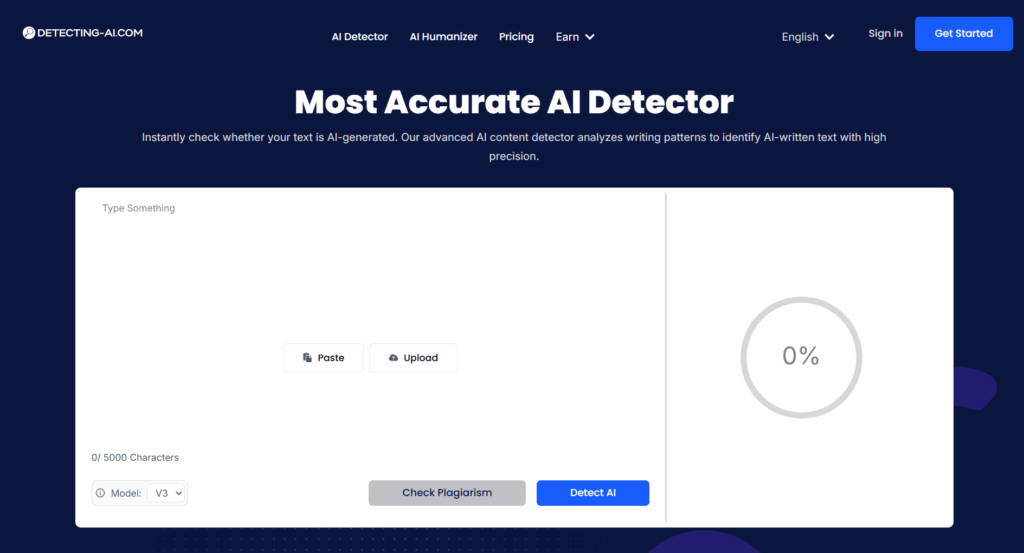
Detecting-AI

Detecting-AI works with text from several models, including ChatGPT, Claude, and Gemini. It gives a percentage score and marks the sentences it thinks are AI-generated. Alongside detection, it offers a humanizer, a plagiarism scanner, and a fact-checker.
The free version allows only short checks, while the paid version expands limits and adds API access for bulk scans. Since it supports multiple languages, it is used by schools, writers, and researchers who work in more than one region. Accuracy can vary, but the range of features makes it practical for general content review.
Winston AI: A Trusted Checker

This AI detector tool is built for people who need reliable checks in education, publishing, and professional content work. It gives a clear score that shows how likely a person wrote a text and highlights parts that might come from a machine. Beyond text, it can scan images and compare two passages to measure overlap. Reports can be downloaded as PDFs, useful for teachers or editors who need to keep proof of their checks. The tool starts with a free trial, but regular use requires a subscription that unlocks higher word limits and extra features. This mix of text and image checks makes it stand out as a practical option for those who need more than a basic detector.
Phrasly.AI: Avoiding a False Positive with Plagiarism Tools

Phrasly.AI works as both an AI content detection and a rewriter. It scans a piece of text, gives a percentage that shows how much may come from AI, and then offers a “humanize” option that rewrites the passage so it looks more natural. Many people use it for short articles or study tasks because it can both identify AI and smooth the writing at the same time. A free version is available, while the paid plan expands the limits and unlocks the full toolset. Although it can miss edge cases, its main appeal lies in giving users detection and rewriting in one place, which saves time and avoids the need to switch between platforms.
Copyleaks

Copyleaks is widely used in education because it combines plagiarism checks with AI detection. The tool can process full documents, highlight sections that look AI-written, and support multiple languages. It also connects with systems like Moodle and Canvas, which makes it practical for schools and universities.
A free trial is available, while individual plans start at around $10 per month. Larger packages give access to unlimited scans, plagiarism reports, and an API for bulk use. Teachers often rely on it for grading, and companies use it to confirm the originality of reports or articles. The strength of Copyleaks is that it handles both plagiarism and AI in one place, though results can still show the same false positives or misses as other detectors.
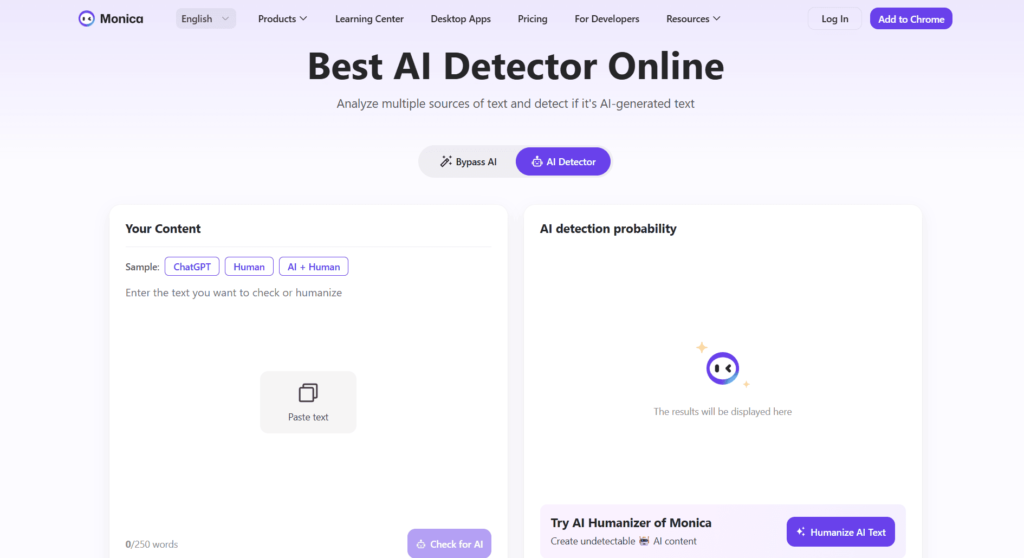
Monica AI Detector: : AI Tool Support

Monica is a platform that brings several tools together, and one of them is its AI detector. The detector shows a score that reflects how much of a text may come from AI and highlights the parts that look machine-made. It also has a humanizer that rewrites text to make it less likely to be flagged. Beyond that, Monica includes translation, grammar checks, and options to create images or videos. The free version only covers short texts, while paid plans unlock longer scans and more tools. People who want both detection and editing features in one place often choose Monica.
GPTZero

GPTZero is used in schools and publishing to detecting AI generated content. Users can paste content or upload full files in formats such as PDF, DOCX, or TXT. The tool gives a percentage score and points out sentences it marks as AI-written, so it is clear where issues may appear. The free plan allows up to 10,000 words per month, and paid options start at about $10 per month. Higher tiers include:
- Plagiarism checks
- Analytics on flagged text
- Team accounts for groups
Educators use it for assignments, and editors use it to review drafts. Results are not always exact, but the mix of free access, file support, and added features makes GPTZero a practical option for regular checks.
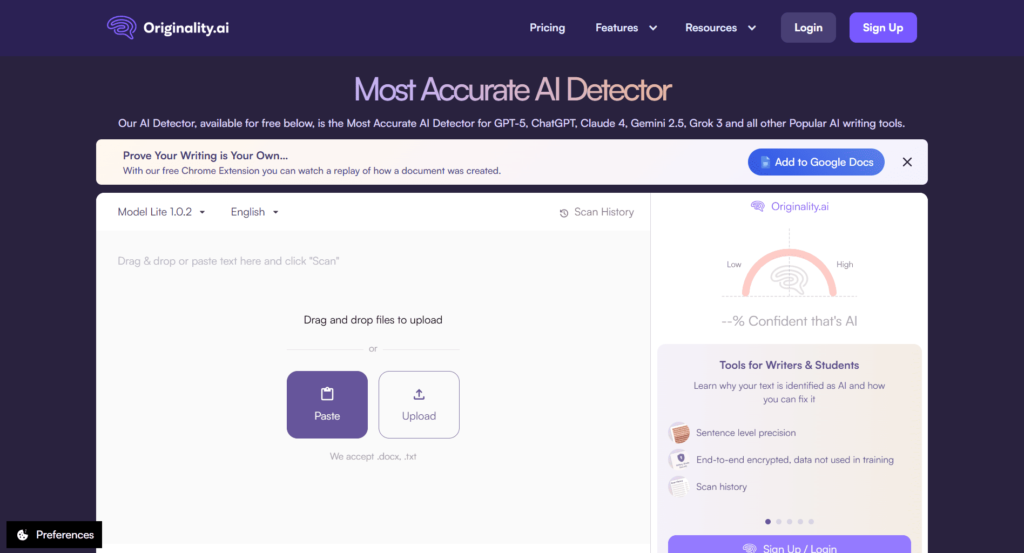
Originality.AI: Advanced AI Content Detection and Accurate AI

Originality.AI is often used by publishers and SEO teams. It can check text for both plagiarism and AI content, and the results show how likely a passage is machine-written. Users can paste text or upload files, and the system points out the sections marked as AI. It also has readability and grammar reports, which add context for editors. Free use is very limited, but paid accounts allow full scans and team access. For those who need to run checks at scale and cover both plagiarism and AI in one step, this tool is a common choice.
Find the Right AI Checker and Detection Model
The right AI detector across different platforms depends on how you plan to use the AI checker. Focus on:
- Accuracy first: Choose a tool to help mark text correctly and evaluate the kind of AI generated content.
- Free or paid access: A free AI detector tier covers short use.
- Cross-check: Use AI detection from two different AI models.
Finally, accuracy is the most important thing, cost and features are also factor. Two detectors at the same time provide better results than one, whether in school or at work. In the case of teams or big projects, a detector with file uploads and group access would save on the effort. Because AI continues to evolve, you should occasionally check your selection to make sure it continues to perform the task. A tool like GPTZero alongside Gemini detection provides better results. As AI researchers develop new models, you should occasionally check your selection.
Final Thoughts on AI Detection Software
AI detectors are now part of daily work, but none are perfect. An AI content detection scan might mark human writing as AI. Even so, they are useful to detect AI-generated content and maintain standards in academic writing and content writing. The right AI detection tool depends on the situation.
Remember that detector tools are support tools. Understanding the difference between AI and human text, or deciding if a piece is AI or human, requires context. Their role is to give clarity to the writing process, helping people separate human effort from a machine. The final decision on human or AI should always remain with people.
Explore Similar Topics
Students nowadays have become very familiar with generative AI and how to make use of it for their school assignments....
In the past couple of years, AI tools like Edubrain have become essential for students, researchers, content creators, and professionals...