

In the past couple of years, AI tools like Edubrain have become essential for students, researchers, content creators, and professionals...

How Schools Detect AI-Written Content in Your Assignments
Students nowadays have become very familiar with generative AI and how to make use of it for their school assignments. According to a recent survey, more than 50% of young students have made use of AI tools like ChatGPT for their homework.
For this reason, many colleges have adopted AI policies that limit the AI-generated content in school work to maintain academic integrity and promote a responsible use of AI. To enforce these rules, teachers make use of tools that can scan assignments and detect AI plagiarism.
In order to help you comply with these rules, this article will guide you through the most common AI detection tools used by schools and how they can recognize AI-generated text.
Table of Content
ToggleWhy Schools Detect AI Involvement in Student Assignments

It might feel annoying to know your school essays are going through some sort of AI checker. To some, it might feel like a lack of trust. There are, however, some good reasons for doing that. Understanding why schools use AI detectors to detect AI-generated content can help you use these tools more responsibly and make your writing compliant with your school’s AI policies.
1. Detecting Plagiarism
Plagiarism detection is important when verifying the use of AI writing tools in school work. Indeed, AI usage in written assignments can sometimes lead to the creation of incorrect, if not entirely false citations, which can undermine the academic integrity of your work.
Furthermore, less advanced AI models are more likely to generate content that is very similar, if not entirely copy pasted from other academic writings, compromising the integrity of your essays.
2. Evaluating Learning Progress
The reason educators assign school work to their students is to assess their understanding of the subject and their capacity to re-elaborate the learnt concepts. If you rely solely on AI assistance to complete your tasks, you’re deflecting from the purpose of these assignments.
3. Ensuring Fair College Admissions
In order to select the most brilliant students, colleges have put in place selection tests to evaluate their applicants’ level of preparedness. In this case, the use of AI detection tools is important to verify the academic integrity of a student’s work anḍ make sure the best candidates are selected.
Can Schools Really Detect AI-Generated Writing?
At this point, you might be wondering if schools really have at their disposal tools that are capable of detecting AI-generated text. The short answer is yes, they do. Indeed, professors use tools like Edubrain’s AI detector, which allows them to quickly check for AI use in their students’ assignments in a matter of clicks.
How do AI Detectors work?
An AI detection tool can estimate whether a text was written by a human or an AI by analyzing the writing patterns. Based on techniques from Natural Language Processing and Machine Learning, it looks at several aspects to determine the likelihood of AI involvement in your writing:
- Predictability of words: AI text is usually more predictable in terms of word choice.
- Sentence variety: Human writing tends to mix short and long sentences more naturally.
- Style consistency: AI writing style tends to be very uniform, while human writing can be uneven or personal.
These tools then generate a probability score indicating how likely the text is AI-generated. While AI detection results are not always 100% precise, they are generally accurate enough to determine whether a text was generated by AI or not.
Which AI detectors Do College Use?
There are various AI detection tools that colleges use to check for potential AI use in student writing. Below, you can find a list of the most commonly used ones:
- Edubrain
- Turnitin
- Copyleaks
- ZeroGPT
- GPTZero
Let’s go through each of them and see what differentiates them.
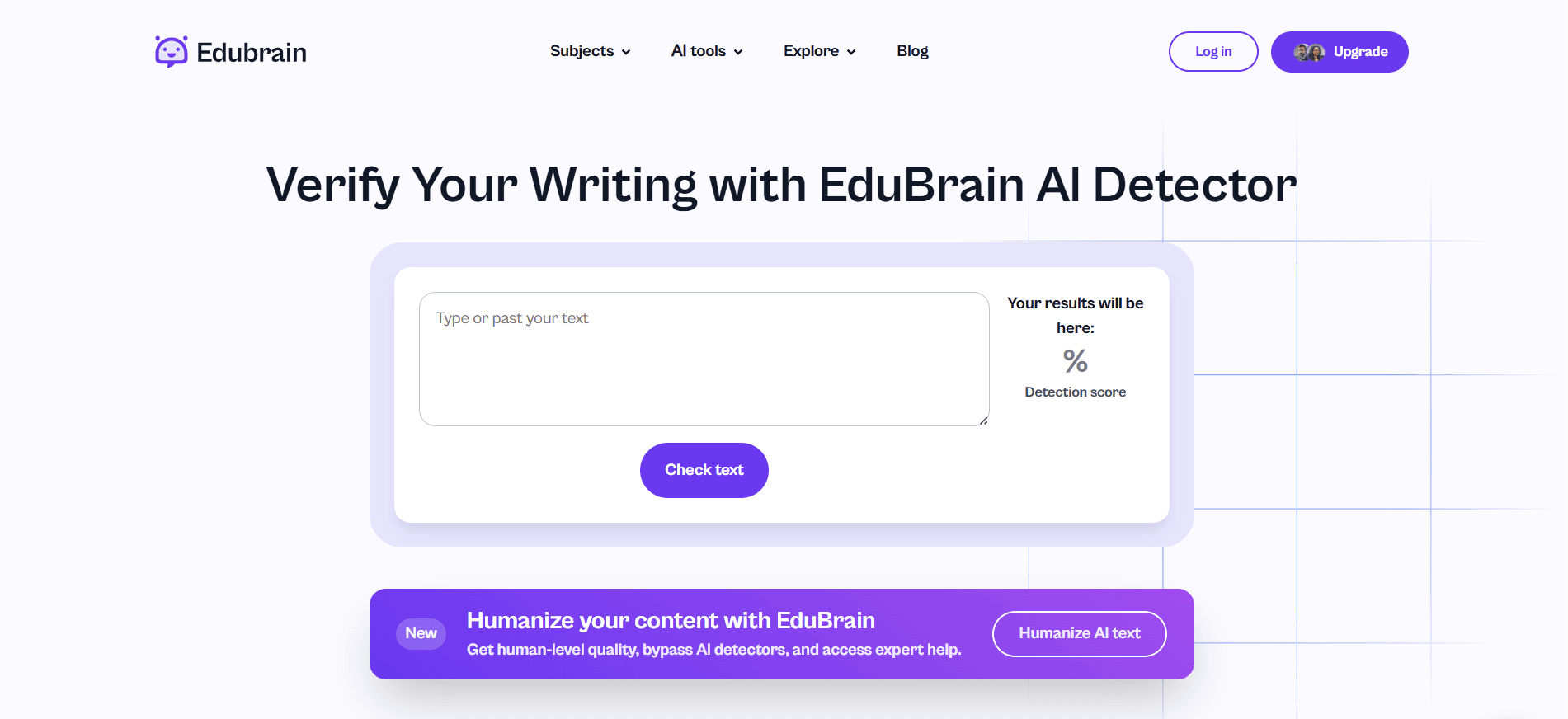
Edubrain’s AI Detector
This tool is one of the many that Edubrain offers to help students with homework and teachers manage their school life out of stress. From math AI solvers and diagram generators to sum of series calculator and language AI helpers, there’s something for everyone.

The great thing about it is that you can use all of these tools for free, including the Detector. This way, you’ll be able to check yourself what the score is without having to wait for your teacher to deliver the bad news.
Edubrain’s AI Detector is extremely easy to use: you just need to paste your text in the appropriate section of the page, and you’ll get a result indicating how likely it is to be AI-generated writing.
Besides, if the score that comes up is particularly high, on Edubrain you can also find an AI Paraphraser and an AI Humanizer, which potentially allow you to lower that score by making texts less AI-sounding and giving them some human unpredictability.
Turnitin’s AI Detection Tools
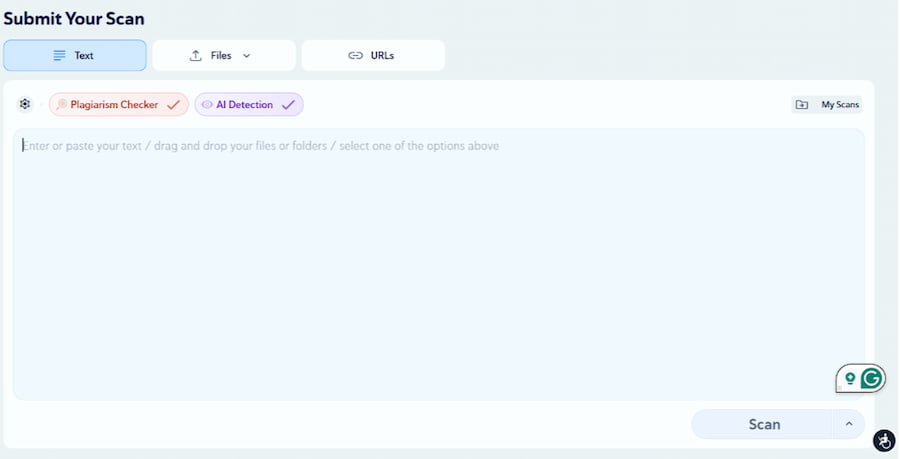
Turnitin is a platform known for its accurate plagiarism checker tool that has expanded its offer to include various AI detection solutions. It was one of the first platforms to be used by colleges and universities all over the world, and it’s still very common to find teachers who rely on it.

What makes Turnitin stand out compared to other platforms is its capacity to detect text that has been merely rephrased from other sources, making it indeed great for checking potential plagiarism.
The downside is that Turnitin does not offer a freely available version for individual use. It is a subscription-based platform that can be used only through institutional access. This makes its usage less transparent and accessible compared to other tools.
Copyleaks AI Detector
Copyleaks is another popular AI detection platform that offers both free and paid AI tools. It has multiple plans tailored to the needs of students, individuals and institutions. It is very popular in the world of online content writing, and many teachers are also starting to adopt it to check their students’ texts.

Let’s see its pros and cons.
Pros:
- Multi-language support: English, Italian, French, Spanish, and many other languages are available.
- Highlights the sentences that might have been AI-generated by comparing them to millions of human and AI texts online (this option is only for the paid plan).
Cons:
- Sometimes, the results in the free version differ from those in the paid version, making it unreliable for students who want to check their score beforehand.
- The tool not only highlights AI-sounding sentences but also everything surrounding them. This means that on short texts, it’s often either 0% or 100%.
- Ironically, texts about AI tools are often automatically flagged between 50% and 100% AI.
ZeroGPT AI Detector
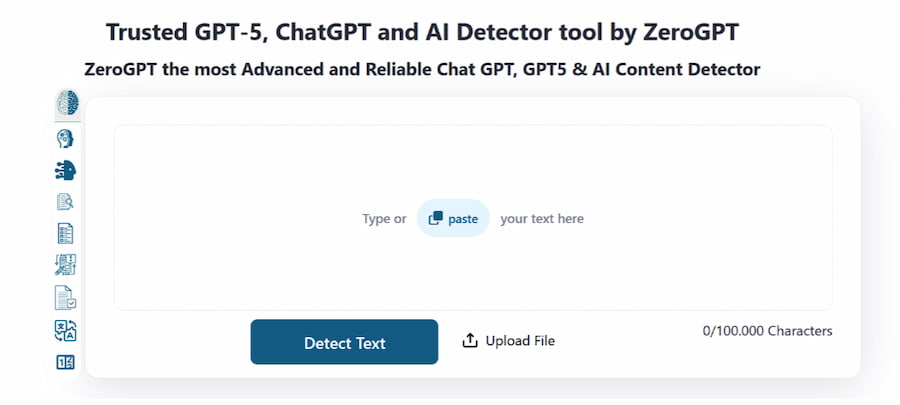
ZeroGPT is a very common platform for AI-generated text detection. Its main features include:
- Very reliable free plan, with a paid version for longer texts
- Extremely fast
- Multi-language support

However, it must be said that its usage is not always reliable: sometimes it considers “human writing” texts that have been entirely generated with ChatGPT.
ZeroGPT has an even more impressive linguistic support than Copyleaks, as its tools can be used in all the world’s languages. However, it doesn’t work properly with some of them, and it’s not very transparent about that: while Copyleaks always mentions that a certain language is not supported, ZeroGPT still gives a result no matter what. For example, texts in Slovak always tend to be around 0% while texts in Hebrew are always over 70%.
GPTZero AI Detector
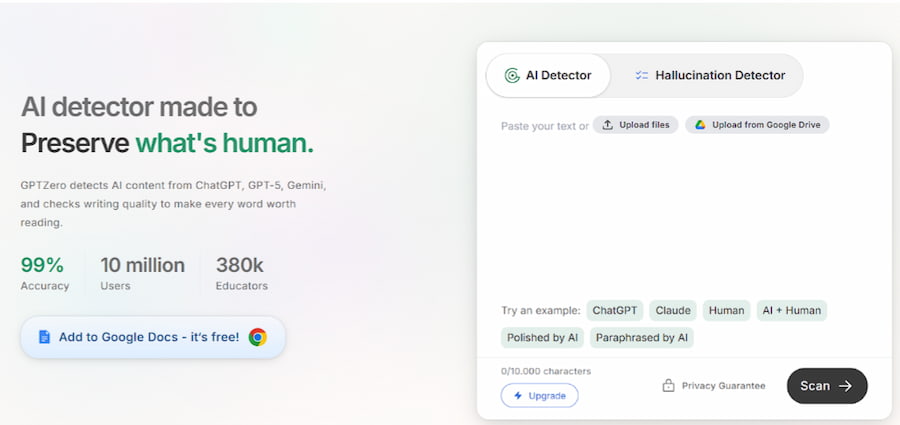
While they have similar names, ZeroGPT and GPTZero are two different platforms. The latter is known for its simple interface and for offering limited free access to its AI tools, which allow you to keep texts in their original format.
The problem with GPTZero is that you can very quickly end up needing to buy a premium subscription. Even that might not be enough: indeed, its paid version is also limited in the number of detectable words, requiring you to further upgrade to continue using it.

How Do You Know Which Tool Your School Is Using?
It’s not easy to know which tool your teacher is using. Some are transparent about it, while others like to keep things mysterious so as not to make life easier for students.
Besides, while some teachers show you the exact results, including which parts are flagged as AI, others don’t, making things even harder.
However, there are some signs here and there that might indicate that a specific tool was used.
| Tool | Your school might use this if |
| Edubrain | Large parts of the text are highlighted as AI with no breaks |
| Turnitin | It’s a high-profile school that also gives you plagiarism results |
| Copyleaks | Any AI-themed text is flagged as AI, and shorter texts are more often flagged than longer ones |
| ZeroGPT | Paragraphs and even small sentences might be flagged, and almost never the whole text |
| GPTZero | You get specific percentages of AI, Mixed Use, and Human |
Of course, if the teacher attaches a screenshot, you could just familiarize yourself with these and other platforms to recognize the interface.
Utilizing AI Detection Tools: A Practical Example
To better understand how schools and educators use the latest AI detection tools, let’s see how, for example, Edubrain’s AI Detector can be used to indicate AI involvement in a school assignment.
First of all, we need a written text generated by ChatGPT for a fake written assignment.
We open Edubrain’s AI Detector and paste the fully AI-generated text there.
We then click on “Check test”, and in a few seconds, we get Edubrain’s Detection score for this AI text.
Edubrain’s AI detection feature was able to correctly detect the AI-generated content of this text, with the 100% score indicating the likelihood of AI usage in the writing.
Should You Stop Using AI tools Altogether?
As a student, you might be wondering at this point if it makes any sense to use AI tools for your essays, considering how easy it is for schools and professors to detect AI use.
While this is true, generative AI can still be incredibly helpful with your assignments if used correctly. Here are some tips on how to use AI to save your time while maintaining the academic integrity of your work intact.
1. Check Your School’s Policies on AI Use
The first thing to verify is if your school is completely banning AI usage for assignments or not, as academic settings regulate it differently. If your school allows you to use AI responsibly, then you can make use of it while adhering to the other rules; if it prohibits AI use, then you should avoid AI-generated content for your school work.
2. Be Always Transparent About AI Use
When using AI for assignments, it is a good practice to clearly mention it and explain how you used it in your writing process. This will help your professors fairly evaluate your work and avoid any potential complaints.
3. Use AI for Brainstorming
In order to use AI responsibly and in compliance with your school’s AI policy, it is important to think of it as a digital assistant rather than a substitute for your work. Instead of using AI to write your essays, use it to help you organize your thoughts and structure your work.
Another good idea is to use AI tools as proofreaders of your written assignments to make sure there are no major grammar mistakes.
4. Use AI Detection Tools to Refine Your Writing Style
As we have seen, many tools, like Edubrain’s AI Detector, are free for everyone to access. It is, therefore, a good idea to scan your essays with these tools and see which types of writing trigger their AI detection technology. This will help you develop your own unique writing style and avoid detection by AI-generated writing.
Conclusion: Use AI Tools in The Right Way
Avoiding AI detection in written assignments can be challenging, as schools treat AI-generated content differently and use various tools to detect it. That’s why it is important to know how to responsibly use AI in academic writing and how popular AI Detectors work. Once you are fully aware of the things you can and cannot do, using AI in assignments will become a powerful skill that simplifies your life.
Explore Similar Topics
In 2025, automated assistants can produce emails, blog posts, study notes and technical summaries within seconds. This efficiency is useful,...
AI tools now shape much of what people read online and in classrooms. This makes it harder to know if...